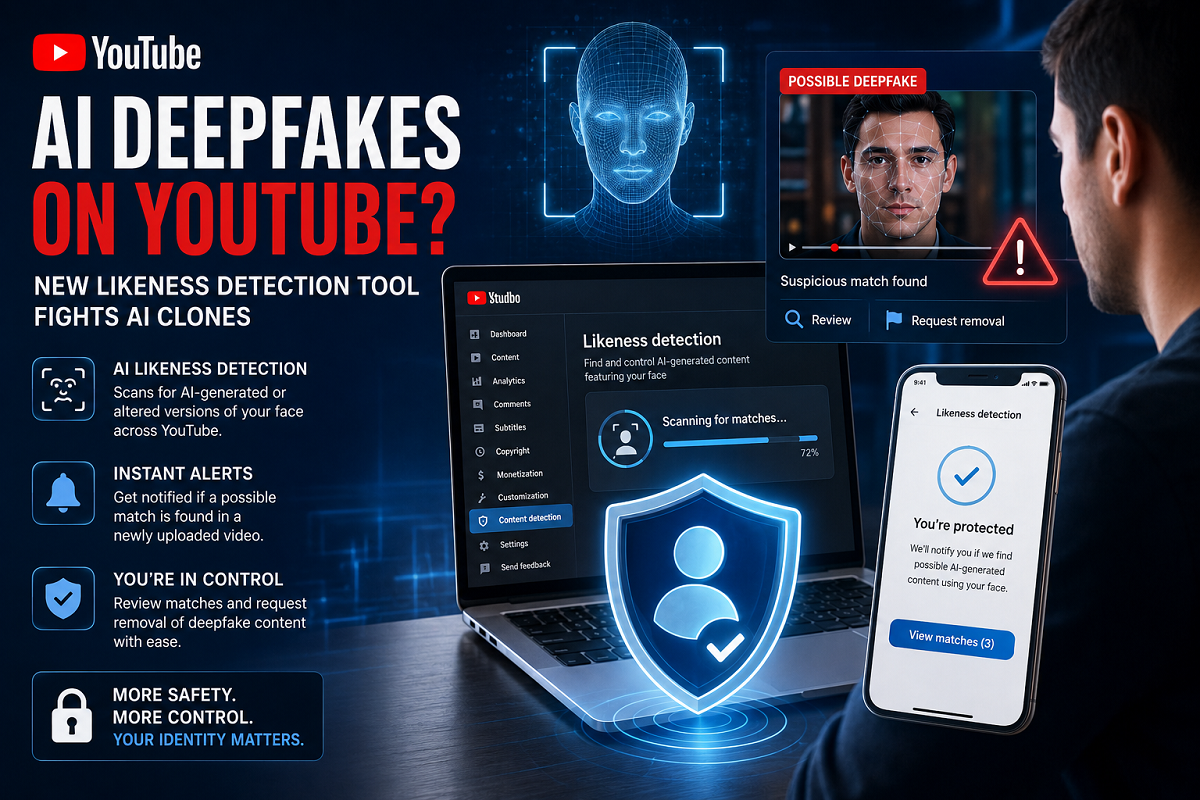
AI-generated deepfake videos are no longer a problem limited to celebrities, politicians, or major public figures. With advanced AI video tools becoming easier to access, almost anyone’s face can now be copied, modified, or placed into fake videos within minutes. This growing threat has pushed YouTube to expand its AI-powered likeness detection system to more users.
YouTube has announced that its likeness detection tool is now being rolled out to all users aged 18 and above. The feature is designed to help people find possible AI-generated or altered videos that use their face without permission.
What Is YouTube’s Likeness Detection Tool?
YouTube’s likeness detection system works somewhat like its Content ID tool. However, instead of identifying copyrighted music or videos, this system scans videos for facial likeness.
To use the feature, eligible users need to complete a selfie-style facial scan through YouTube Studio. Once the setup is complete, YouTube’s AI system starts checking newly uploaded videos on the platform for possible matches.
If the tool finds a video that appears to use a person’s face through AI editing or synthetic media, the user receives an alert and can review the content.
Users Can Request Removal
After reviewing a flagged video, users can decide whether they want to submit a removal request. YouTube says the goal is to give people more control over how their identity and appearance are used online.
However, YouTube has also warned that the tool may not always be perfect. Since it detects facial similarity, it may sometimes flag genuine videos too, such as old interviews, public event clips, or real footage uploaded by others.
Such videos may not always qualify for removal under YouTube’s synthetic media rules.
Who Can Use This Feature?
The feature was first introduced in 2025 for selected creators and public figures. Later, access was expanded to journalists, government officials, and entertainment personalities.
Now, YouTube says all adult users above 18 years of age will be able to use the likeness detection system.
How to Set It Up
Users can activate the tool by following these steps:
- Open YouTube Studio on a computer.
- Go to the left menu and select “Content Detection.”
- Click on “Likeness.”
- Tap “Start Now.”
- Agree to YouTube’s use of biometric technology.
- Complete Google’s identity verification process.
- Return to the “Likeness” section and click “For Review” to check flagged videos.
After reviewing a matched video, users can submit either a likeness removal request or a copyright removal request, depending on the case.
Why This Update Matters
Deepfake technology is becoming more realistic and harder to detect. Fake videos can be used for scams, misinformation, harassment, or identity misuse. YouTube’s new tool may help users protect their digital identity and respond faster if AI-generated versions of their face appear online.
As AI content continues to grow, platforms like YouTube are expected to introduce more safety tools to protect users from misuse.