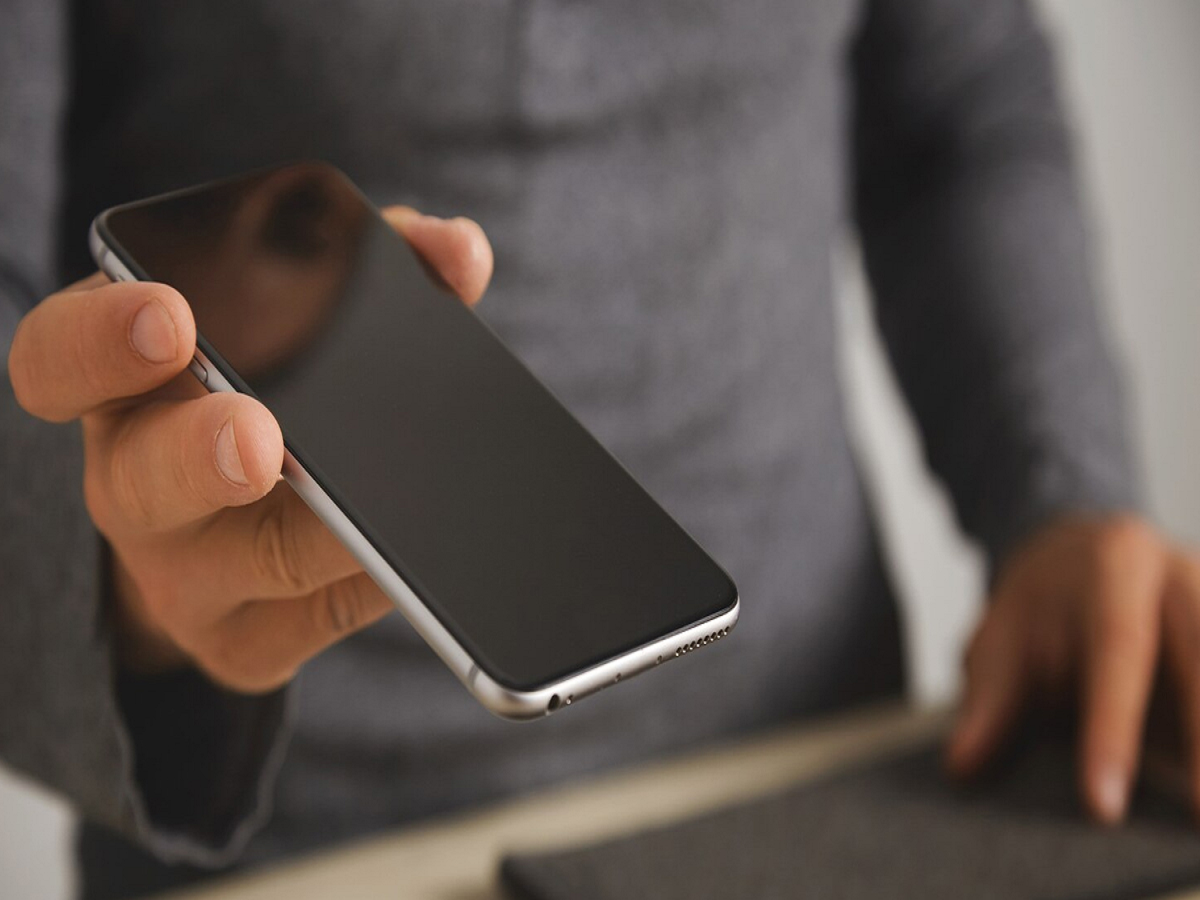
Got an old smartphone lying unused in a drawer? Instead of letting it collect dust, you can transform it into a smart home security camera and monitor your home from anywhere. With the help of a few reliable apps and a stable internet connection, your old device can become a low-cost surveillance system for keeping an eye on kids, pets, or your room while you are away.
Old Smartphones Can Still Be Useful
Technology changes quickly, and many people upgrade their phones every couple of years. But even after replacing your device, the older phone can still serve an important purpose. One of the best ways to reuse it is by converting it into a DIY CCTV camera for your home.
With modern security camera apps, you can access live video feeds, receive motion alerts, and even talk through the phone remotely using two-way audio features.
Choose the Right Security Camera App
The first step is selecting a trusted home security camera app. Several apps are available on both Android and iPhone platforms that allow one phone to act as a camera and another as the monitoring device.
Some popular options include:
- AlfredCamera
- Manything
- IP Webcam
- AtHome Camera
Install the same app on both your old phone and your current smartphone. Log in using the same email ID or account so the devices can connect properly.
Most of these apps offer features such as:
- Live video streaming
- Motion detection alerts
- Night vision support
- Two-way voice communication
- Cloud recording options
These features make the setup feel very similar to a professional CCTV system.
Place the Phone in the Right Location
After setting up the app, positioning the phone correctly is extremely important. Place the device in a spot where it can cover the maximum area of the room.
Ideal locations include:
- Near the main door
- Living room corners
- Baby room shelves
- Balcony facing entry points
Make sure the phone remains stable. You can use a small tripod, wall holder, or smartphone stand for better positioning.
Since continuous video streaming drains the battery quickly, keep the phone connected to a charger at all times. It is best to place the phone near a power socket so monitoring does not stop unexpectedly.
Stable Internet Is Necessary for Live Monitoring
To access the camera remotely, the old phone must stay connected to the internet continuously. A strong Wi-Fi connection is recommended because video streaming consumes significant data.
If your home has broadband Wi-Fi, connect the old smartphone to it permanently. Then, using your current phone, you can monitor live footage from virtually anywhere.
Some apps also send instant alerts if motion is detected, which adds an extra layer of safety.
Do Not Ignore Privacy and Security
While using a smartphone as a security camera is convenient, privacy should never be ignored.
Follow these safety tips:
- Use a strong password for the camera app
- Enable two-factor authentication if available
- Regularly update the app
- Avoid connecting to public Wi-Fi networks
- Change passwords from time to time
A secure setup helps prevent unauthorized access to your live video feed.
Why This DIY Security Setup Is Helpful
Using an old smartphone as a home surveillance camera can save money and reduce electronic waste at the same time. It is especially useful for:
- Monitoring children or elderly family members
- Keeping an eye on pets
- Watching deliveries at the door
- Checking your room while travelling
Instead of spending thousands on CCTV systems, this simple trick can provide basic home security using a device you already own.
Final Thoughts
An unused smartphone does not have to remain forgotten in a drawer. With the right app, proper setup, and a stable internet connection, it can become a powerful home security camera. Whether you want to monitor your house, keep track of family members, or improve home safety, this simple setup offers a practical and budget-friendly solution.