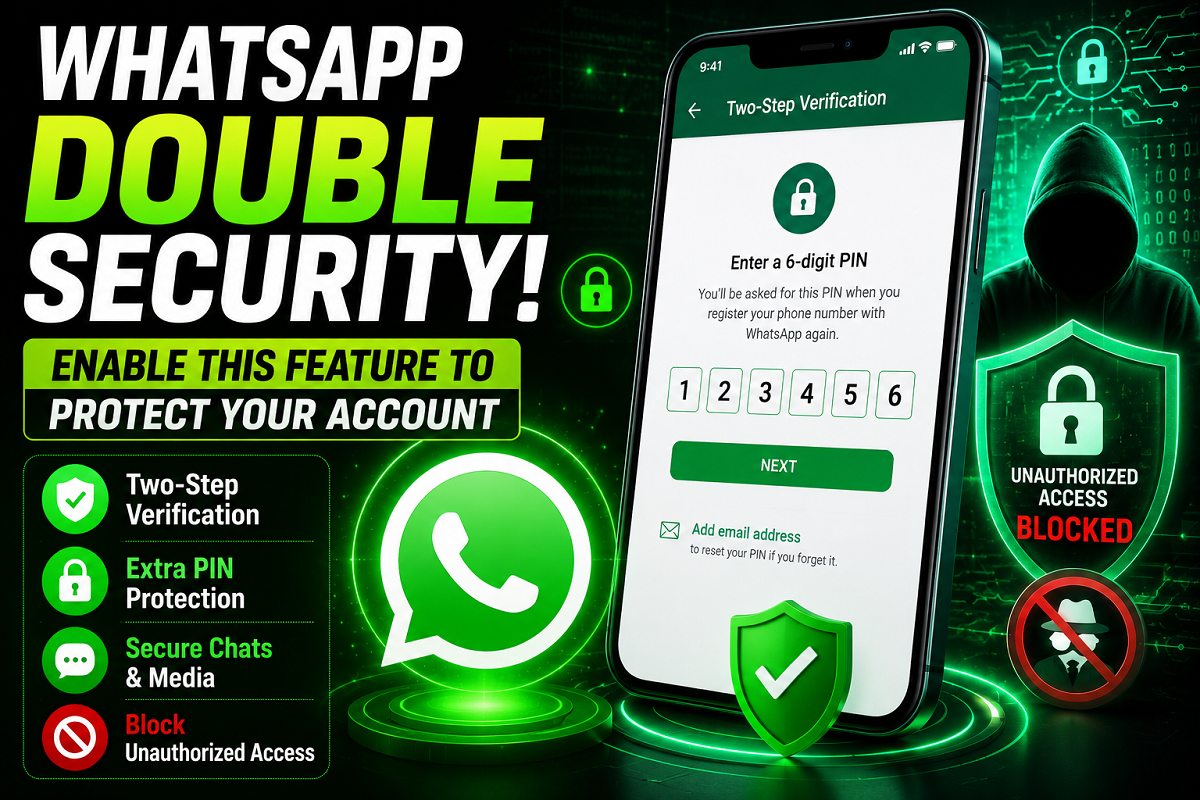
WhatsApp has become an essential communication tool for billions of people worldwide. From personal conversations and family group chats to office discussions and document sharing, the platform stores a significant amount of sensitive information. As cyber threats and account takeover attempts continue to rise, securing your WhatsApp account has never been more important.
While most users rely on the one-time password (OTP) sent during account setup, many are unaware that WhatsApp offers an additional security feature that can significantly strengthen account protection. This feature is called Two-Step Verification, and enabling it adds an extra layer of defense against unauthorized access.
What Is WhatsApp Two-Step Verification?
Two-Step Verification is a security feature that requires users to create a unique six-digit PIN. Once activated, this PIN may be requested when registering your phone number on WhatsApp again or when making certain account-related changes.
This means that even if someone gains access to your SIM card or manages to obtain your verification code, they would still need your secret PIN to access the account.
By adding this extra verification step, users can greatly reduce the risk of unauthorized logins and protect their personal chats, photos, videos, and documents.
Why You Should Enable It
WhatsApp accounts often contain valuable personal and professional information. A compromised account can expose private conversations, media files, business communications, and sensitive data.
Two-Step Verification offers several advantages:
- Adds an additional security layer beyond OTP verification.
- Helps prevent unauthorized account access.
- Protects personal chats and shared media.
- Reduces the risk of account hijacking.
- Provides a recovery option through email verification.
For users who regularly use WhatsApp for work or important communications, enabling this feature is highly recommended.
How to Enable Two-Step Verification on WhatsApp
Setting up Two-Step Verification only takes a few minutes.
Step 1: Open WhatsApp
Launch the WhatsApp application on your smartphone.
Step 2: Access Settings
On Android devices, tap the three-dot menu in the upper-right corner and select Settings.
On iPhone devices, tap the Settings icon located at the bottom-right corner of the screen.
Step 3: Open Account Settings
Navigate to Account and then select Two-Step Verification.
Step 4: Turn On the Feature
Tap the Turn On button to begin the setup process.
Step 5: Create a Six-Digit PIN
Choose a six-digit PIN that is easy for you to remember but difficult for others to guess.
Avoid using:
- Birth dates
- Repeated numbers such as 111111 or 222222
- Simple number patterns
Step 6: Add a Recovery Email Address
WhatsApp will ask you to provide an email address for account recovery.
Although this step is optional, security experts strongly recommend adding a valid email address. If you ever forget your PIN, the recovery email can help you regain access to your account.
Step 7: Confirm Your Details
After confirming your PIN and email address, Two-Step Verification will be activated successfully.
How to Manage or Disable the Feature
If you need to make changes later, you can return to:
Settings > Account > Two-Step Verification
From there, you can:
- Change your PIN
- Update your recovery email
- Disable Two-Step Verification if required
Security Tips for Better Protection
To maximize account security, follow these best practices:
- Never share your verification PIN with anyone.
- Use a unique six-digit code.
- Keep your recovery email updated.
- Avoid predictable passwords and PINs.
- Stay alert to phishing messages and scam calls.
Final Thoughts
With billions of active users worldwide, WhatsApp remains one of the most widely used messaging platforms. Activating Two-Step Verification is one of the simplest and most effective ways to protect your account from unauthorized access.
A few minutes spent setting up this feature can help safeguard your conversations, media files, and personal information from potential security threats. If you haven't enabled it yet, now is a good time to add this extra layer of protection to your WhatsApp account.