NEWS
Smartphone Safety Tips: Extreme Heat Can Damage or Even Explode Your Phone, Follow These Essential Precautions
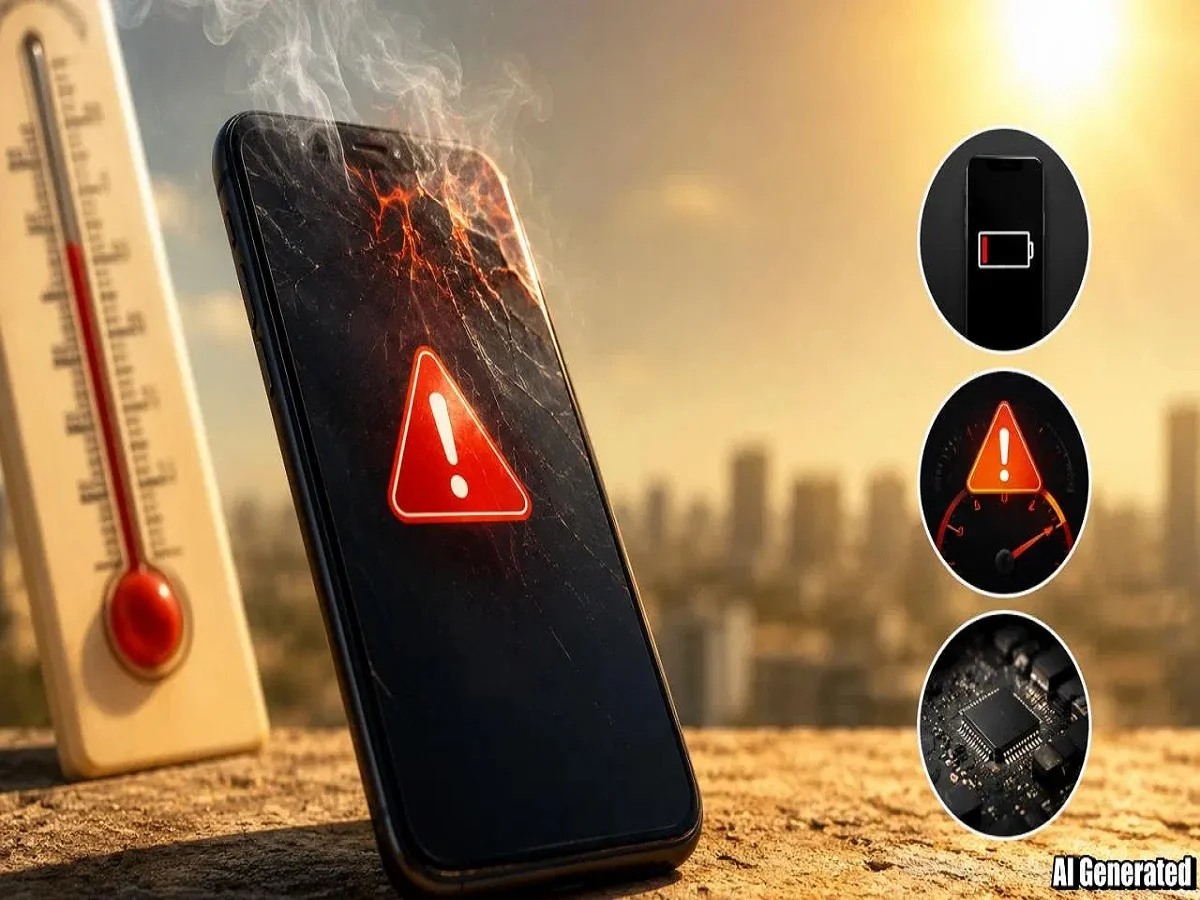
The intense summer heat across India, especially in northern regions where temperatures are crossing 45°C, is not only making life difficult for people but also creating serious risks for smartphones. Continuous exposure to extreme heat can overheat mobile devices, damage batteries, slow performance, and in severe cases even lead to battery swelling or explosions.
Experts warn that modern smartphones generate heat naturally during gaming, video streaming, charging, and multitasking. When this internal heat combines with extreme outdoor temperatures, the risk of hardware damage increases significantly.
Here are the most important safety tips to protect your smartphone during the scorching summer season.
Why Extreme Heat Is Dangerous for Smartphones
High temperatures can negatively affect several internal smartphone components.
Major risks include:
- Battery damage and reduced battery lifespan
- Processor overheating and slower performance
- Frequent app crashes and lag
- Damage to internal hardware parts
- Sudden shutdowns or permanent device failure
In extreme situations, overheating may also increase the risk of battery swelling, smoke, or fire-related incidents.
Repairing heat-damaged smartphones can often become expensive, especially if the motherboard or battery gets affected.
Never Leave Your Phone in Direct Sunlight
One of the biggest mistakes users make is leaving smartphones exposed to direct sunlight.
Common dangerous situations include:
- Keeping the phone on a car dashboard
- Leaving it inside parked vehicles
- Placing it on outdoor benches or open surfaces
Temperatures inside parked cars can rise rapidly and become extremely dangerous for electronic devices.
Always Remember:
- Keep your phone in a shaded place
- Avoid leaving it inside parked cars
- Store it in a cool and ventilated area
Avoid Heavy Phone Usage Outdoors
Activities such as:
- Gaming
- Video streaming
- Recording videos
- Long camera sessions
- Video calls
put extra pressure on the processor and battery, generating more internal heat.
If you are outdoors in extreme temperatures, try to minimize intensive smartphone usage as much as possible.
Thick Phone Covers Can Trap Heat
Heavy or thick protective cases often prevent proper heat dissipation.
As a result:
- Heat gets trapped inside the device
- Charging temperature increases
- Gaming heat becomes more intense
If your phone feels unusually hot:
- Remove the phone cover immediately
- Avoid charging while gaming
- Allow better airflow around the device
Using lightweight cases during summer can help improve cooling.
What to Do If Your Phone Overheats
If your smartphone becomes excessively hot, experts recommend taking immediate action.
Follow These Steps:
- Turn off the phone for some time
- Remove the protective cover
- Close all background apps
- Clear unnecessary apps from RAM
- Pause downloads and updates
- Turn off Wi-Fi and mobile data temporarily
- Keep the phone under a fan and let it cool naturally
Never Put an Overheated Phone in the Fridge
Many users mistakenly place overheated phones:
- In refrigerators
- Near ice packs
- Inside freezers
This is highly risky.
Sudden temperature changes can create moisture and condensation inside the device, potentially damaging:
- Internal circuits
- Display components
- Battery systems
Always cool the phone gradually at normal room temperature.
Important Charging Safety Tips in Summer
Charging itself generates heat, so extra care is necessary during hot weather.
Safe Charging Practices:
- Use only original or certified chargers
- Avoid charging under pillows or blankets
- Charge the phone in cool, ventilated areas
- Do not use the phone heavily while charging
- Avoid overnight charging in extremely hot rooms
Fast charging can generate additional heat, especially during summer afternoons.
Reduce Screen Brightness
High screen brightness also increases heat generation.
Experts recommend:
- Keeping brightness at medium levels
- Using adaptive brightness mode
- Avoiding maximum brightness for long durations
This not only reduces heating but also improves battery backup.
Keep Software Updated
Phone manufacturers often release software updates containing:
- Thermal management improvements
- Battery optimization patches
- Performance stability fixes
Keeping the device updated can help reduce overheating problems.
Signs Your Phone Is Overheating
Users should watch for warning signs such as:
- Phone becoming unusually hot
- Battery draining rapidly
- Frequent lag or freezing
- Sudden shutdowns
- Charging slowing down automatically
Modern smartphones sometimes display temperature warning messages when internal heat becomes unsafe.
Small Precautions Can Prevent Big Damage
Technology experts say most summer-related smartphone problems can be avoided with simple precautions.
Key Summer Smartphone Safety Tips:
- Never leave phones in direct sunlight
- Avoid excessive gaming outdoors
- Use lighter phone covers
- Charge devices in cool places
- Reduce heavy multitasking during peak heat
- Let phones cool naturally if overheating occurs
By following these safety measures, users can protect their smartphones from overheating, battery damage, and performance issues throughout the summer season.