NEWS
Shocking revelation! Your phone and PC are taking screenshots every few seconds. Turn off this setting immediately.
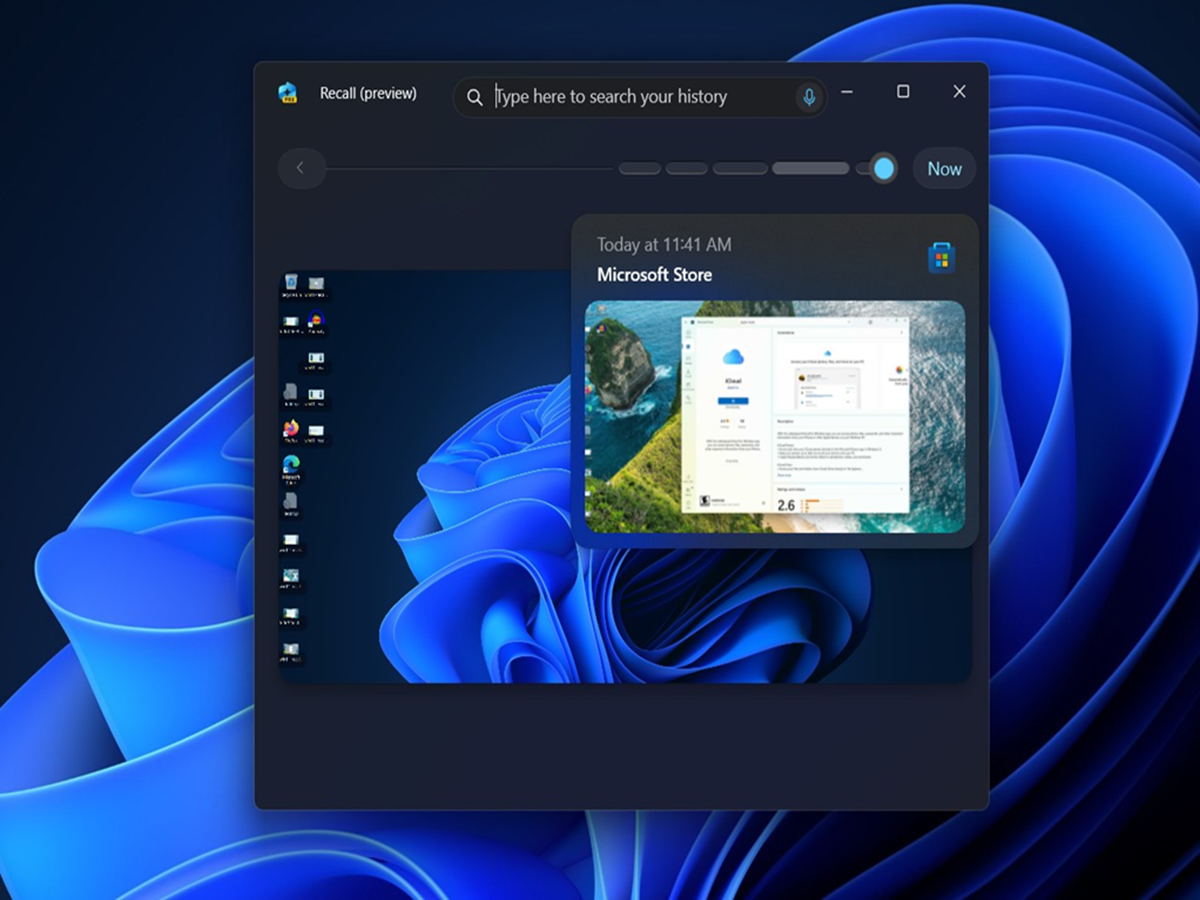
PC Screenshot: Microsoft introduced the Recall feature for Windows 11 Copilot+ PC.
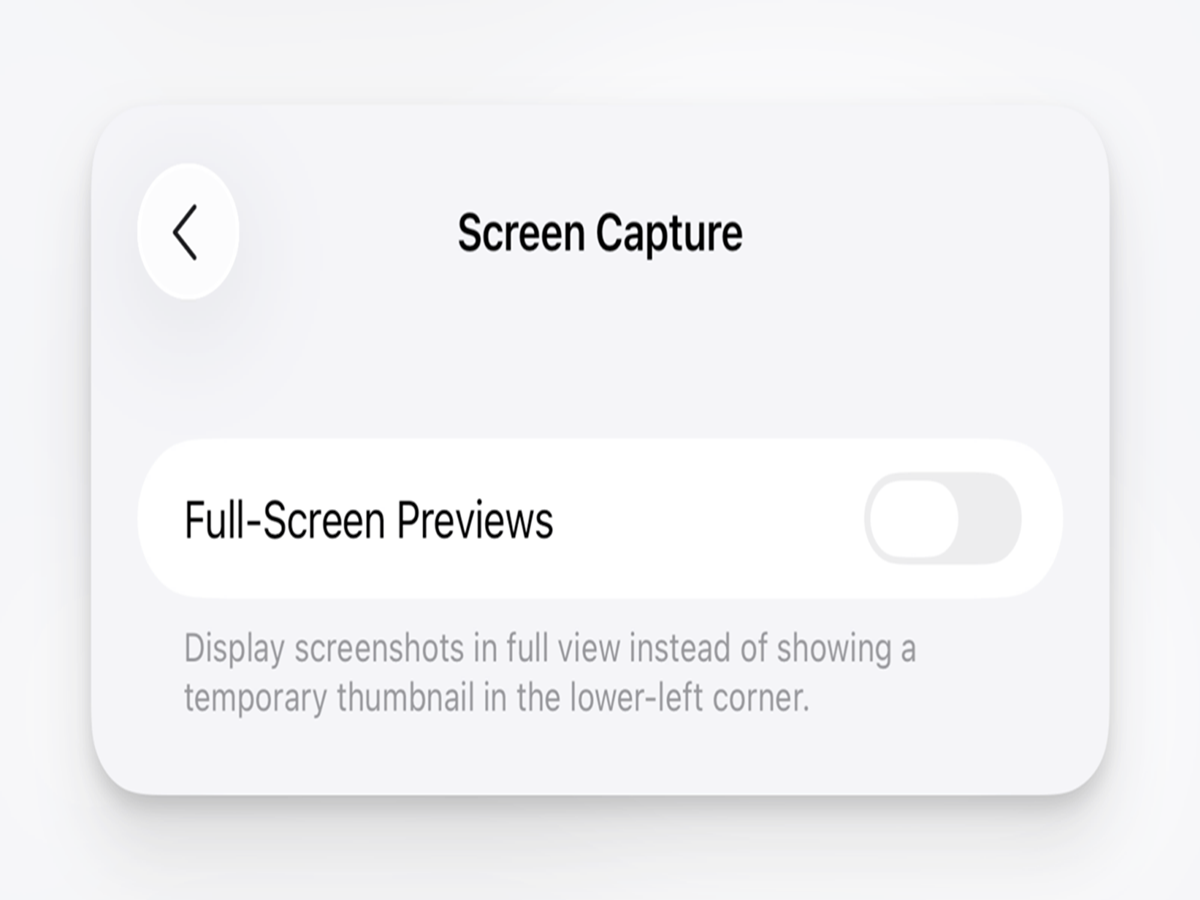
(Your PC is taking screenshots every second)
PC Screenshot: In today's era, artificial intelligence (AI) is making our digital experiences smarter than ever. But along with convenience, many questions are also being raised about privacy. Recently, a Microsoft feature has sparked a new debate about privacy around the world. This feature, Microsoft Recall, takes periodic screenshots to remember your computer activities.
What is Microsoft Recall feature?
Microsoft introduced the Recall feature for Windows 11 Copilot+ PCs. Its purpose is to help users easily find things they have previously viewed on their computers.
This feature captures screenshots of your screen every few seconds and stores them on your device. AI then analyzes these images to create a searchable record. This means you can easily find a website, document, or app you previously opened.
How does this feature work?
Recall saves screenshots of most of the apps, web pages, and documents you use. AI interprets the information in all these screenshots and stores them in an organized manner.
When a user searches for a past activity, the system helps them jump to that location by showing relevant screenshots. This feature may seem useful, but it also comes with some serious concerns.
Storage also has an impact
This feature also uses a lot of storage due to the constant saving of screenshots. For example, a system with a 1TB SSD could dedicate a significant amount of storage solely to storing these screenshots. Therefore, this feature is not only a privacy concern but also a storage usage concern.
Why are privacy experts worried?
Cybersecurity experts and privacy advocates believe that continuous screen recording could pose a threat to users' personal information. Passwords, banking information, private chats, emails, and other sensitive data are often visible on the screen. These screenshots, if they somehow end up in the wrong hands, could be misused. Therefore, many security experts have advised caution with this feature.
Are smartphones also completely safe?
This concern isn't limited to Windows PCs. Some accessibility features on Android and iPhone provide special privileges related to screen capture.
Additionally, some third-party apps may misuse accessibility permissions to access screen content. Apps that claim to take screenshots everywhere can be particularly risky.
Although Apple doesn't currently offer a feature that automatically takes screenshots of the entire phone screen, screen recording or capture usually requires explicit permission.
How to turn off the Recall feature?
If you are using Windows 11 and want to disable this feature, follow the steps given below.
Settings → Privacy & Security → Recall & Snapshots
After this turn off the Recall feature.
Android users should periodically check which apps have accessibility permissions. iPhone users can review their screen recording permissions in their Privacy & Security settings.
It's important to be vigilant about online security
Your screen houses a significant portion of your digital life. Bank details, personal messages, work documents, and many other important pieces of information are displayed on the screen. Therefore, it's crucial to know which features or apps can access your screen.