NEWS
Is your smart TV's slow speed ruining your movie-viewing experience? This trick will solve the problem.
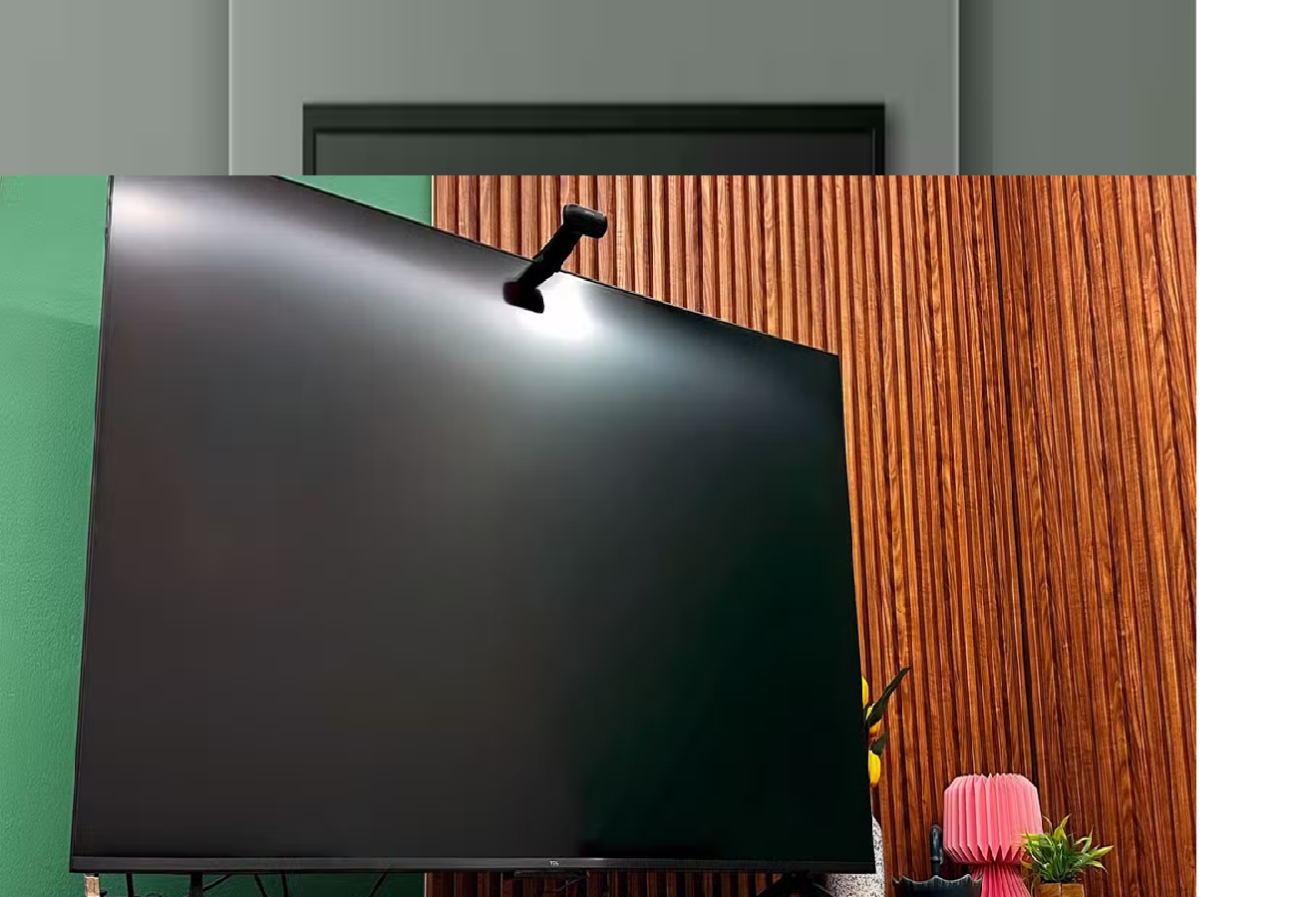
Smart TV Tips: Sometimes, slow speeds and other issues can ruin the experience of using a smart TV. A simple trick can help you avoid this situation.
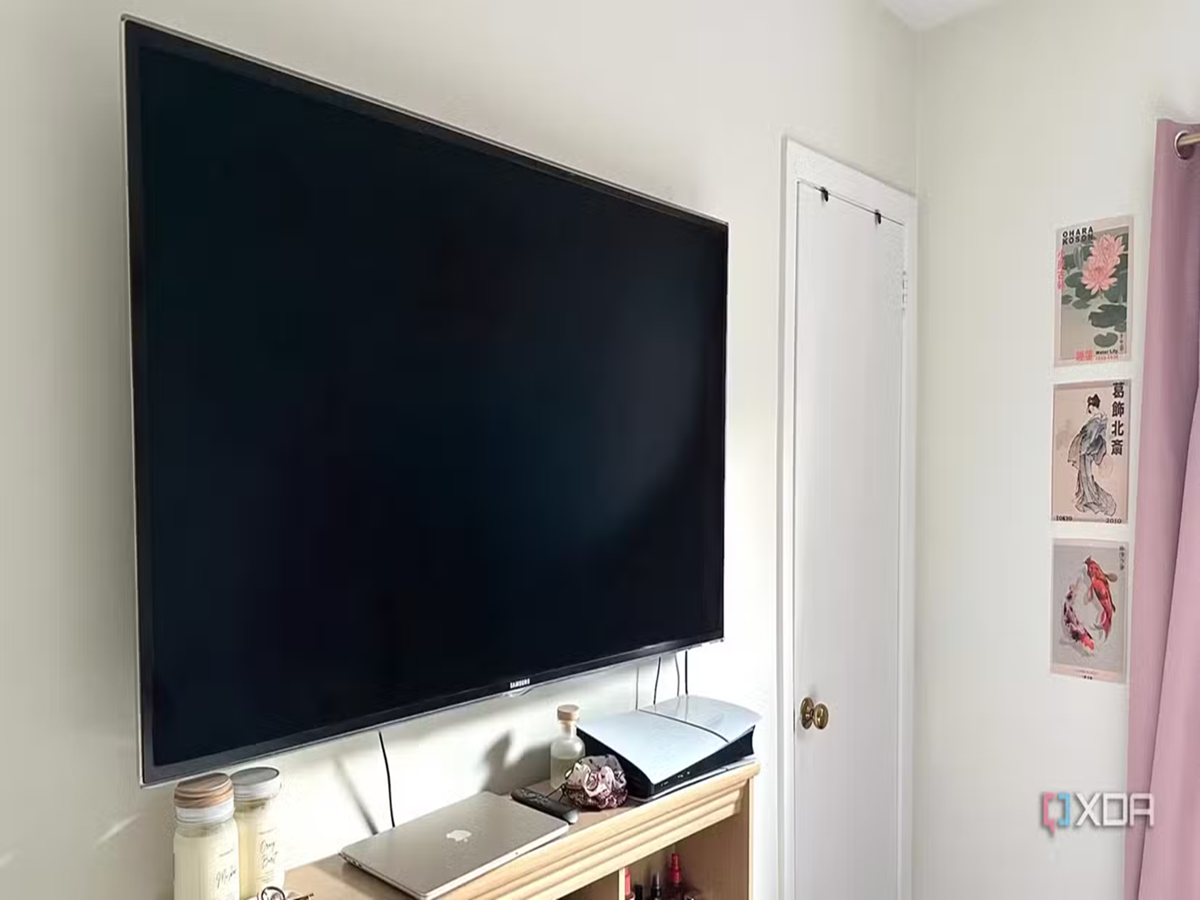
Smart TV Tips: This one trick will solve all your smart TV problems.
Smart TV Tips: No matter how expensive a smart TV you buy, it starts to show signs of aging after a while. Slowing down your TV after a few years of use is a common issue. If you watch movies or web series on your smart TV, one simple trick can help prevent your experience from being ruined. Today, we'll explore which trick can help fix all your smart TV problems and how you can fully enjoy your favorite movies.
Restarting the TV is the cure for all problems.
If your smart TV's speed has slowed down or you're experiencing other problems, the easiest way to fix it is to restart it. This method works not only for TVs but also for other gadgets, including phones. This trick may seem simple, but it can solve many problems.
What will happen if I restart the TV?
Most people don't turn off their TV completely. Pressing the power button puts it into standby mode. This means that background processes continue, and that's why they immediately restart when you turn it back on. These background processes often slow down the TV. Background activity, which uses up RAM, can impact performance and cause buffering. Therefore, when you restart the TV, all background processes stop, and the RAM is freed up, preventing slowdowns. This simple task can solve many TV problems. After restarting, the TV will deliver top-notch performance.
What to do if the speed remains slow even after restarting?
If your TV is older, its speed may be slowing down due to lack of storage. To free up storage, you can uninstall unused apps. Additionally, keep your smart TV's software updated. Not installing updates can also cause slower speeds. Therefore, install updates as soon as they become available. This will provide you with new features and improve performance.