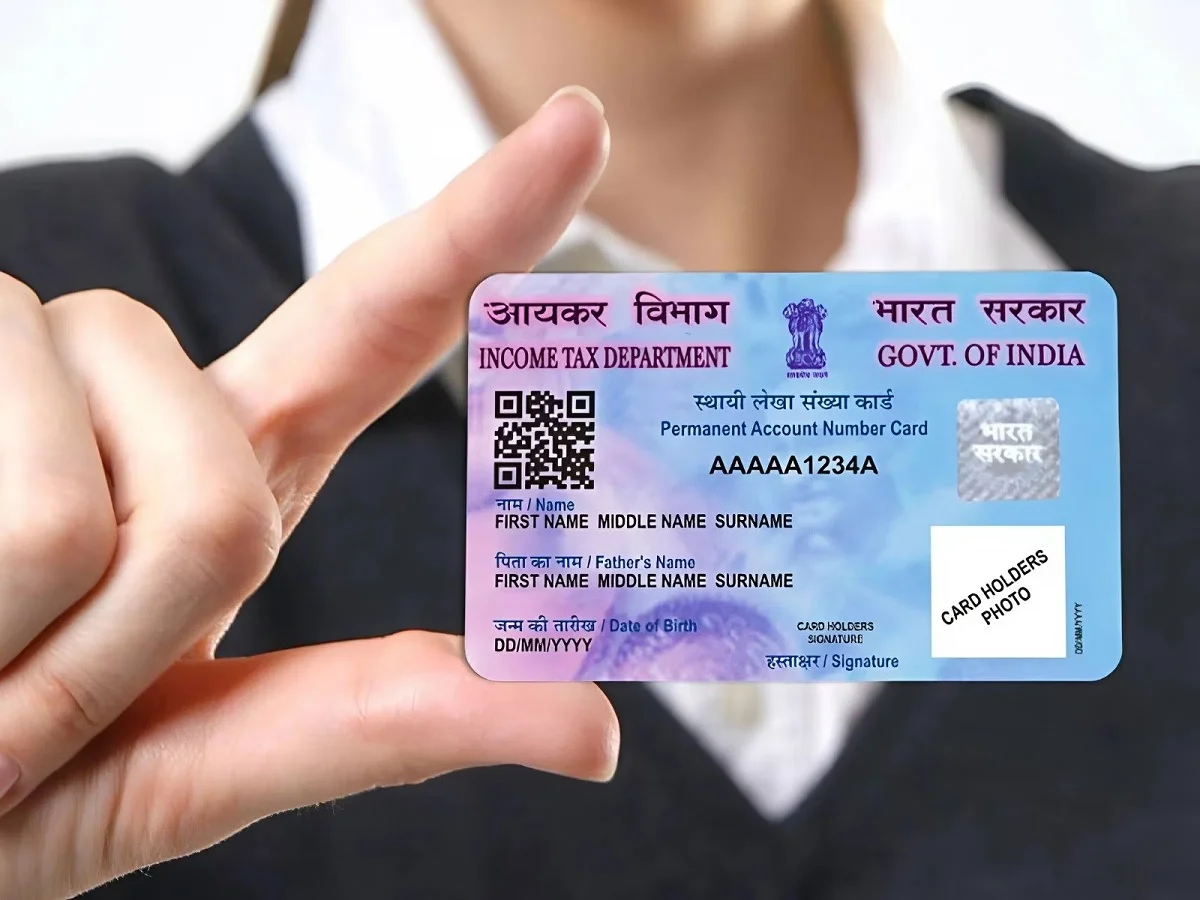
A Permanent Account Number (PAN) card has become one of the most important financial documents for Indian citizens. Whether you want to open a bank account, apply for a loan, invest in financial products, or file your Income Tax Return (ITR), having a PAN card is essential.
The good news is that obtaining a PAN card is now faster and more convenient than ever. Thanks to digital services introduced by the Income Tax Department, eligible individuals can generate an Instant E-PAN online within minutes without visiting any office. Here's everything you need to know about the process.
Why Is a PAN Card Important?
A PAN card serves as a unique identification number for tracking financial transactions and tax-related activities in India. It helps government agencies, banks, and financial institutions verify an individual's identity and maintain records of taxable transactions.
Key Benefits of a PAN Card
- Required for filing Income Tax Returns (ITR).
- Necessary for opening a bank account.
- Useful when applying for loans and credit cards.
- Needed for many high-value financial transactions.
- Acts as a valid proof of identity in various situations.
- Helps maintain accurate tax records.
Another advantage is that there is no minimum age requirement. Even minors can obtain a PAN card through their parents or legal guardians.
What Is an Instant E-PAN?
An Instant E-PAN is a digitally generated PAN card issued by the Income Tax Department. It is available online and can be downloaded in electronic format.
Eligible individuals with a valid Aadhaar number linked to their mobile number can generate an E-PAN quickly through Aadhaar-based authentication.
The process is completely paperless and requires minimal documentation.
How to Generate an Instant E-PAN Online
If you need a PAN card urgently, you can use the Income Tax Department's Instant E-PAN facility.
Step-by-Step Process
- Visit the Income Tax Department's official e-filing portal.
- Select the Instant E-PAN option.
- Click on Get New E-PAN.
- Enter your Aadhaar number.
- Verify your identity using the OTP sent to your Aadhaar-linked mobile number.
- The system will automatically fetch your basic details from Aadhaar records.
- Carefully review all the information displayed.
- Submit the application after confirming the details.
- An acknowledgement number will be generated.
- Your E-PAN will be issued and made available for download.
In many cases, the entire process can be completed within a few minutes.
Apply Through Protean (Formerly NSDL)
Individuals who wish to apply for a new PAN card, including a physical PAN card, can also use the Protean portal, previously known as NSDL.
Steps to Apply Through Protean
- Visit the official Protean PAN application portal.
- Select New PAN – Indian Citizen (Form 49A).
- Choose Individual as the applicant category.
- Fill in all required personal information accurately.
- Complete the CAPTCHA verification.
- Select your preferred submission method.
- If you require a physical PAN card, pay the applicable processing fee.
- Complete Aadhaar-based OTP verification.
- Submit the application.
- Save the acknowledgement number generated after successful submission.
This acknowledgement number can be used to track the status of your application.
Documents Required for PAN Application
Depending on the application method, you may need:
- Aadhaar card
- Aadhaar-linked mobile number
- Proof of identity (where applicable)
- Proof of address (if required)
- Date of birth proof (for certain applications)
For Instant E-PAN applications, Aadhaar-based authentication generally handles most verification requirements.
Difference Between E-PAN and Physical PAN Card
| Feature | E-PAN | Physical PAN Card |
|---|---|---|
| Format | Digital PDF | Plastic Card |
| Delivery | Online | Courier/Post |
| Processing Time | Usually Faster | May Take Longer |
| Validity | Same as PAN Card | Same as E-PAN |
| Usage | Fully Valid | Fully Valid |
Both versions carry the same PAN number and have equal legal validity for tax and financial purposes.
Things to Keep in Mind
Before applying, ensure:
- Your Aadhaar is active and linked to a mobile number.
- Personal details in Aadhaar are correct.
- You do not already have an existing PAN, as holding multiple PAN cards is not permitted.
- Your mobile number is available for OTP verification.
Digital PAN Services Simplify Financial Access
The introduction of Instant E-PAN services has made obtaining a PAN card significantly easier for taxpayers and first-time applicants. With Aadhaar-based verification and fully online processing, individuals can now complete the process from the comfort of their homes without paperwork or office visits.
As digital governance continues to expand, services such as E-PAN are helping citizens access essential financial and tax-related facilities more quickly, securely, and conveniently.