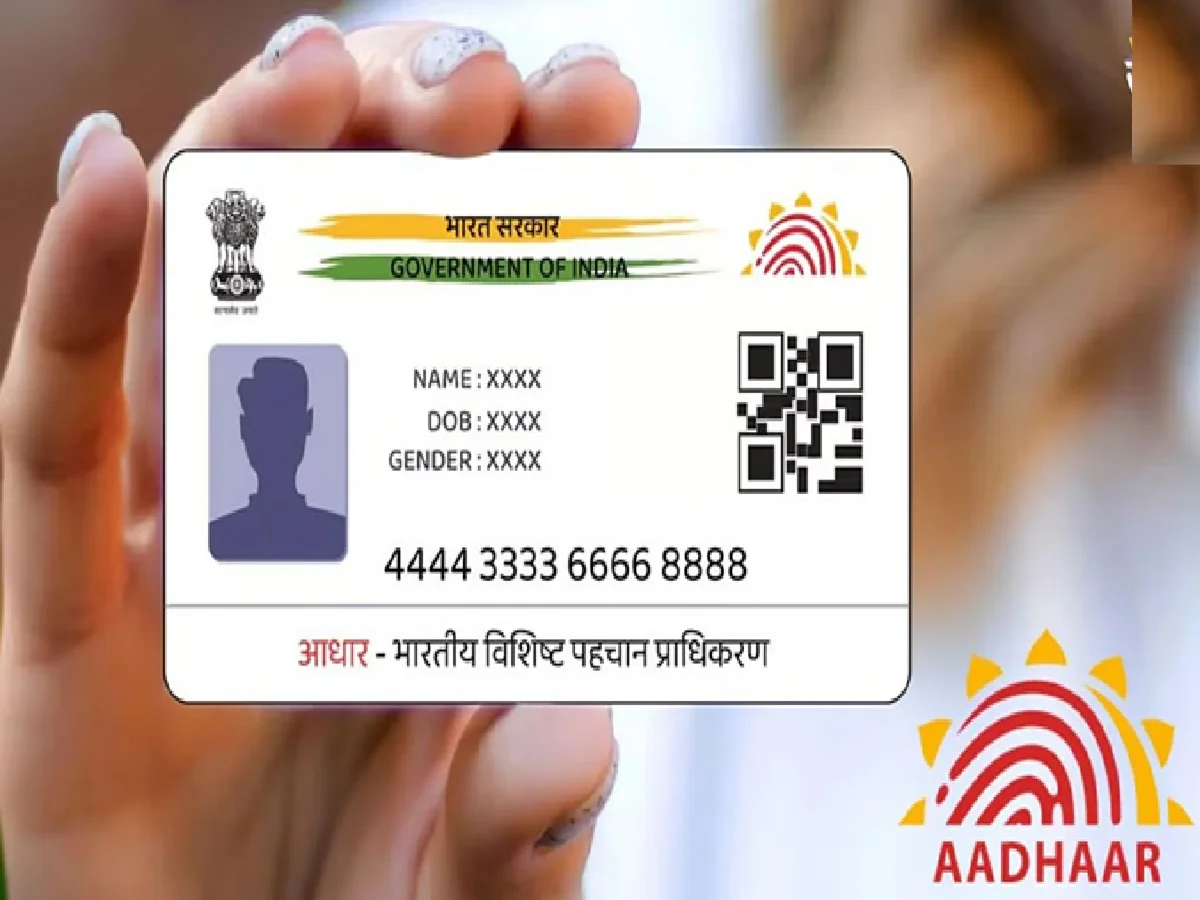
The Aadhaar card has become one of the most important identity documents in India. From opening bank accounts and applying for government schemes to obtaining a SIM card and completing online verification processes, Aadhaar plays a crucial role in everyday life. However, many people overlook one important detail—the mobile number linked to their Aadhaar card.
If your Aadhaar is connected to an incorrect, inactive, or outdated mobile number, you may face difficulties accessing essential services, receiving OTPs, and completing digital verification processes. In some cases, it could even prevent you from availing benefits under government welfare schemes.
Why the Aadhaar-Linked Mobile Number Is So Important
Today, most online services rely on Aadhaar-based authentication. Whenever you update personal information, download documents, complete e-KYC, or access government portals, a One-Time Password (OTP) is typically sent to the mobile number registered with your Aadhaar.
If the linked number is no longer in use or belongs to someone else, you may be unable to verify your identity when required.
The registered mobile number is commonly used for:
- Aadhaar authentication
- e-KYC verification
- Government scheme registrations
- Banking and financial services
- Digital document downloads
- PAN-Aadhaar related services
- Online subsidy and welfare applications
Because of this, keeping your Aadhaar-linked contact details updated is extremely important.
Risks of Having the Wrong Mobile Number Linked to Aadhaar
An outdated or incorrect mobile number can create several problems.
Missing Important OTPs
Most Aadhaar-related transactions require OTP verification. If the OTP is delivered to an old number, you may not be able to complete important tasks.
Delays in Government Services
Many government schemes use Aadhaar verification for eligibility checks and beneficiary authentication. An incorrect mobile number can slow down or interrupt these processes.
Privacy and Security Concerns
If your previous mobile number has been reassigned to another individual, sensitive OTPs and alerts may be sent to someone else. This can potentially expose personal information and increase security risks.
Difficulty Accessing Online Services
Services linked to Aadhaar often require mobile-based verification. Without access to the registered number, updating records or completing digital transactions may become difficult.
Can You Update Your Aadhaar Mobile Number Online?
Many people assume they can update their Aadhaar-linked mobile number from home. However, according to UIDAI guidelines, mobile number updates cannot be completed entirely online.
To change or register a mobile number in Aadhaar, you must visit an authorized Aadhaar Enrollment or Update Center.
This requirement has been introduced to strengthen identity verification and prevent unauthorized modifications.
How to Update Your Aadhaar Mobile Number
The process is straightforward and usually takes only a few minutes at the Aadhaar center.
Step 1: Visit an Aadhaar Update Center
Locate your nearest Aadhaar Enrollment or Update Center and visit it during working hours.
Step 2: Fill Out the Aadhaar Update Form
Request the Aadhaar update form and carefully enter:
- Aadhaar number
- New mobile number
- Email ID (if applicable)
- Other required details
Ensure all information is accurate before submitting the form.
Step 3: Complete Biometric Verification
An Aadhaar operator will verify your identity through biometric authentication before processing the update request.
Step 4: Pay the Update Fee
A nominal fee of ₹50 is charged for updating mobile numbers and other demographic details.
Step 5: Collect the Acknowledgment Slip
After submitting the request, you will receive an Update Request Number (URN) or acknowledgment receipt that can be used to track the status of your update.
Do You Need Any Supporting Documents?
One advantage of updating the Aadhaar-linked mobile number is that additional proof documents are generally not required solely for mobile number updates.
However, biometric verification is mandatory to confirm the applicant's identity before changes are processed.
How Long Does the Update Take?
Once the request is submitted successfully, UIDAI processes the update and sends a confirmation message to the newly registered mobile number.
The update may take up to 90 days in some cases, although many requests are processed much sooner.
Users can monitor the update status using the acknowledgment details provided at the Aadhaar center.
Don't Ignore This Important Aadhaar Detail
Aadhaar is now deeply integrated into India's digital ecosystem. An incorrect mobile number linked to your Aadhaar can create complications ranging from missed OTPs and failed verifications to delays in accessing government benefits.
If you have changed your phone number recently or are unsure whether the correct number is linked to your Aadhaar, it is advisable to verify and update the information as soon as possible. A simple update today can help avoid significant inconvenience and security risks in the future.