NEWS
Aadhaar Misuse Alert: Who is using your Aadhaar and biometric data in your name? Check it out from home.

Aadhaar Misuse Alert: This facility of UIDAI is completely available online and can be used from anywhere through mobile, laptop, or desktop.
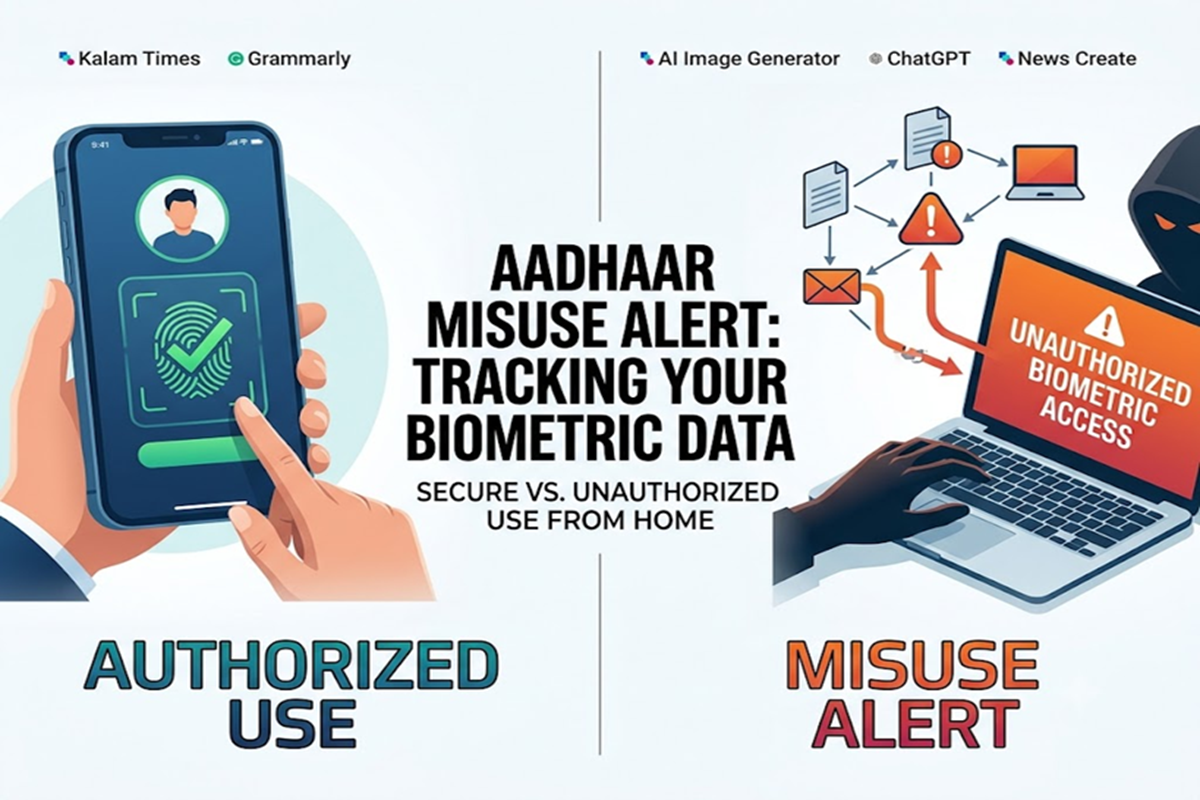
Aadhaar Misuse Alert: Today, Aadhaar has become a part of almost every important task in India. From banking to government schemes and mobile SIMs, Aadhaar is required everywhere. However, with its increasing use, the risk of Aadhaar-related fraud and misuse of biometric data has also increased.
To address this issue, the Unique Identification Authority of India (UIDAI) has provided a special feature that allows anyone to view their Aadhaar authentication history. This allows them to determine when, where, and for what purpose their Aadhaar was used.
Show Quick Read
Key points generated by AI, verified by newsroom
How to check Aadhaar authentication history
This facility of UIDAI is completely available online and can be used from anywhere through mobile, laptop or desktop.
Step-by-Step Process
- First of all, go to the My Aadhaar portal.
- Log in by entering your 12-digit Aadhaar number.
- Enter the OTP sent to the registered mobile number.
- After logging in, click on the Authentication History option.
- Now select the date of your choice. You can view records for up to the last 6 months.
After this, select the type of authentication like
Biometric
OTP
Both
After filling all the information, click on Submit.
After this, a detailed report will appear on the screen in which complete information related to the use of Aadhaar will be available.
What information will be available in the report?
The Authentication History report provides information about every Aadhaar-related authentication. You can see the method used to verify your Aadhaar, such as fingerprint, iris scan, or OTP.
The exact date and time of authentication.
Which institution, bank, telecom company or government department used Aadhaar.
A record you don't recognize.
If any unknown activity is observed, it could be a sign of potential fraud.
Enhance security with the biometric lock feature
UIDAI also allows users to lock their biometric data. This secures fingerprint and iris information so that no one can access it without your permission. This feature is available on both the My Aadhaar portal and the mAadhaar app.
Once the biometric lock is in place, no one will be able to perform fingerprint or iris authentication. You can temporarily unlock it if needed and lock it again when you're done.
What to do if you notice any suspicious activity?
If any entries appear in the authentication history that you did not authorize, it is important to take immediate action.
Take these steps immediately
- Contact UIDAI helpline number 1947 immediately.
- Register complaint online through UIDAI portal.
- Lock your biometric data immediately.
- Keep checking the authentication history from time to time.
Regular checkups can help prevent fraud.
Monitoring your Aadhaar-related information has become extremely important in today's digital age. Periodically checking your authentication history and using features like biometric lock can significantly prevent identity theft and data misuse. A little vigilance can go a long way in keeping your personal data safe.