Gmail Bug: For the past four to five days, a bug in Gmail has prevented many users from reading emails. Upon opening an email, their device's screen flickers, and the text disappears.
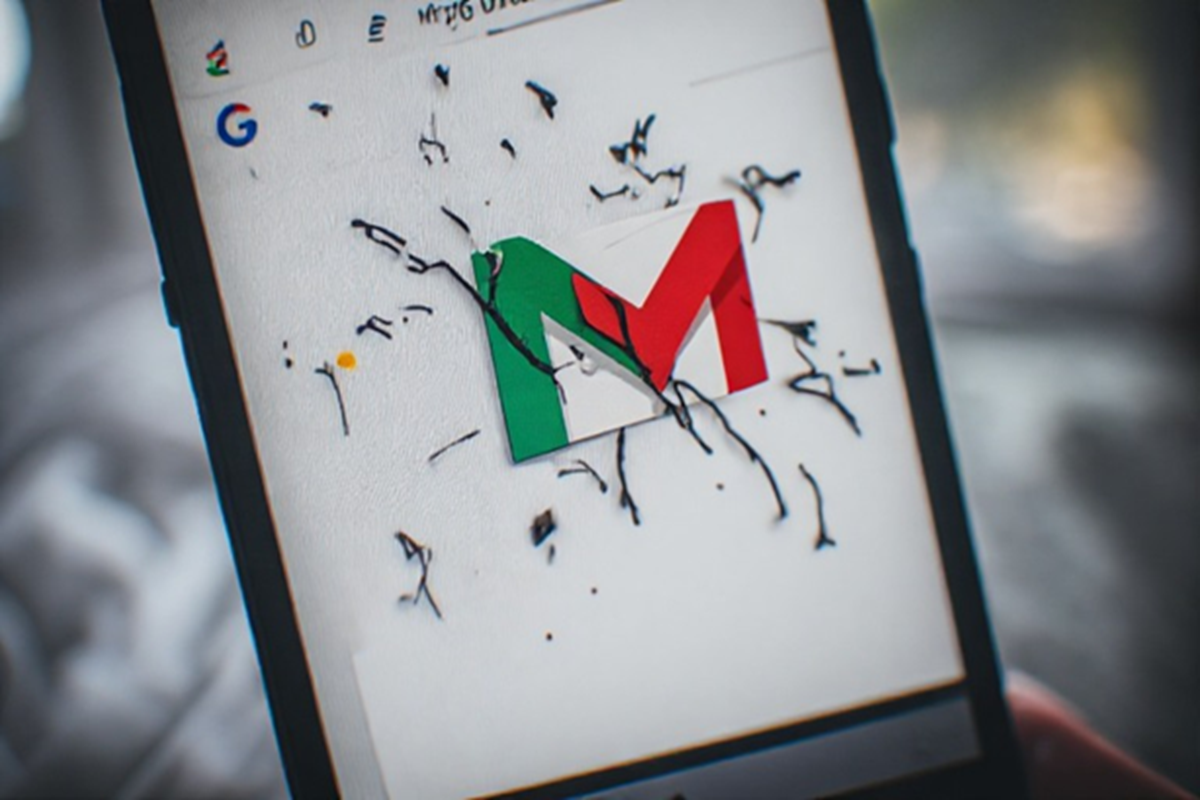
A Gmail bug is causing trouble accessing email.
Gmail Bug: If your device's screen starts flickering or goes blank after opening Gmail , you're not alone. A bug in Gmail has made reading emails difficult these days. This problem is particularly troubling on Android devices. Users say the bug is causing issues like screen flickering, text disappearing, or the entire screen going blank. Gmail users have been facing problems due to the bug for the past four to five days.
Users are making these complaints.
According to reports, no workaround seems to be working for this Gmail bug. One user wrote on the Google support forum, "When I try to open emails, the screen flickers and the emails won't open. I've tried force-stopping, clearing the cache, and restarting my tablet. Even updating doesn't fix the issue." Another user wrote, "When I open emails on my tablet, the screen goes blank. I don't experience this problem on my phone."
Samsung devices are most affected.
Samsung devices are being affected the most by a bug in Gmail. According to reports, users of Samsung tablets and some foldable phones , including the Galaxy Z Fold 3 , are experiencing the most problems. Experts believe the issue is caused by Android System WebView. Google has been informed, but the company has not yet released a statement or a fix for the issue.
Affected users can try these methods.
Google hasn't yet fixed this issue. However, if you want to read emails, there are a few ways you can help. First, switch your device from portrait mode to landscape mode and then back to portrait mode. This can also be done by enabling the auto-rotate feature. After enabling this feature, test your device in both modes. Additionally, clear the cache of Android System WebView and update it. This is reportedly the reason this bug is causing the problem.