Upgrading to a new smartphone is common, but handing over your old device without properly securing it can expose your personal information. Simply deleting photos, videos, documents, or apps may not be enough to protect sensitive data. Depending on the device and storage system, traces of deleted information can sometimes remain accessible through specialized recovery methods.
Before selling, exchanging, or giving away an old smartphone, users should therefore take a few important precautions. From creating a complete backup to removing online accounts and performing a proper factory reset, these steps can significantly reduce the risk of personal information falling into someone else’s hands.
1. Back Up Everything You Need
The first step is to make sure that all important information has been copied to a secure location before removing anything from the phone.
Photos and videos can be transferred to a computer or backed up using services such as Google Drive or iCloud. Contacts should also be synchronized or exported so that they can be restored on the new device.
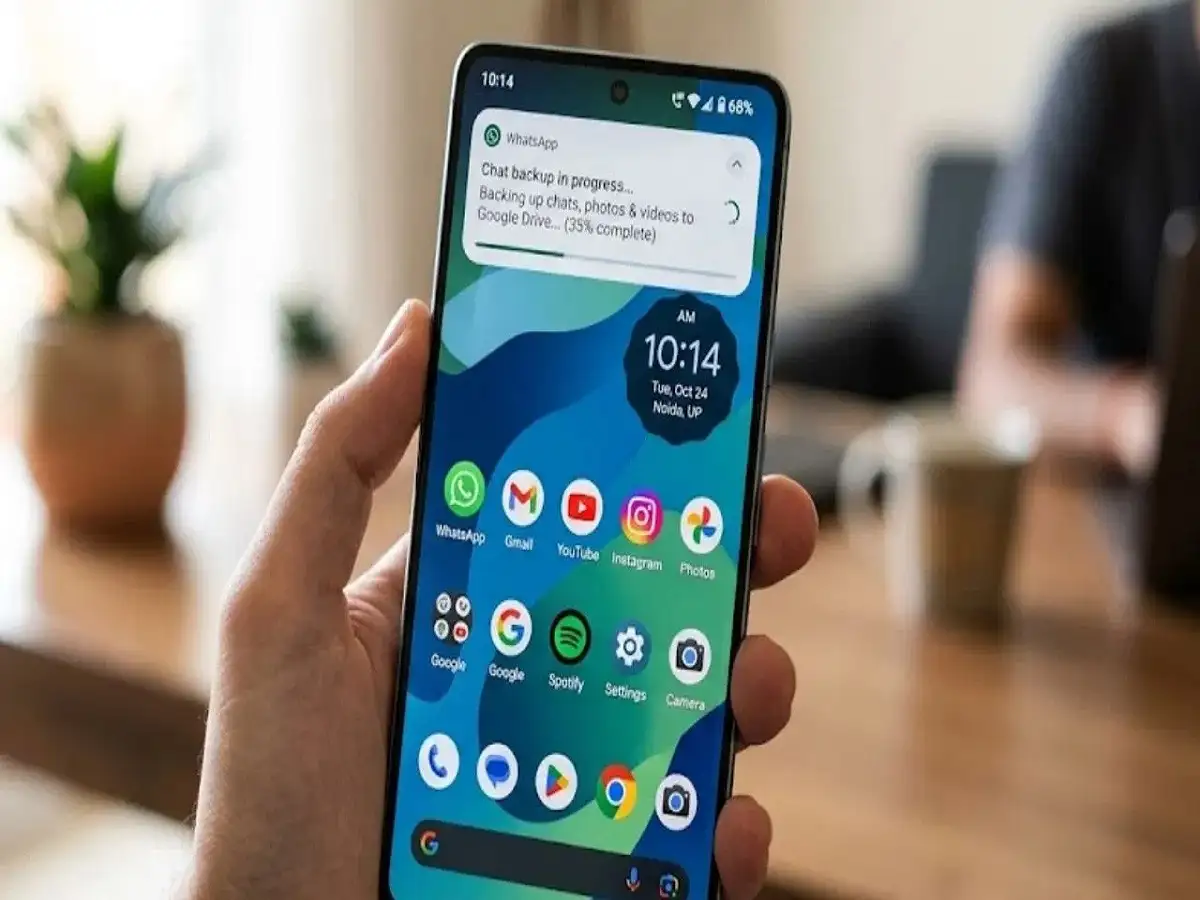
Users should also check important documents, downloaded files, notes, and other personal information. If WhatsApp or another messaging service contains important conversations or media, verify that its backup has completed successfully.
Do not perform a factory reset until you are certain that the information you want to keep is safely backed up. Once the device is erased, recovering personal files may not be possible.
2. Remove Google, Apple and Other Accounts
After securing your data, the next step is to disconnect the accounts associated with the smartphone.
On Android devices, remove the Google account from the phone and sign out of manufacturer-specific accounts, such as Samsung or other brand accounts. You should also check individual applications and log out where necessary.
On an iPhone, sign out of your Apple Account and make sure features such as Find My are disabled before handing over the device. If an eSIM is being transferred or replaced, review the relevant cellular settings as well.
This is particularly important because modern smartphones use anti-theft security systems. Android devices can have Factory Reset Protection (FRP), while Apple devices use Activation Lock. Leaving an account connected can create activation problems for the next owner even after the phone has been reset.
3. Check Banking, UPI and Payment Applications
Financial applications deserve special attention before you sell an old phone.
Review all banking applications, UPI services, digital wallets and other payment-related apps installed on the device. Sign out where appropriate and check whether the old handset is still registered as a trusted or linked device.
It is also a good idea to review email accounts, social media profiles and messaging applications. Make sure your accounts are no longer accessible from the device after you hand it over.
For additional security, check the relevant banking or payment service to see whether the old device needs to be removed from your list of registered devices.
4. Make Sure the Device Is Properly Encrypted
Many newer smartphones use encryption to protect stored information. This makes it considerably harder for unauthorized users to access readable data directly from the device's storage.
Before resetting an older Android phone, check its security settings to determine whether storage encryption is enabled and whether any additional security option is available.
Encryption should not be treated as a replacement for a factory reset, however. It is one part of a broader process for protecting your information when a smartphone changes ownership.
5. Remove the SIM and Memory Card
A factory reset generally concerns the phone's internal user data, so do not forget about removable hardware.
Take out your SIM card before giving the phone to another person. If the handset contains a microSD card, remove that as well.
If you plan to sell the memory card with the phone, erase it separately after making sure that any important files have been backed up. A memory card can contain photographs, videos, documents and other personal information that may not be removed simply by resetting the smartphone.
This small step is often overlooked but can prevent unnecessary exposure of private data.
6. Perform a Factory Reset as the Final Step
Once your backup is complete, accounts have been removed, and SIM or memory cards have been taken out, you can proceed with a factory reset.
The exact menu may differ depending on the smartphone manufacturer and software version. On many Android phones, the reset option can be found somewhere under Settings, followed by System or General Management and then Reset. Look for an option similar to Factory Data Reset.
On an iPhone, the reset process is generally available under Settings > General > Transfer or Reset iPhone > Erase All Content and Settings.
A factory reset removes user-installed applications, personal files, accounts, settings and other information stored on the device and returns the phone to its initial setup state.
Final Checklist Before Selling Your Phone
Before handing your old smartphone to its new owner, take a final moment to verify the following:
- Your photos, videos and documents have been backed up.
- Contacts and important messages have been transferred or backed up.
- Google or Apple account information has been removed.
- Banking, UPI and payment applications have been disconnected.
- Find My or other device-locking services have been disabled where required.
- The SIM card has been removed.
- The microSD card has been removed or securely erased.
- The phone has been factory reset.
- The device is showing the initial setup screen.
Why Data Protection Matters When Selling an Old Smartphone
An old smartphone can contain much more information than users realize. Personal photographs, saved documents, emails, contact details, account sessions and financial applications can all create privacy risks if a device is handed over without proper preparation.
Deleting individual files is therefore not the best final step. A safer approach is to back up important information, disconnect personal accounts, remove removable storage and then use the device's built-in factory reset function.
Taking a few extra minutes before selling an old phone can help protect your digital identity and ensure that the next owner receives a clean device without unnecessary access to your personal information.