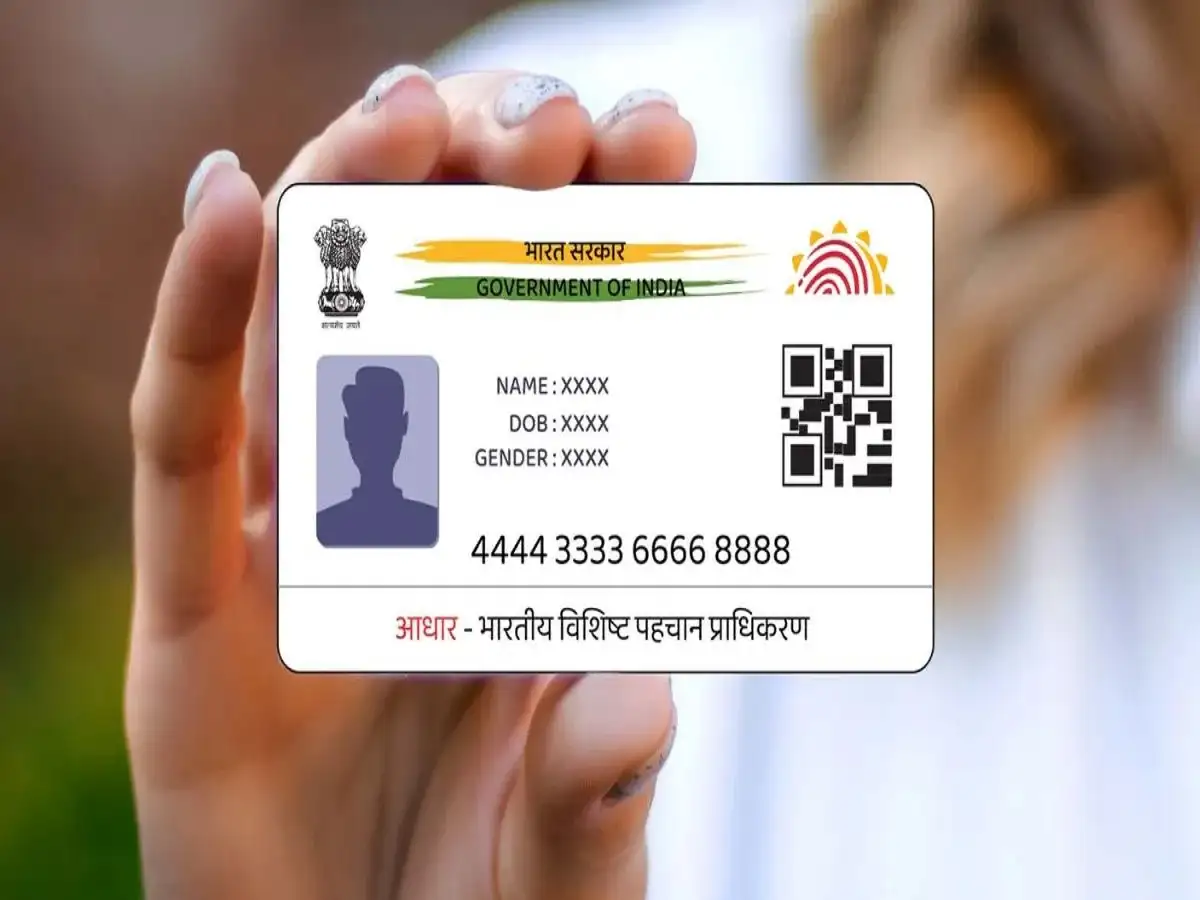
Aadhaar is one of the most important identity documents used by people across India. It is linked with a wide range of services, including banking, mobile connections, government benefits, digital verification and several online facilities. Because of this, keeping the mobile number registered with Aadhaar and other important accounts up to date is extremely important.
If you have recently changed the mobile number linked to your Aadhaar, simply updating it with UIDAI may not be enough. You should also check whether your new number has been updated wherever your old number was being used for OTPs, alerts, authentication or account-related communication.
Here are five important places you should review after changing your Aadhaar-linked mobile number.
1. Update Your Mobile Number With Your Bank
Your bank account should be one of the first places where you update your new mobile number.
Banks commonly use registered mobile numbers for transaction alerts, OTP-based authentication, account notifications and other security-related communications. If your old number is no longer active, you could miss important messages or face difficulties while completing certain digital banking transactions.
Once the new number is registered with your bank, check whether you are receiving transaction alerts and other required notifications correctly.
It is also advisable to confirm the updated details through your bank's official app, internet banking service or branch, depending on the facilities provided by your bank.
2. Check UPI and Mobile Banking Services
Changing your mobile number can also affect UPI and mobile banking services.
If your banking number has been changed, open the UPI or mobile banking application associated with your account and check whether the bank account is still properly verified. In some cases, you may need to re-register or verify the account using the new mobile number.
Doing this promptly can help prevent interruptions while making digital payments, checking account information or completing OTP-based verification.
Before relying on the service, consider making sure that the correct bank account and mobile number are displayed in the application.
3. Review Your Details for Government Schemes
Many government services and welfare programmes use mobile numbers for communication, authentication and status updates.
If you receive benefits under schemes such as PM-KISAN or a state government welfare programme, check whether your new number needs to be updated on the relevant official portal.
An outdated mobile number may mean that you do not receive important SMS alerts related to applications, payments, instalments or verification. In cases where mobile-based authentication is required, an incorrect number could also create difficulties during the process.
If the concerned scheme requires e-KYC, check your beneficiary status and complete any pending verification through the official channel.
4. Update PAN, Income Tax and Ration Card Records
Your new mobile number should also be reviewed across other important government-linked records.
For PAN and Income Tax-related online services, a registered mobile number may be used for OTP verification, account access and important communications. Keeping the information current can make future online procedures easier.
Similarly, if your ration card or related state services have a registered mobile number, check whether the number needs to be changed there as well. Depending on the service, notifications regarding applications, updates or other activities may be sent to the registered number.
Remember that the exact procedure can differ between departments and states, so use only the relevant official government portal or service centre for updates.
5. Verify Your Aadhaar Details After the Update
After changing your Aadhaar-linked mobile number, it is a good idea to verify that the update has been completed successfully.
You can use the official Aadhaar services to check relevant details and access your digital Aadhaar where applicable. If OTP verification is successfully completed using your new number, it can help confirm that the updated number is working for Aadhaar-related OTP services.
However, simply receiving an OTP should not be treated as confirmation that every other account—such as your bank, UPI application, PAN or government scheme account—has automatically been updated. These services can maintain separate records and may require individual updates.
Why Updating the Number Everywhere Matters
A mobile number has become an important part of digital identity and financial security. It can be used for transaction alerts, OTPs, authentication and communication from different institutions.
Therefore, changing the number linked to Aadhaar should be treated as a reminder to review your other important accounts as well. This is particularly important if your old SIM has been permanently deactivated or is no longer under your control.
Make a simple checklist covering your bank account, UPI apps, mobile banking, government schemes, PAN and Income Tax services, ration card records and other accounts where your old number was registered.
Final Takeaway
Updating your mobile number with Aadhaar is an important step, but it may not automatically update the number associated with your other services. After making the change, review your banking, UPI, government benefit, PAN, Income Tax and ration card records separately.
For security, always use official websites, authorised banking channels or government service centres when changing personal information. Avoid sharing OTPs, passwords or other sensitive details with unknown callers or websites.