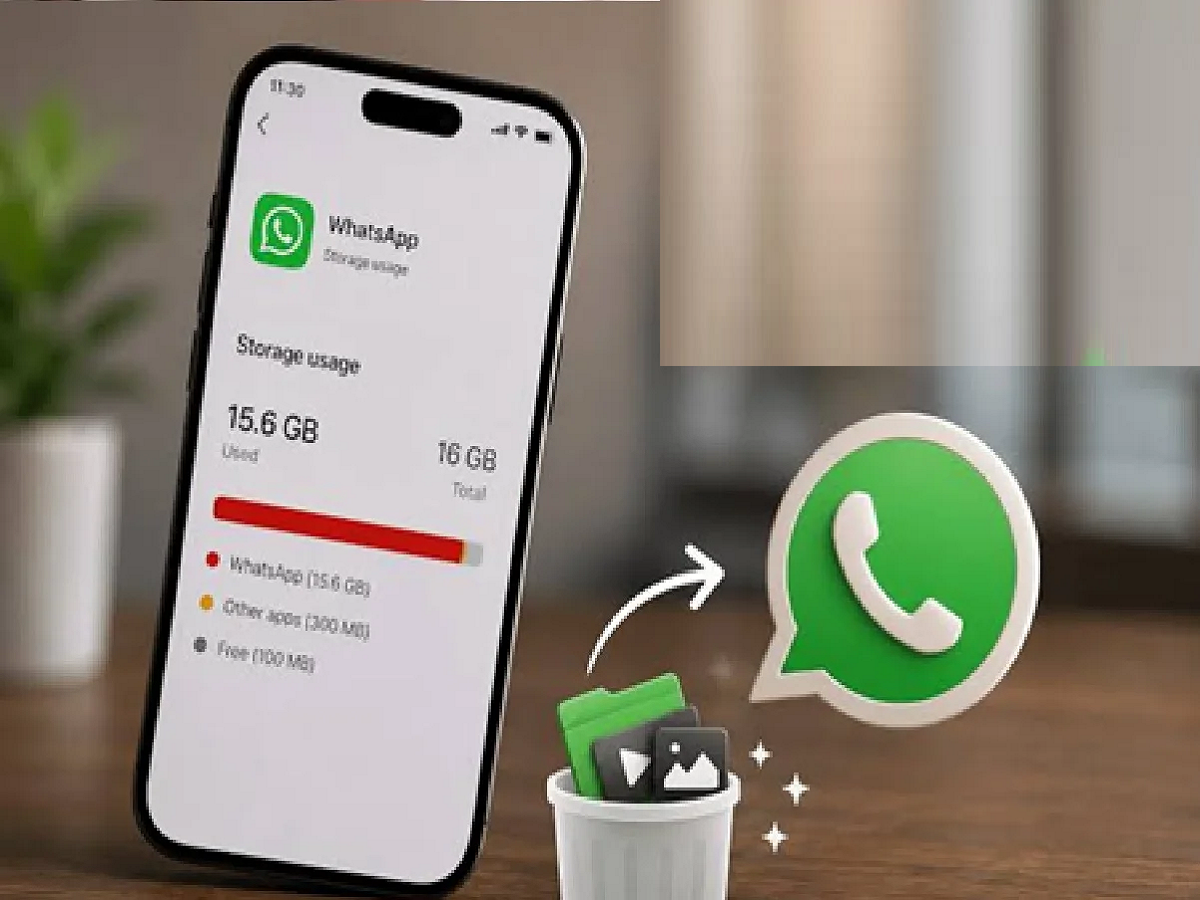
While using WhatsApp, you often don't realize when your phone's storage starts filling up. Photos, videos, documents, GIFs, and other files received on WhatsApp can gradually take up a significant portion of your phone's storage. If you're experiencing storage problems, a WhatsApp feature can be very helpful.
To manage storage in WhatsApp, first open the app. Then, go to Settings and tap the Storage and data option. Click Manage storage. Here, you can find information about how much storage WhatsApp is using on your phone and which files are taking up the most space.
In this section, you can easily identify large files and frequently shared media files. Photos, videos, or documents that are no longer needed can be selected and deleted. This can free up significant storage space on your phone.
Additionally, you can adjust WhatsApp's media auto-download settings to suit your needs. This will prevent every photo and video from automatically downloading and taking up your phone's storage. This option can be especially useful for large WhatsApp groups.
Before freeing up storage, be sure to check for important photos, videos, or documents so you don't accidentally delete any important files. Managing WhatsApp storage from time to time can save space and make it easier to remove unnecessary files.
PC:Smartprix