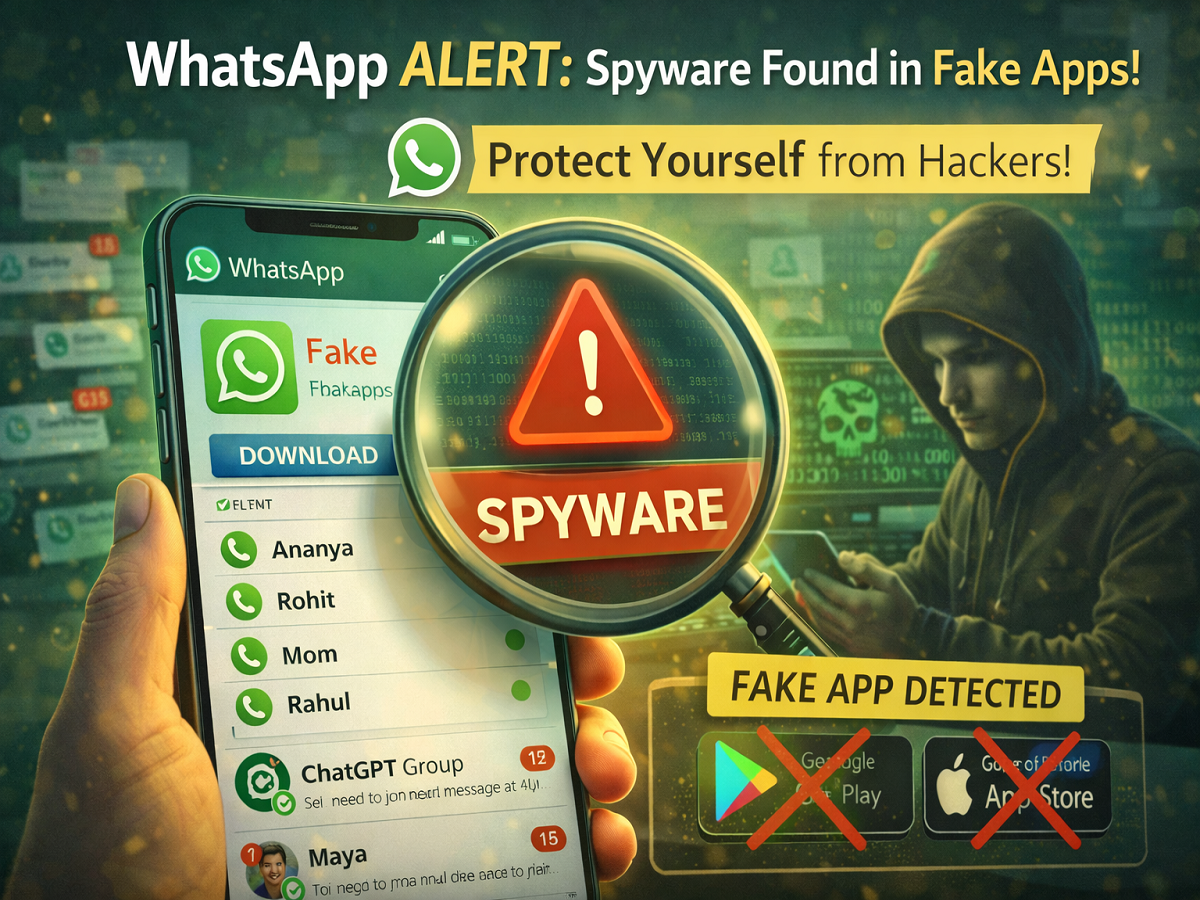
In a serious warning for smartphone users, WhatsApp has reportedly flagged a fake version of its app that is being used to spy on users and steal sensitive personal data. The alert comes amid a rise in cyber fraud cases, where attackers are increasingly using phishing links and malicious apps to gain unauthorized access to private information.
According to reports, hundreds of users have already been targeted through this fake app, raising fresh concerns about digital security and online privacy.
How the Fake WhatsApp App Is Targeting Users
Cybercriminals are reportedly distributing a fake WhatsApp application through phishing links. These links are often shared via messages, emails, or suspicious websites, tricking users into downloading the malicious app.
Once installed, the fake app activates hidden spyware that can:
- Access your personal messages
- Track your contacts and call logs
- Steal banking details, passwords, and IDs
- Monitor your activity without your knowledge
This makes it a serious threat to both personal privacy and financial security.
Spyware Linked to Surveillance Tools
Reports suggest that the spyware used in this fake app may be linked to tools developed by organizations specializing in surveillance software. These tools are typically designed for monitoring purposes but can be misused if they fall into the wrong hands.
The presence of such advanced spyware indicates that attackers are using increasingly sophisticated methods to target everyday users.
WhatsApp’s Response and Warning
WhatsApp has reportedly taken steps to protect affected users by:
- Sending alerts to those at risk
- Logging users out of suspicious sessions
- Advising immediate removal of fake apps
The platform has strongly urged users to download the app only from official sources like the Google Play Store or Apple App Store.
How to Protect Yourself from Fake Apps
To stay safe from such threats, follow these essential precautions:
1. Download Only from Official Stores
Always install apps from trusted platforms like Google Play Store or Apple App Store. Avoid third-party links.
2. Check App Details Carefully
Verify the developer name, app reviews, and download count before installing any app.
3. Avoid Suspicious Links
Do not click on unknown links received via SMS, email, or messaging apps.
4. Enable Security Features
Use features like two-step verification and device security settings to add an extra layer of protection.
5. Delete Suspicious Apps Immediately
If you suspect any unusual activity, uninstall the app right away and scan your device for malware.
Rising Cybercrime: A Growing Concern
Recent data indicates a sharp increase in data breach and hacking incidents in India. Cybercrime cases have surged significantly over the past few years, highlighting the urgent need for users to stay vigilant.
As digital usage grows, so does the risk of falling victim to online scams. This makes awareness and precaution more important than ever.
Final Takeaway
The fake WhatsApp app alert serves as a strong reminder that not all apps are safe—even if they look genuine. With cybercriminals becoming more advanced, users must take proactive steps to protect their data.
By sticking to official sources, avoiding suspicious links, and staying informed, you can significantly reduce the risk of falling prey to such scams.
In today’s digital world, a little caution can go a long way in keeping your personal information secure.