NEWS
Video Editing Tips: Want to add a touch of creativity to your video? Learn new editing techniques.
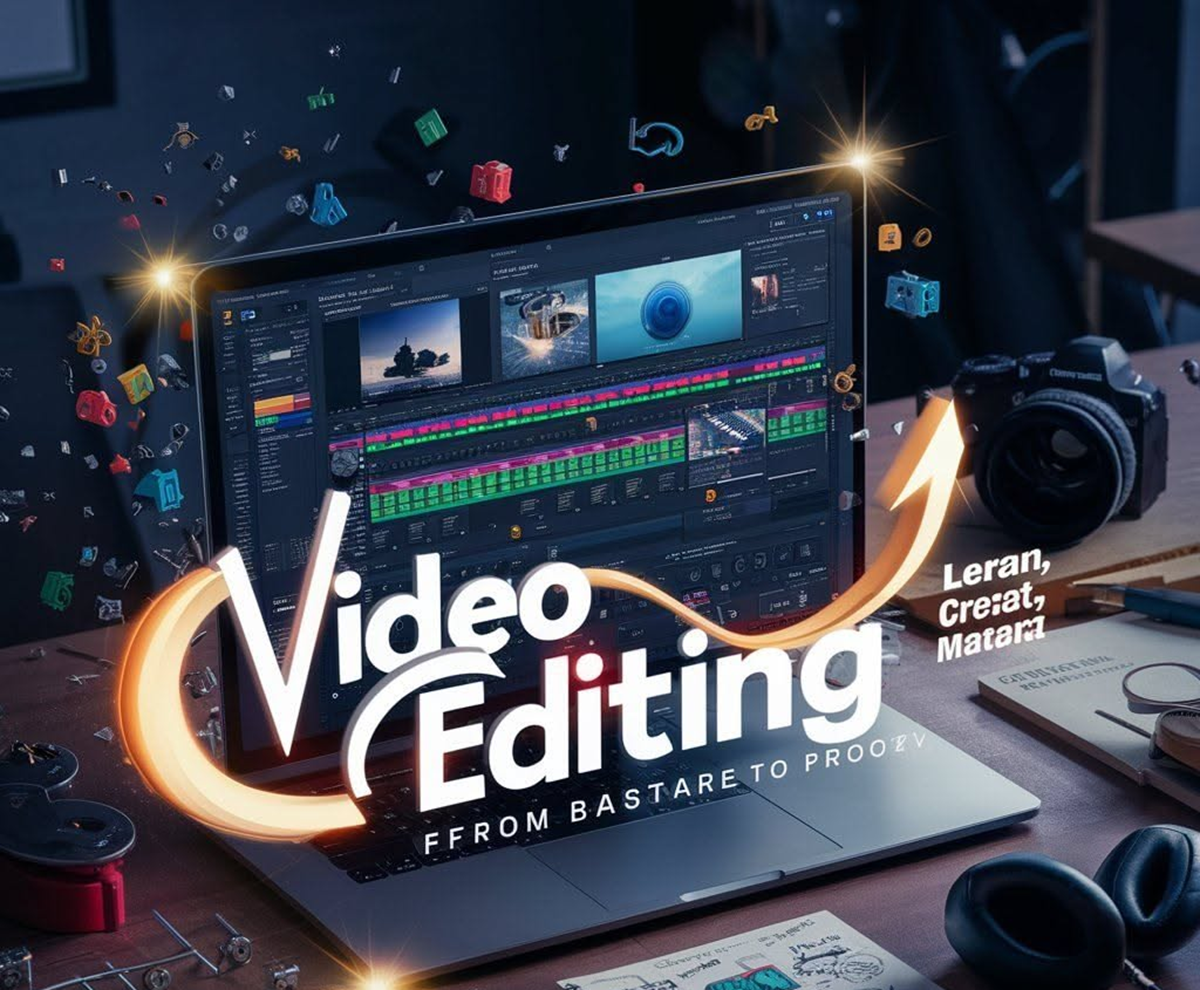
Video Editing Tips: To make a video great, good footage alone is not enough; editing is also essential. Learn about these video editing tips that will help you make your content more creative.

Tips to improve video editing
Video Editing Tips: From social media reels to YouTube videos and short films, editing is as important as content. Sometimes, even ordinary footage can be made so engaging through excellent editing that users will want to watch it until the end. Therefore, it's crucial to pay attention to every detail, big and small, when editing videos. If you're just starting out with video editing or want to improve your work, let's explore some tips that can make your editing more engaging.
Make sure to add subtitles and captions to the video.
Nowadays, a large number of people watch videos without sound on social media. Captions and subtitles make videos easier to understand. This also helps those with hearing difficulties or those watching videos in a different language. Many platforms offer automatic captions, but they can be inaccurate. Therefore, be sure to check the text before uploading a video.
Enhance your video with motion graphics.
Motion graphics can be used to enhance a video. These include text, logos, animations, and various visual effects on the screen. Lower third titles can display a person's name or important information at the bottom of the screen. Software such as Adobe After Effects, Illustrator, and Blender can be used for this.
Understand the features of your editing software.
Choosing the right software is also important, as is knowing its features. Adobe Premiere Pro offers features like multi-camera editing and footage stabilization. Final Cut Pro is also a popular option for editing. DaVinci Resolve offers features like color grading and auto-subtitling. Beginners can also start with free software like Apple's iMovie.
Reuse old footage
It's not necessary to shoot new footage for every video. Pre-recorded video clips can be reused as B-roll. B-roll is additional visuals that support the main video, or A-roll. For example, in a traffic report, scenes of roads and vehicles are shown along with the reporter's voice. This adds variety to the video and saves editing time.
Don't ignore audio editing.
Along with good images, clear audio is also essential in a video. The volume of background music, dialogue, and sound effects should be appropriate. Conversation should be clear enough for users to understand. Furthermore, music and sound effects should be in keeping with the video's ambiance. Features like noise removal and volume adjustment can also be useful during audio editing.
Give a consistent look with color correction.
Sometimes video footage appears too dark or dull. Adjusting brightness, contrast, saturation, and shadows can improve the look of the video. Color correction is especially necessary when combining clips recorded from different cameras, but excessive color alteration should be avoided.