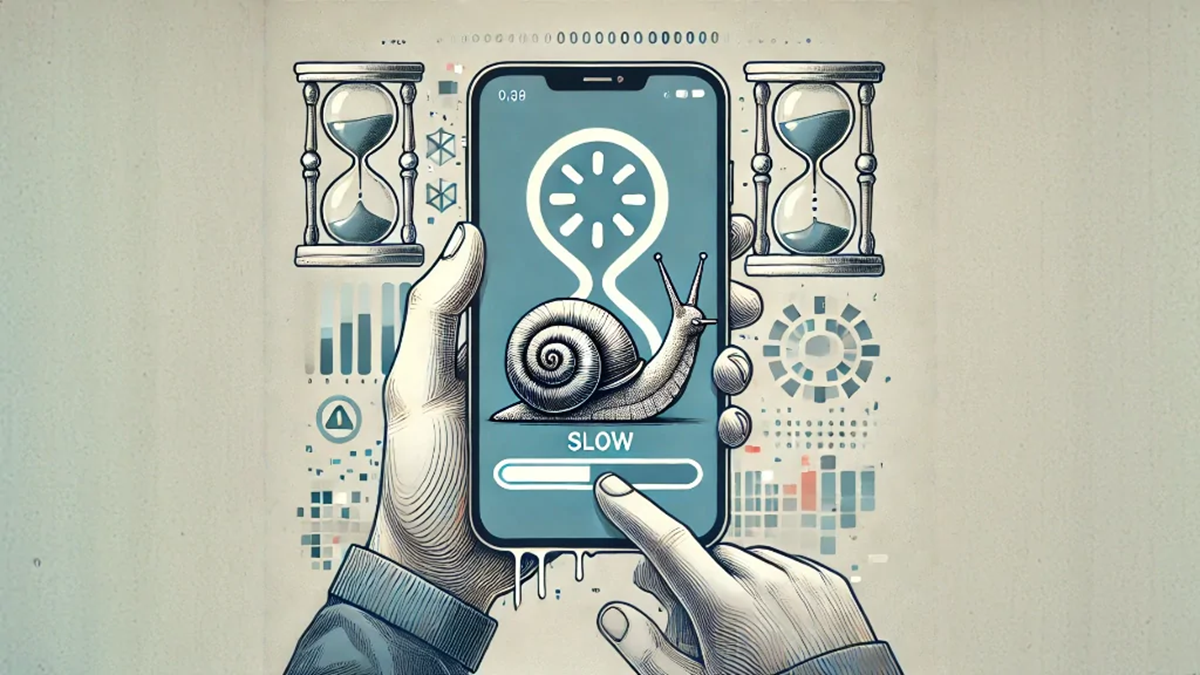
Phone Tips: Why does your smartphone suddenly become sluggish and slow when the cold sets in? Is the phone malfunctioning or is there some other reason? Learn the full story.
Why does the phone become slow
Phone Tips: During the summer, when our smartphone starts to sizzle and hang due to the intense sunlight, it's easy to understand. But have you ever noticed that as soon as the cold weather sets in, your phone suddenly slows down? Sometimes, even when the battery is 40 or 50 percent, the phone suddenly switches off, and even the touch screen takes a long time to respond. We often think that perhaps the phone is old.
But the real reason is the dropping temperatures around you. Just as extreme cold can make our hands and feet numb and slow down our performance, it can also have a similar effect on the components inside our phones. Let's explain why our phones slow down in the winter.
The battery plays a major role in a phone's sudden slowdown in winter. Almost all smartphones today are equipped with lithium-ion batteries. This battery supplies power to the phone through a chemical reaction. The liquid inside contains electrolytes, which move ions from one end to the other, providing power to the phone. However, as the outside temperature drops and the cold sets in, this chemical thickens.
This slows down the ion flow rate and increases the battery's internal resistance. When the battery can't supply the phone's processor with the required current, the phone's system slows down the processor's speed to prevent a sudden crash. This is why phones can suddenly freeze in the cold and the battery percentage can drop rapidly.
Cold screen and display pixels also slow down
The harsh cold doesn't just affect your phone's battery, but also your phone's display. If you have a smartphone with an LCD display costing around 10,000-15,000 rupees, you'll likely experience this problem more during the winter. LCD stands for liquid crystal display. When temperatures drop too low, these fine liquid crystals within the screen cool down and become dull, taking longer than usual to change colors or move.
This results in blurry images when scrolling the screen or playing a video, and the phone seems to be lagging. Furthermore, in the cold, the skin on our fingers becomes extremely dry and cold. This prevents the phone's capacitive touch sensor from properly detecting the electrical signals from our fingers, and the touch response feels quite slow.
How to prevent your phone from slowing down in winter?
If you want to maintain your phone's speed in the winter, you can keep a few simple things in mind. First, instead of carrying your phone in your hand or resting it on your bike handlebars, keep it in the inner pocket of your jacket or pants so that your body heat can maintain the phone's temperature. Wear a thick back cover or thermal case on your phone.
This prevents cold air from directly reaching the battery. Another important rule is that if your phone becomes ice cold in extreme cold, do not immediately put it on the charger. Charging a very cold battery can permanently damage the plates inside it. First, let the phone cool down to normal room temperature and only then put it on the charger.