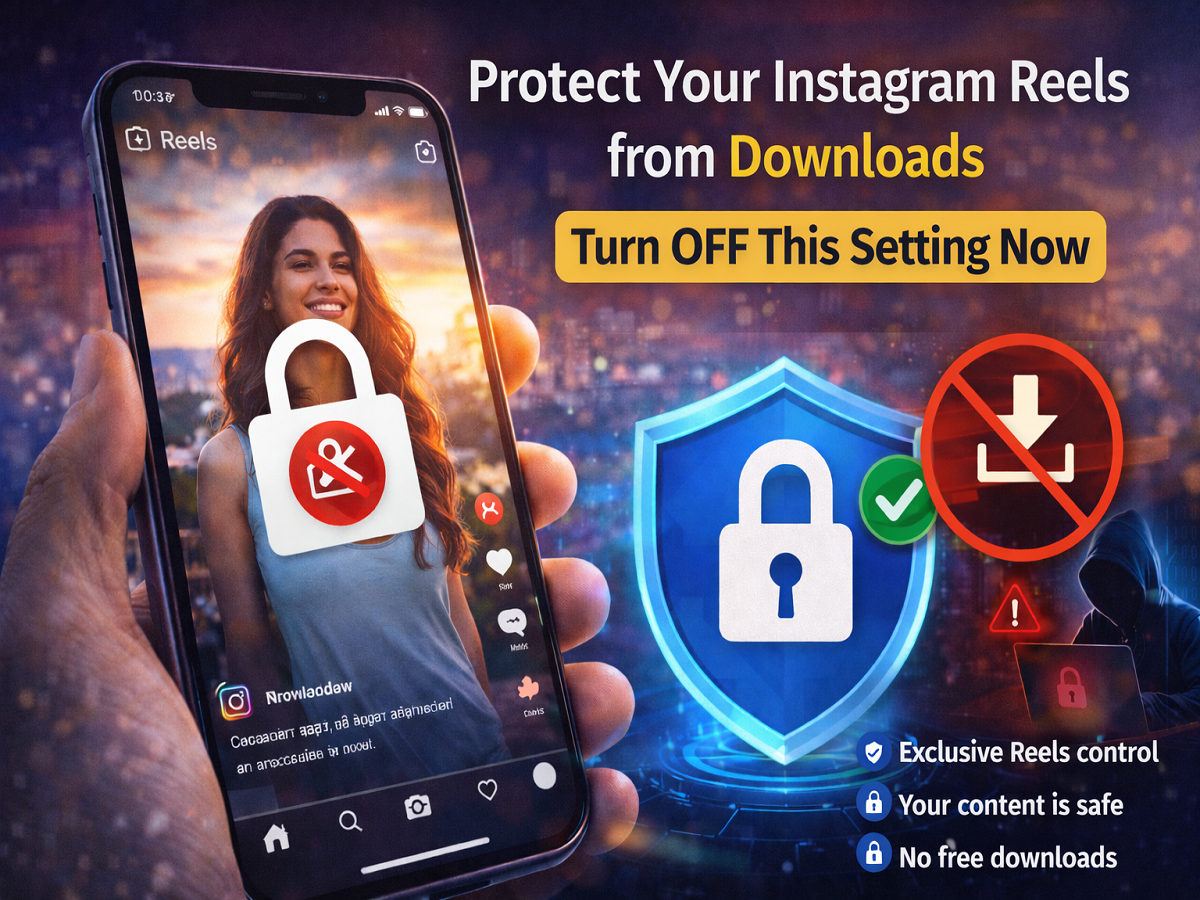
With the growing popularity of short videos, Instagram Reels have become a powerful way for users to create and share content. However, one common concern among creators is that their videos can be easily downloaded and reused by others—sometimes without permission or credit.
If you want to keep your content exclusive and prevent others from downloading your Reels, Instagram offers a built-in setting that allows you to disable downloads completely. By turning off this option, you can protect your videos from being saved and reshared elsewhere.
Why You Should Disable Reel Downloads
Instagram allows users to download Reels directly through its in-app feature. While this is convenient for viewers, it can be problematic for creators who want to maintain control over their content.
Here’s why turning off downloads can be important:
- Prevents unauthorized sharing of your videos
- Protects your original content from being reused
- Helps maintain your brand identity
- Reduces chances of content theft
For influencers, creators, and even casual users, this feature can be a simple but effective privacy tool.
How to Turn Off Instagram Reel Downloads
If you don’t want others to download your Reels, follow these easy steps:
Step 1: Open Instagram
Launch the Instagram app on your smartphone.
Step 2: Go to Your Profile
Tap on your profile icon at the bottom of the screen.
Step 3: Open Menu
Click on the three-line menu (top corner).
Step 4: Go to Settings
Scroll down and select Settings and Privacy.
Step 5: Find “Sharing and Reuse”
Look for the Sharing and Reuse option and tap on it.
Step 6: Open Download Settings
Now go to the Download section.
Step 7: Turn OFF Download Toggle
If the download option is enabled by default, simply switch it OFF.
What Happens After You Turn It Off?
Once you disable this setting:
- Other users won’t be able to download your Reels
- Your content stays protected within Instagram
- Even public profile videos cannot be saved directly
This ensures better control over how your videos are used.
Extra Tips to Protect Your Content
In addition to disabling downloads, you can:
- Add watermarks to your videos
- Keep your account private (if needed)
- Report unauthorized reposts
- Avoid sharing raw content publicly
Final Takeaway
Instagram gives creators more control over their content than many users realize. By simply turning off the Reel download option, you can safeguard your videos and prevent misuse.
If you’re serious about protecting your content, it’s a setting worth enabling right away.
Disclaimer: Feature availability may vary depending on app updates and region. Keep your app updated to access the latest privacy controls.