NEWS
Smartphone Battery Draining Too Fast? 7 Common Reasons and Easy Ways to Make Your Phone Last Longer
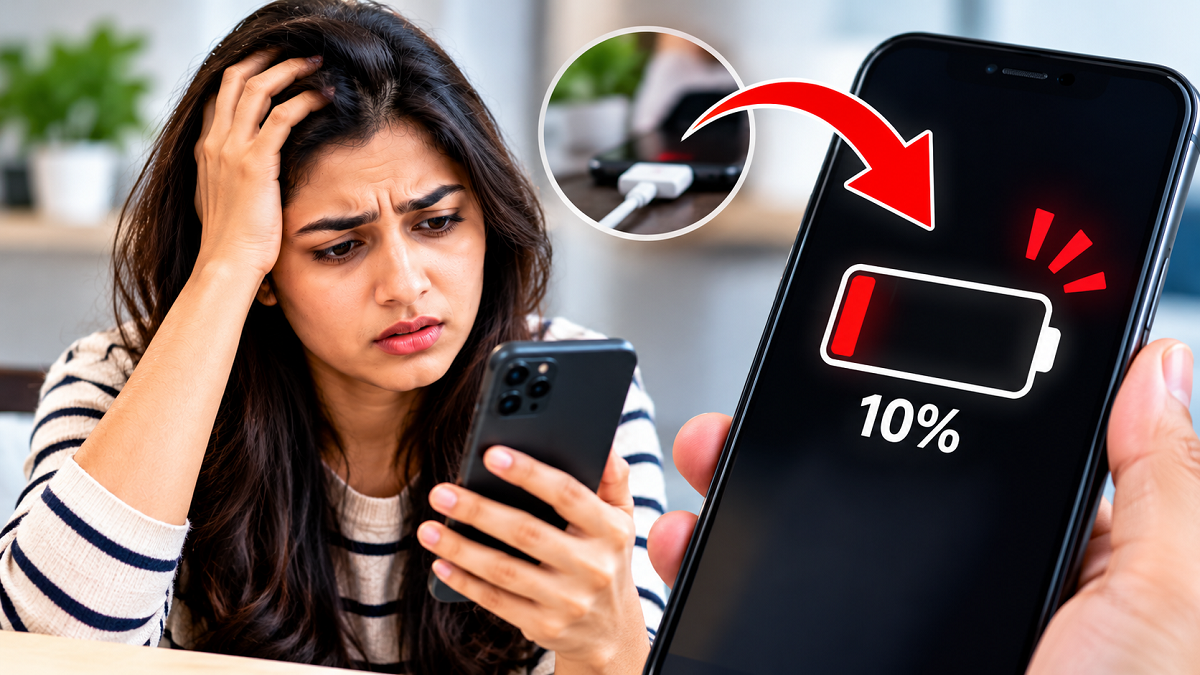
Smartphone Battery Saving Tips 2026: Does your phone lose battery power faster than expected, even when you are not using it continuously? Many smartphone users face this frustrating problem, especially when they depend on their devices for calling, social media, online payments, navigation, entertainment and professional work.
A rapidly draining battery does not always mean that your smartphone needs a replacement. In many cases, certain device settings, unnecessary background activities and everyday usage habits can increase power consumption.
Modern Android smartphones and iPhones offer several built-in features that help users monitor battery usage and improve power efficiency. However, many people overlook these settings and continue charging their devices multiple times throughout the day.
If your smartphone struggles to last until evening, understanding the possible reasons behind excessive battery consumption can help you identify the problem.
Here are seven common causes of smartphone battery drain and practical steps that may improve battery performance.
1. Background Applications May Be Consuming More Power Than Expected
One major reason smartphones lose charge unexpectedly is unnecessary background application activity.
Several applications continue performing certain tasks even when they are not actively displayed on the screen.
These activities may include checking for notifications, synchronising information, refreshing content and accessing location services.
While some background processes are essential for messaging, navigation and other functions, excessive activity can increase battery consumption.
How to Reduce Background Battery Usage
Open your smartphone's Settings menu and locate the Battery or Battery Usage section.
This area generally displays which applications have consumed the most power over a selected period.
Review the list carefully and identify applications using unusually large amounts of energy.
If an application does not require continuous background access, consider restricting its activity through the available settings.
You can also uninstall applications that you rarely use.
However, restricting essential applications too aggressively may delay notifications or prevent certain features from functioning properly.
Useful tip: Review battery usage statistics before making changes instead of assuming that every background application is responsible for excessive power consumption.
2. High Screen Brightness Can Significantly Reduce Battery Life
Your smartphone's display is often one of its largest power-consuming components.
Keeping the screen at maximum brightness for extended periods can drain the battery more quickly, particularly during video streaming, gaming and browsing.
Long screen-on time also increases energy consumption.
Some smartphones feature high-refresh-rate displays, which can use additional power depending on the content and device settings.
Display Settings That May Help Save Battery
Reduce screen brightness to a comfortable level rather than keeping it unnecessarily high.
Enable Adaptive Brightness or Auto-Brightness, which adjusts display illumination according to surrounding lighting conditions.
You can also shorten the screen timeout duration so the display switches off sooner when the phone is not being used.
If your smartphone supports an Always-On Display, consider disabling it when battery conservation is more important than viewing notifications continuously.
Some devices also allow users to lower the display refresh rate to reduce energy consumption.
Useful tip: Small changes to brightness and screen timeout settings can improve battery endurance without significantly affecting everyday usability.
3. GPS, Mobile Hotspot and Connectivity Features Can Increase Power Consumption
Smartphones include several wireless technologies that make everyday activities more convenient.
However, certain connectivity functions can consume substantial power when used continuously.
For example, navigation applications frequently access location information while tracking movement and providing directions.
Similarly, a mobile hotspot allows other devices to access the internet through your phone, increasing network activity and energy demand.
Bluetooth usually consumes relatively little power when idle on modern devices, but connected accessories and continuous data transfers can contribute to battery usage.
What Should Smartphone Users Do?
Turn off your mobile hotspot when it is no longer needed.
Review location permissions and allow applications to access your location only when necessary.
Consider disabling unused wireless connections when battery life is especially limited.
However, there is generally no need to switch off every connectivity feature permanently.
The most effective approach is to manage these services according to actual usage.
4. Gaming, Video Streaming and Continuous Phone Usage Drain Batteries Faster
Smartphone battery consumption naturally increases when users perform demanding activities for long periods.
Playing graphics-intensive games, watching high-resolution videos, attending video meetings and using navigation applications can place considerable demands on the processor, display and wireless connections.
These activities may also generate additional heat, particularly when performed while charging.
As a result, the battery can discharge more quickly than it would during basic tasks such as messaging or occasional browsing.
Simple Ways to Improve Battery Endurance
Reduce unnecessary screen-on time and close demanding applications when they are no longer needed.
Consider lowering gaming graphics settings or frame rates if your device offers these options.
When possible, use a reliable Wi-Fi connection instead of mobile data, particularly in areas with weak cellular reception.
If your battery level becomes low, activate Battery Saver on Android or Low Power Mode on iPhone.
These features can reduce certain background processes and power-intensive activities.
5. Weak Mobile Network Signals May Be Draining Your Battery
Many users overlook the relationship between cellular network quality and smartphone battery consumption.
When a device struggles to maintain a stable network connection, its modem may use additional power while searching for or communicating with available cellular towers.
This can become particularly noticeable in areas with weak reception.
Battery usage may increase during travel, inside certain buildings or in locations where network coverage frequently changes.
If your smartphone supports multiple network modes, adjusting network preferences may sometimes help.
For example, using a stable 4G connection instead of an unreliable 5G connection may reduce power consumption in some situations.
However, the actual difference depends on the device, network infrastructure and signal conditions.
6. Battery Age and Excessive Heat Can Affect Performance
Smartphone batteries gradually lose their ability to store energy as they age.
Most modern smartphones use lithium-ion batteries, which experience chemical ageing over time.
Repeated charging cycles, prolonged exposure to high temperatures and general wear can reduce their usable capacity.
As battery health declines, users may notice that their phones require more frequent charging.
Some smartphones provide a Battery Health section that displays estimated maximum battery capacity.
If your device has this feature, checking it can help determine whether battery ageing may be contributing to reduced endurance.
Avoid leaving your smartphone in direct sunlight or other excessively hot environments.
If the battery is swollen, the device becomes unusually hot or physical damage is visible, stop using it and seek professional service.
7. Software Problems and Outdated Applications Can Also Cause Battery Drain
Occasionally, excessive battery consumption may begin after installing an application or updating the operating system.
Software bugs, repeated background processes or poorly optimised applications can cause unexpected power usage.
Temporary battery drain can also occur after major software updates while the device performs indexing, synchronisation and other maintenance tasks.
If the problem continues, restart your smartphone and check whether software updates are available.
Review recently installed applications and remove suspicious or unnecessary ones.
Avoid downloading unofficial battery-saving applications that promise unrealistic improvements, especially those requesting excessive device permissions.
Quick Battery-Saving Settings for Android and iPhone Users
| Setting | Recommended Action |
|---|---|
| Screen brightness | Enable adaptive or automatic brightness |
| Background activity | Restrict unnecessary applications |
| Screen timeout | Choose a shorter duration |
| Mobile hotspot | Turn off when not required |
| Location permissions | Allow access only when needed |
| Battery Saver | Enable when conserving power |
| Network connection | Prefer stable connectivity |
| Software updates | Keep the system and apps updated |
The availability and names of these settings may differ depending on your smartphone model and operating system version.
When Should You Consider Replacing Your Phone Battery?
If your smartphone continues losing charge unusually quickly despite optimising settings, the battery itself may need professional assessment.
Warning signs include a significant decline in battery health, unexpected shutdowns, abnormal heating or a battery that no longer holds sufficient charge for normal activities.
An authorised service centre can inspect the device and determine whether a battery replacement is appropriate.
Replacing a worn battery may be more economical than purchasing a new smartphone, provided the device remains in good working condition.
Final Thoughts
Rapid smartphone battery drain can result from several factors, including background applications, high display brightness, continuous connectivity, demanding activities and ageing battery components.
Fortunately, many of these issues can be managed through simple adjustments to everyday settings and usage habits.
Regularly reviewing battery consumption, maintaining updated software and avoiding excessive heat can help improve smartphone performance and battery endurance.
The key takeaway: Before assuming your phone's battery is defective, check which applications and features consume the most power. A few practical changes may help your smartphone last longer between charges.