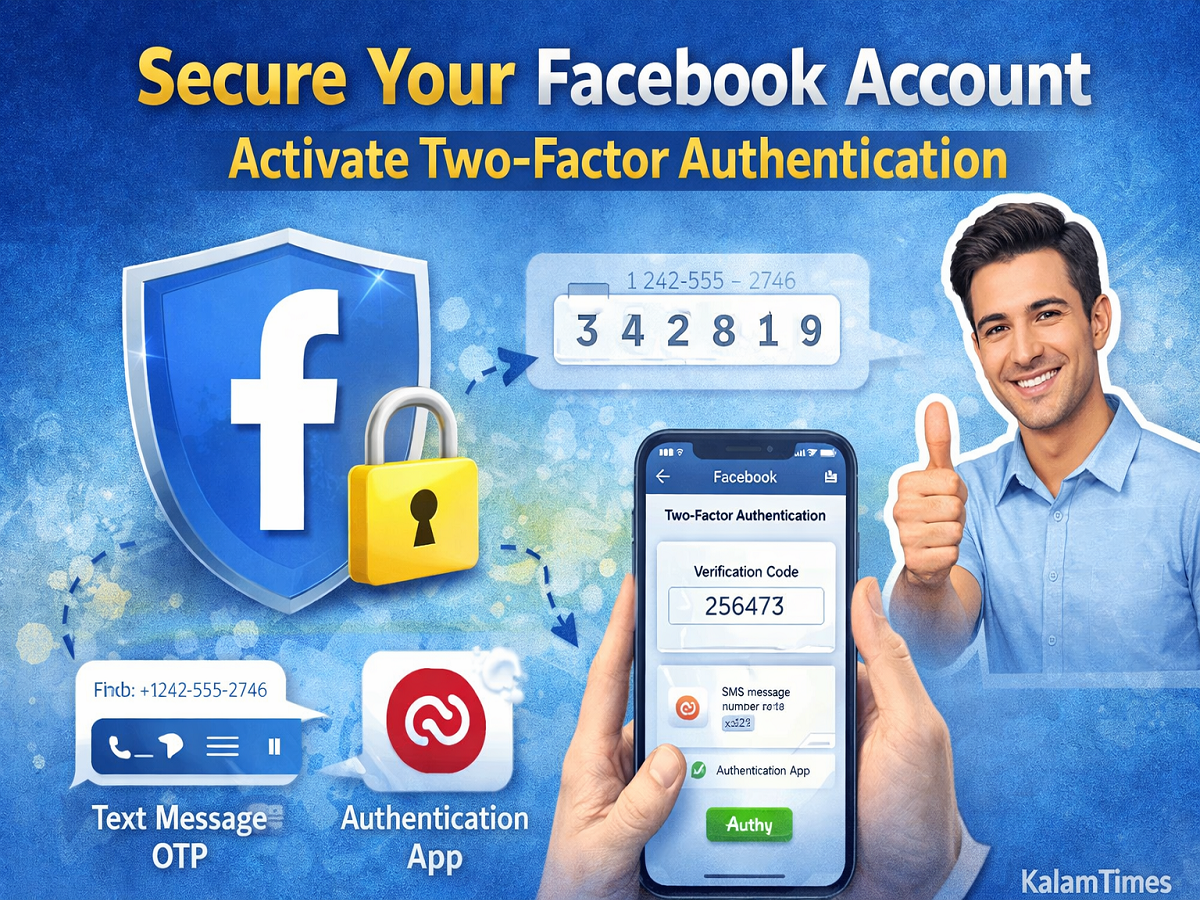
In today’s digital world, protecting your online accounts is more important than ever. Millions of users rely on Facebook for communication, networking, and sharing personal updates. However, with rising cyber threats and hacking incidents, securing your account should be a top priority.
If you’re worried about unauthorized access or data breaches, enabling Two-Factor Authentication (2FA) is one of the most effective ways to safeguard your Facebook account. This guide explains how you can activate this feature easily and keep hackers away.
Why You Should Secure Your Facebook Account
Cybersecurity threats are increasing rapidly, and social media accounts are often targeted by hackers. Once compromised, attackers can misuse your personal information, send spam messages, or even scam your contacts.
To prevent such risks, Meta Platforms offers built-in security features, including Two-Factor Authentication, which adds an extra layer of protection beyond your password.
What Is Two-Factor Authentication (2FA)?
Two-Factor Authentication is a security feature that requires two forms of verification when logging into your account:
- Your password
- A unique verification code (OTP or app-generated code)
Even if someone gets access to your password, they won’t be able to log in without the second verification step.
How to Enable Two-Factor Authentication on Facebook
Follow these simple steps to activate 2FA on Facebook:
Step 1: Log In to Your Account
Open Facebook and log in using your credentials.
Step 2: Go to Settings
- Click on the profile menu (top right corner)
- Select Settings & Privacy
- Tap on Settings
Step 3: Open Security Settings
- Navigate to Security and Login
- Scroll down to find Two-Factor Authentication
Step 4: Click on ‘Use Two-Factor Authentication’
- Tap on Get Started to begin the setup process
Choose Your Preferred Verification Method
Facebook offers two main ways to enable 2FA:
1. Using Text Message (SMS OTP)
- Enter your mobile number
- You will receive a verification code via SMS
- Enter the code to activate 2FA
👉 This is the easiest method and works on most devices.
2. Using Authentication App
- Download an app like Google Authenticator
- Scan the QR code shown on Facebook
- Enter the generated code to complete setup
👉 This method is more secure as it does not rely on SMS.
Additional Tips to Keep Your Facebook Account Safe
Apart from enabling Two-Factor Authentication, you should also follow these best practices:
- Use a strong and unique password
- Avoid logging in on public or shared devices
- Regularly check login activity
- Log out from unknown devices
- Keep your email account secure
Final Thoughts
With increasing cases of online fraud and hacking, securing your Facebook account is no longer optional—it’s essential. Activating Two-Factor Authentication takes only a few minutes but provides strong protection against unauthorized access.
By following the steps mentioned above, you can significantly enhance your account security and enjoy a safer social media experience.