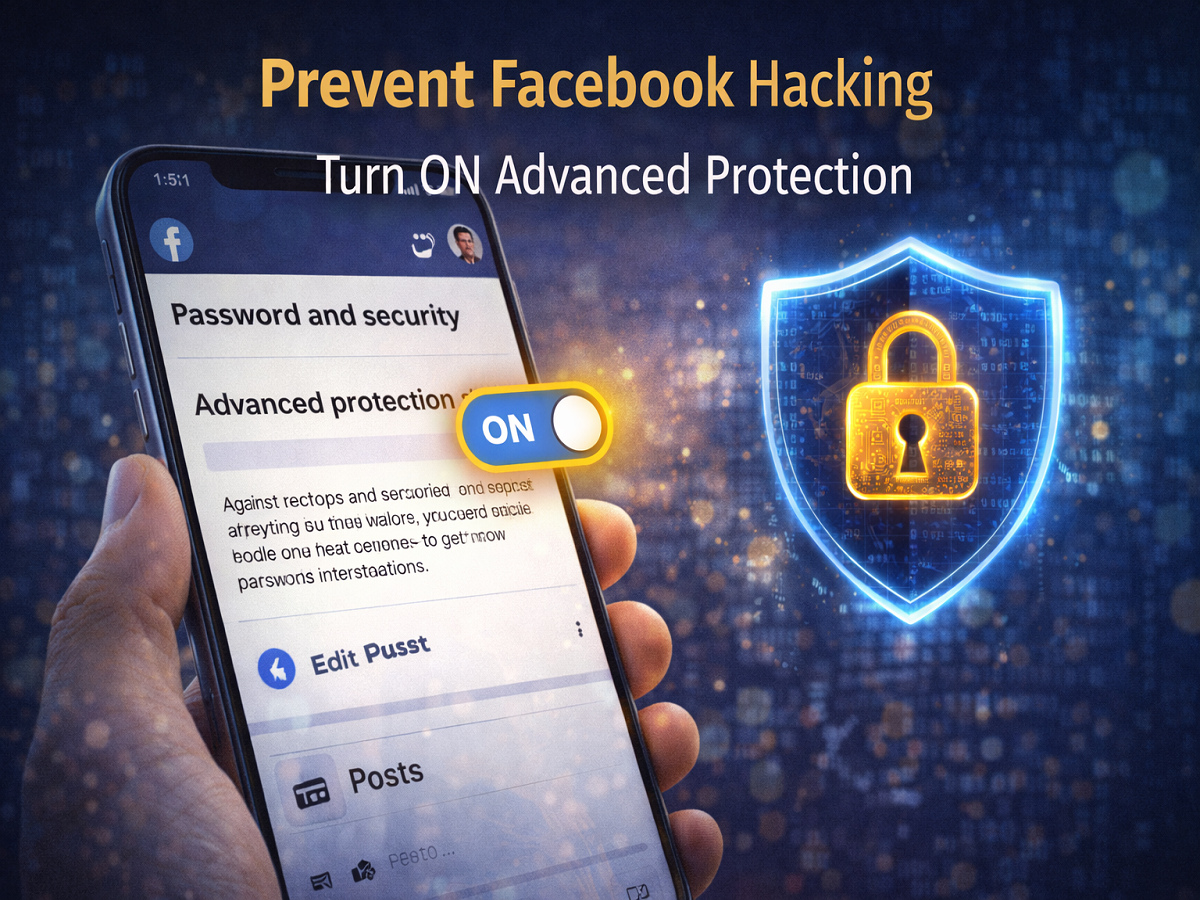
With millions of users actively using Facebook, the platform has become a prime target for cybercriminals. From phishing attacks to unauthorized logins, hacking attempts are increasing rapidly. However, many users are unaware that Facebook already offers powerful built-in security tools to protect their accounts.
One such feature is Advanced Protection, a security setting that can significantly reduce the risk of your account being hacked. If enabled, it adds an extra layer of safety and makes it much harder for attackers to gain access.
Why Facebook Accounts Are Easy Targets
Facebook accounts often contain personal data, photos, contacts, and even linked business pages. Hackers target these accounts to:
- Steal personal information
- Run scams using your identity
- Access linked apps and pages
- Spread malicious links
Many users keep weak security settings or ignore advanced features, making their accounts vulnerable.
What Is Facebook Advanced Protection?
Advanced Protection is a built-in security feature designed to safeguard your account from unauthorized access. Once activated, it strengthens your account’s defenses by:
- Adding stricter login checks
- Enhancing monitoring for suspicious activity
- Improving protection against phishing attempts
This feature is especially useful for users who want an extra layer of safety beyond basic passwords.
How to Enable Advanced Protection on Facebook
You can turn on this feature in just a few steps:
Step 1: Open Facebook App
Launch the Facebook app on your smartphone.
Step 2: Go to Profile
Tap on your profile icon in the top corner.
Step 3: Open Settings & Privacy
Scroll down and select Settings and Privacy.
Step 4: Tap on Settings
Now go to the Settings option.
Step 5: Open Account Centre
At the top, you will see Account Centre—tap on it.
Step 6: Select Password and Security
Inside Account Centre, go to Password and Security.
Step 7: Enable Advanced Protection
Find the Advanced Protection option and turn it ON.
What Happens After You Enable It?
Once Advanced Protection is activated:
- Your account becomes more secure
- Suspicious login attempts are blocked or flagged
- Unauthorized access becomes much harder
- You receive alerts for unusual activity
This ensures your Facebook account stays protected even if someone tries to breach it.
Extra Tips to Keep Your Account Safe
Along with Advanced Protection, you should also:
- Use a strong and unique password
- Enable two-factor authentication (2FA)
- Avoid clicking unknown links
- Regularly check login activity
- Log out from unknown devices
Final Takeaway
In today’s digital world, securing your social media accounts is more important than ever. Facebook’s Advanced Protection feature is a simple yet powerful tool that can help safeguard your account from hackers.
With just a few taps, you can significantly reduce the risk of unauthorized access and keep your personal data safe.
Disclaimer: Feature availability may vary depending on app version and region. Always keep your app updated for the latest security features.