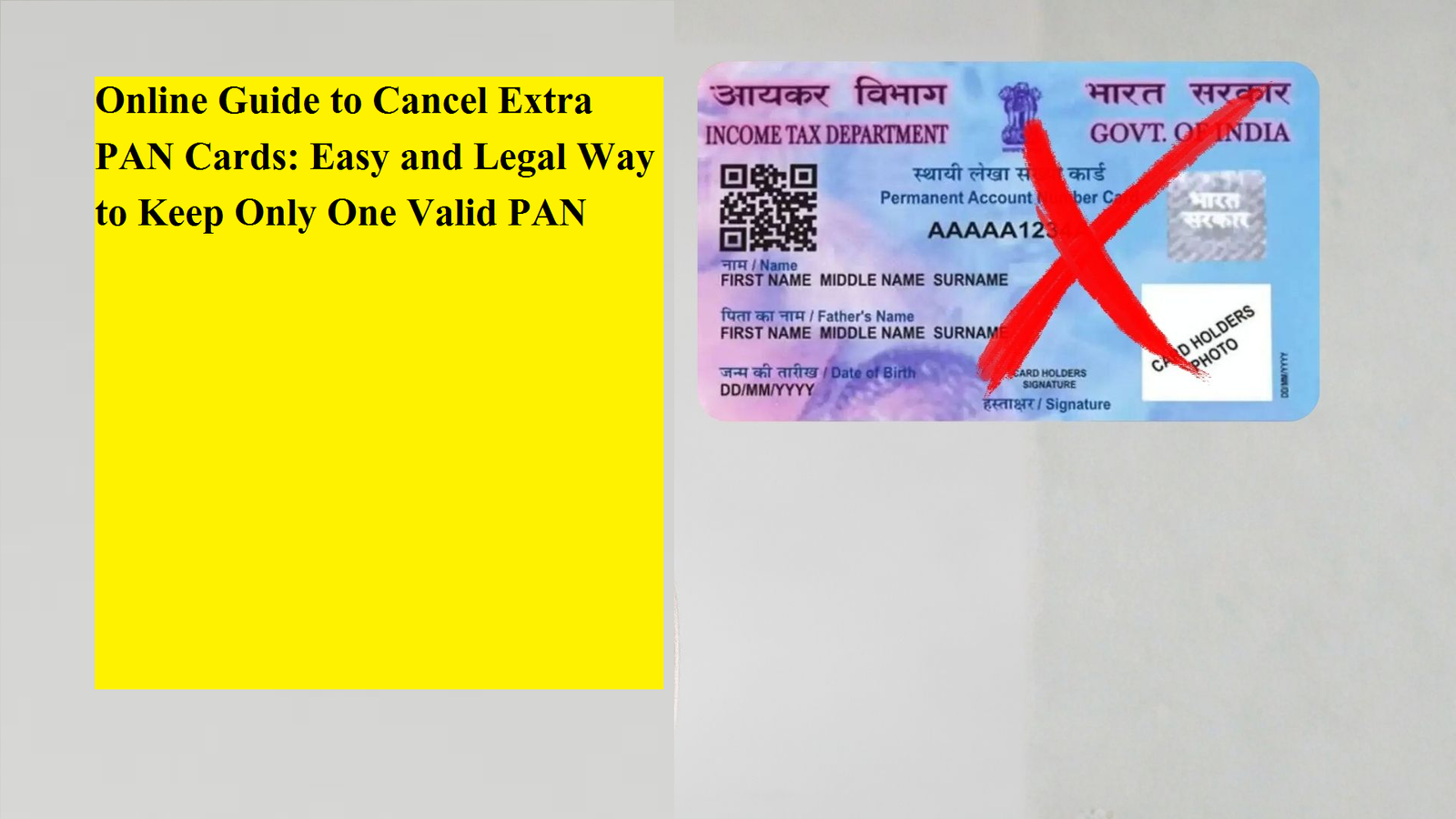
A Permanent Account Number (PAN) is one of the most important identity documents for taxpayers in India. It is a unique 10-character alphanumeric code issued by the Income Tax Department and remains valid for a lifetime. According to Indian law, every individual is allowed to hold only one PAN card. However, in some cases, people end up with more than one PAN due to clerical errors, submitting multiple applications, or changes in personal details such as name or date of birth.
Possessing more than one PAN card is considered a violation of tax regulations and may attract penalties. To avoid legal complications and ensure your financial records remain accurate, it is necessary to surrender or cancel any duplicate PAN cards. Thankfully, the government has made this process simple by allowing users to apply for PAN cancellation online.
This guide explains why surrendering extra PAN cards is important and provides a step-by-step method to complete the process digitally in a smooth and hassle-free manner.
Why Duplicate PAN Cards Must Be Surrendered
There are several reasons why holding more than one PAN card is not permitted:
- It can lead to mismatched tax records and confusion during financial transactions.
- It may result in issues while filing income tax returns.
- It increases the risk of misuse or identity-related fraud.
- It is legally prohibited under Income Tax rules.
In some situations, foreign nationals who no longer live in India and do not have any taxable income in the country may also surrender their PAN cards if they are no longer required.
By canceling extra PAN cards, taxpayers ensure that all their financial information is linked to a single identity, making compliance easier and safer.
Online Method to Cancel a Duplicate PAN Card
The cancellation of an extra PAN card can be done online through the official portal managed by NSDL. The request is submitted using the PAN correction or change form, where individuals must clearly mention the PAN number they want to retain and the PAN number they wish to surrender.
Below is a detailed step-by-step process to help you complete the application correctly.
Step 1: Visit the PAN Correction Portal
Go to the PAN Change or Correction Request section on the NSDL website. This is the same portal used for updating PAN details.
Step 2: Choose the Correct Application Type
From the available options, select:
“Changes or Corrections in existing PAN Data / Reprint of PAN Card (No changes in existing PAN Data)”.
This option allows you to submit information about duplicate PAN numbers for cancellation.
Step 3: Fill in Personal Details
Enter your basic details such as name, date of birth, mobile number, and email ID. Complete the captcha and submit the form.
Once submitted, a token number will be generated and sent to your registered email address. This number is important for tracking your application status.
Step 4: Continue the Application
Click on the option that says “Continue with PAN Application Form” to proceed further with the request.
Step 5: Select Document Submission Mode
Choose how you want to provide your documents. You can upload scanned copies online or opt for physical submission if required.
Step 6: Mention the PAN Numbers to Be Cancelled
In the section provided (Item Number 10 of the form), clearly write the PAN numbers you want to surrender. Tick the checkbox next to this field and move to the next step.
Make sure you correctly identify the PAN number you wish to keep active.
Step 7: Choose Proof Documents
Select appropriate documents for:
- Identity verification
- Address proof
- Date of birth proof
These documents help confirm that the PAN being retained belongs to you.
Step 8: Upload Required Files
Upload scanned copies of:
- Your chosen identity and address documents
- A recent photograph
- Your signature
Ensure the images are clear and meet the file size and format requirements mentioned on the portal.
Step 9: Verify and Pay the Fee
Review all the information entered carefully. If you find any errors, correct them before submission.
Proceed to payment using:
- Debit card
- Credit card
- Net banking
- Demand draft
Step 10: Download the Acknowledgement
After successful payment, an acknowledgement receipt will be generated. Save and print this document as proof of your request and for future reference.
Important Things to Remember
- Only the PAN numbers mentioned in the form will be canceled; your valid PAN will remain active.
- Processing may take several working days, so keep checking the status online.
- Always keep a copy of the acknowledgement until the cancellation is confirmed.
- Automatic translations or system updates may not reflect instantly in all records.
Canceling or surrendering a duplicate PAN card is a responsible step that every taxpayer should take if they hold more than one PAN. The online process has made it simple, transparent, and accessible from anywhere without visiting tax offices.
By following this digital method, individuals can ensure compliance with tax laws, avoid penalties, and keep their financial records accurate. If you have discovered that you possess more than one PAN number, it is best to act immediately and submit a cancellation request through the official online portal. This small step can prevent major complications in the future and help maintain clean and lawful tax documentation.