A slow smartphone can be frustrating, especially when everyday tasks like opening apps, browsing, or multitasking start taking longer than usual. Whether you’re using an Android device or any modern smartphone, performance issues are quite common over time.
If your smartphone has become sluggish, don’t worry. You don’t necessarily need to replace it. With a few simple adjustments and smart habits, you can significantly improve your phone’s speed and performance.
Why Do Smartphones Become Slow Over Time?
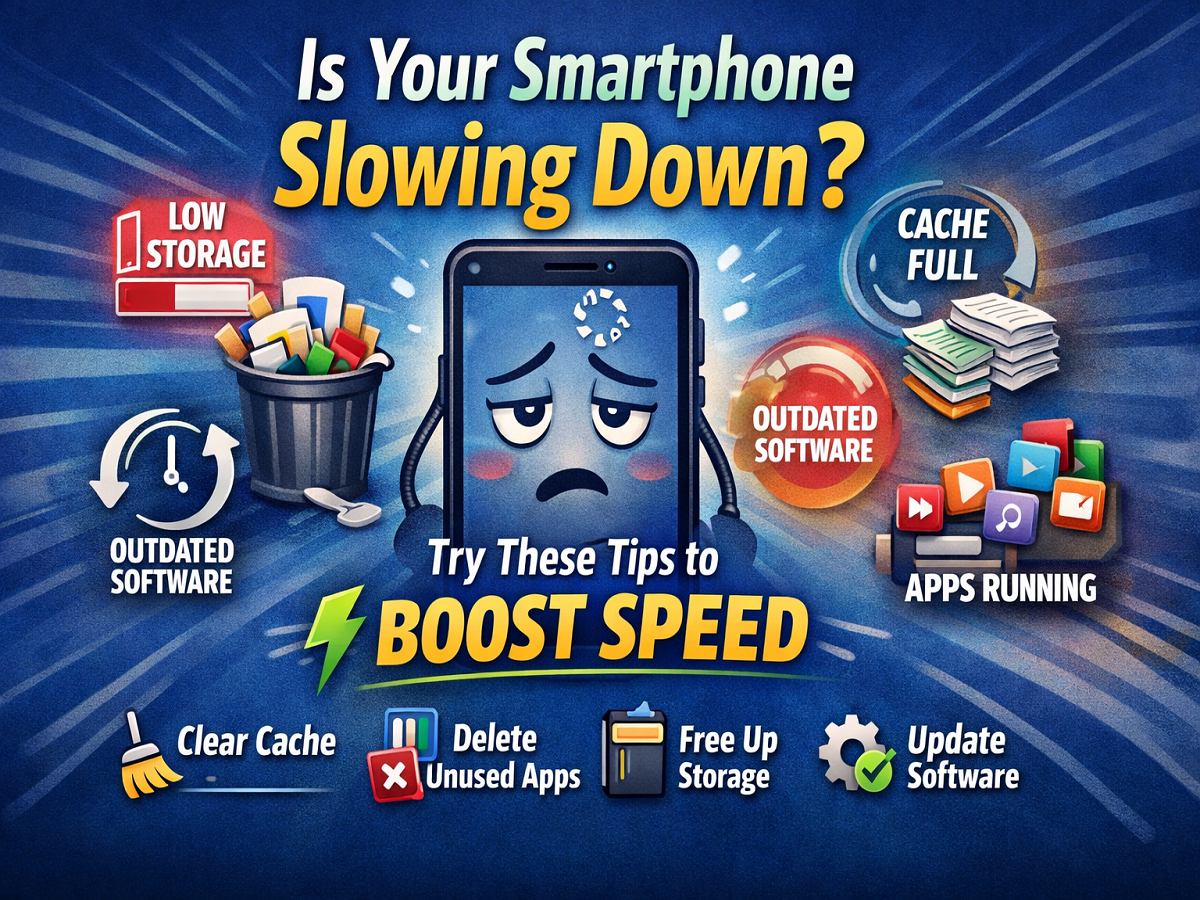
Most smartphone devices slow down due to:
- Excess apps and background processes
- Accumulated cache data
- Low internal storage
- Outdated software
- Heavy animations and visual effects
Understanding these causes can help you fix the problem effectively.
1. Remove Unnecessary Apps and Files
One of the biggest reasons for a slow phone is having too many apps installed.
Ask yourself:
- Do you really use all the apps on your device?
If not, uninstall unused apps immediately. Also:
- Disable pre-installed apps (bloatware) that cannot be removed
- Avoid using heavy live wallpapers
- Limit widgets on the home screen
These small steps can free up memory and improve performance.
2. Clear Cache Regularly
Cache data builds up when you frequently use apps. Over time, this can slow down your phone.
How to clear cache:
- Go to Settings → Apps
- Select the app
- Tap Clear Cache
Regularly clearing cache helps apps run more smoothly and frees up storage space.
3. Keep Internal Storage Free
Your phone needs breathing space to function properly. Experts recommend keeping at least 10–20% of storage free.
What you can do:
- Delete unnecessary photos, videos, and files
- Move data to cloud storage or SD card
- Remove duplicate media
Low storage can significantly impact your smartphone speed.
4. Update Your Phone Software
Software updates are not just about new features—they also improve performance and fix bugs.
Steps to check updates:
- Go to Settings → System → Software Update
- Install updates if available
👉 Always take a backup before updating your device.
5. Turn Off Animations for Faster Performance
Animations make your phone look smooth, but they also consume processing power.
Disabling animations can make your phone feel much faster.
How to disable animations:
- Enable Developer Options
- Find animation settings (Window, Transition, Animator scale)
- Turn them off or reduce scale
⚠️ Be careful not to change other settings in Developer Options.
Bonus Tips to Speed Up Your Phone
- Restart your phone regularly
- Avoid using too many background apps
- Use lightweight versions of apps
- Install apps only from trusted sources
Final Thoughts
A slow smartphone doesn’t mean it’s time to buy a new one. In most cases, simple maintenance and smart usage habits can restore your device’s performance.
By following these easy tips—cleaning storage, clearing cache, updating software, and optimizing settings—you can enjoy a faster and smoother smartphone experience.