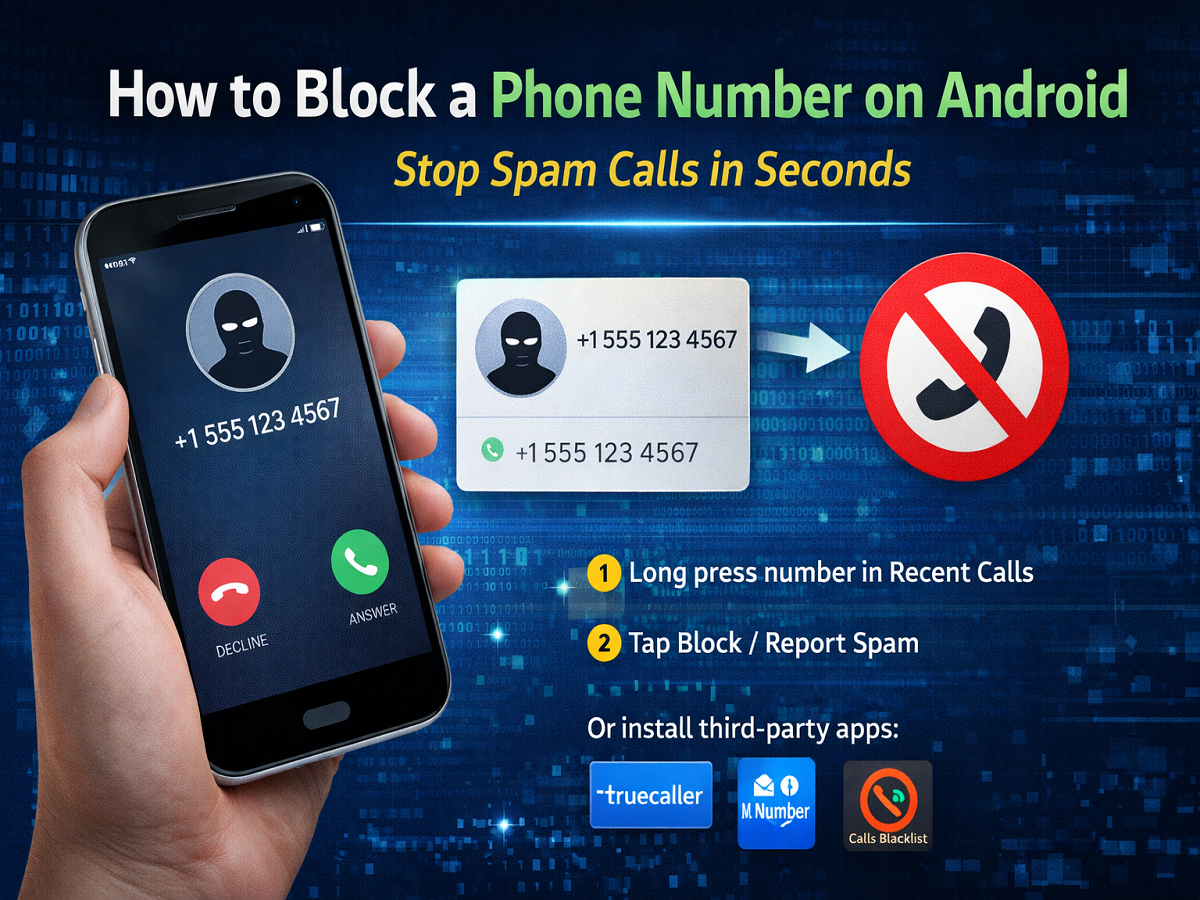
Unwanted calls can be frustrating—whether they’re spam, telemarketing promotions, or nuisance calls. Thankfully, most Android smartphones come with built-in features that allow you to block such numbers easily. If you’re tired of constant interruptions, here’s a simple and complete guide to blocking phone numbers on your Android device.
Why You Should Block Unwanted Calls
Blocking unwanted numbers helps you:
- Avoid spam and telemarketing calls
- Protect your privacy
- Reduce disturbances during work or personal time
- Prevent harassment or repeated nuisance calls
Method 1: Block a Number from Recent Calls
This is the quickest way to block a number:
- Open the Phone app on your Android device
- Go to the Recent Calls section
- Press and hold the number you want to block
- Tap on Block / Report Spam
👉 The number will be instantly blocked.
Method 2: Block a Number via Settings
You can also manually add numbers to your block list:
- Open the Phone app
- Tap on the three-dot menu (⋮) at the top right
- Go to Settings
- Select Blocked Numbers / Call Blocking
- Tap on Add Number
- Enter the number and confirm
How to Block Numbers on Different Android Devices
Stock Android (Pixel, Nexus)
- Open Phone app → Recent calls
- Long press number → Select Block
Or
- Go to Settings → Call Blocking → Add number
Samsung Phones
- Open Phone app
- Select the number
- Tap on the three-dot menu
- Choose Block Number
Xiaomi Phones
- Open Recent calls
- Long press the number
- Tap Block
👉 The process is similar across most Android devices, though menu names may vary slightly.
What If Your Phone Doesn’t Have Call Blocking?
If your device lacks a built-in feature, you can use third-party apps from the Google Play Store.
Popular options include:
- Truecaller
- Mr. Number
- Calls Blacklist
⚠️ Note: Always check app permissions before installing third-party apps.
Extra Tips to Avoid Spam Calls
- Register your number on Do Not Disturb (DND)
- Avoid sharing your number on unknown platforms
- Report spam numbers when possible
- Keep your phone updated for better security
Final Thoughts
Blocking unwanted calls on Android is quick and effective