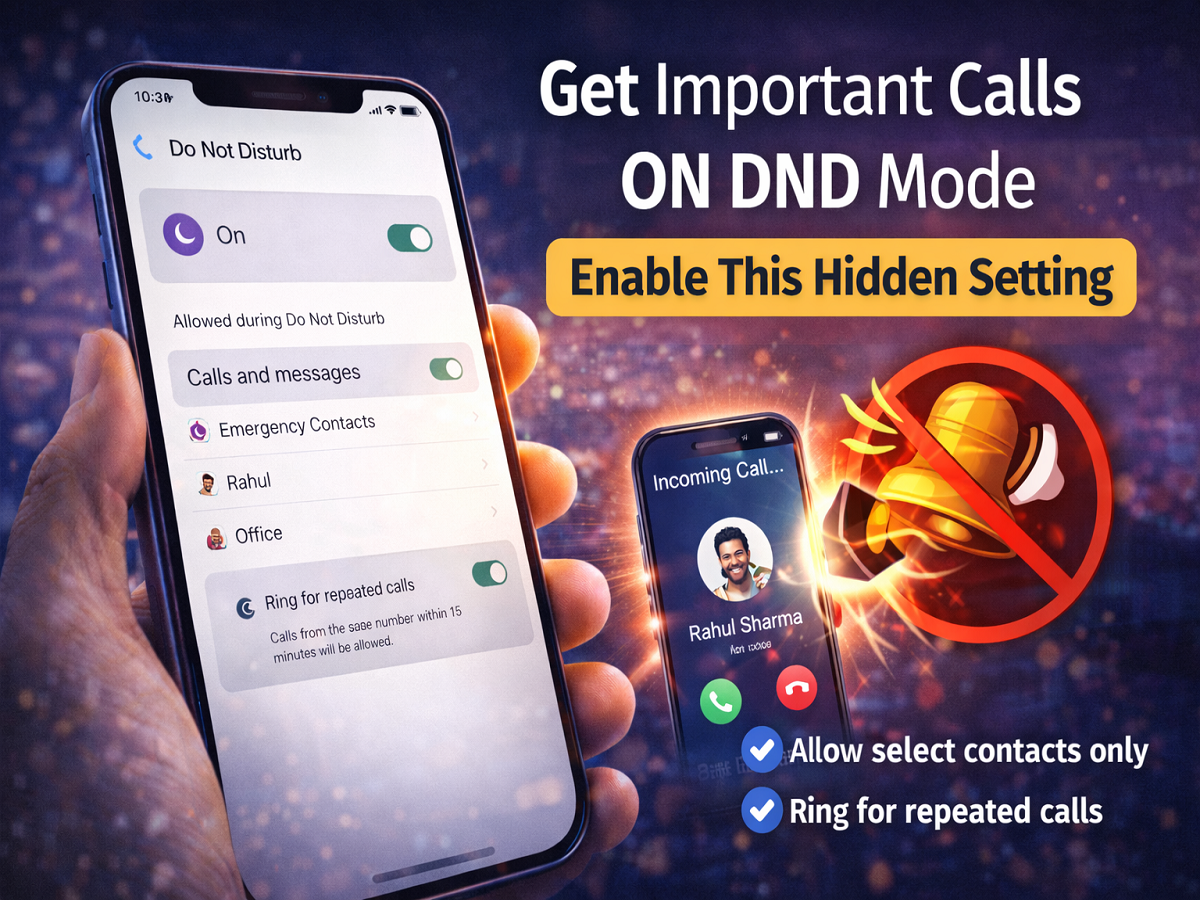
Turning on Do Not Disturb (DND) mode is one of the best ways to avoid distractions while working, studying, or resting. However, many users face a common problem—missing important or emergency calls because notifications and alerts are completely silenced.
The good news is that your smartphone already has a built-in solution. With a few simple settings, you can allow important calls to come through even when DND is turned on. This feature ensures you stay focused without missing anything urgent.
What Is DND Mode and Why It Can Be a Problem
DND mode is designed to block all incoming notifications, including:
- Phone calls
- Messages
- App alerts
While this helps maintain focus, it can become a problem during emergencies. If someone tries to reach you urgently, their call may be silenced, and you won’t even notice it.
The Smart Solution: Allow Priority Calls
Most smartphones offer advanced DND settings that let you customize which calls are allowed. This means you can filter important contacts while blocking everything else.
How to Receive Calls Even in DND Mode
Follow these simple steps to enable this feature:
Step 1: Open Settings
Go to your phone’s Settings menu.
Step 2: Tap on Sound & Vibration
Scroll down and select Sound & Vibration (or similar option depending on your device).
Step 3: Open Do Not Disturb
Tap on Do Not Disturb (DND) settings.
Step 4: Go to Calls and Messages
Inside DND settings, look for Calls and Messages.
Step 5: Select Important Contacts
Choose specific contacts whose calls you want to allow even when DND is active.
- You can add family members
- Close friends
- Office or emergency contacts
Step 6: Enable Repeated Calls Option
Turn ON “Allow Repeated Calls” (or “Ring for Repeated Calls”).
This ensures that if someone calls you multiple times (usually 2–3 times within a short period), the call will go through—even in DND mode.
Why This Feature Is Useful
By enabling these settings, you get the best of both worlds:
- No disturbance from unnecessary notifications
- Important calls always reach you
- Emergency situations are handled better
It’s especially useful for professionals, students, and anyone who uses DND regularly.
Extra Tips for Better DND Usage
To make the most of DND mode:
- Schedule DND during work or sleep hours
- Use “Priority Only” mode (if available)
- Keep emergency contacts updated
- Test the repeated calls feature
Final Takeaway
DND mode doesn’t have to mean missing important calls. With just a few quick changes in your phone settings, you can stay focused without cutting yourself off from urgent communication.
If you rely on DND daily, enabling these hidden settings is a must.
Disclaimer: Settings may vary slightly depending on your smartphone brand and software version.