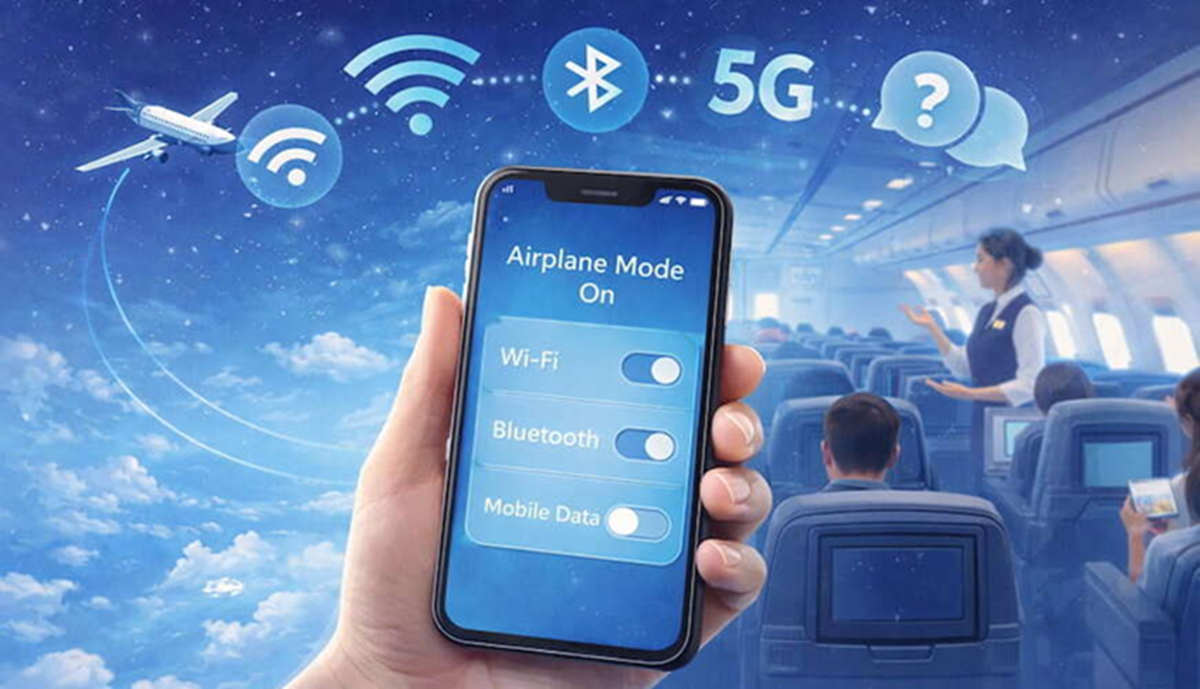
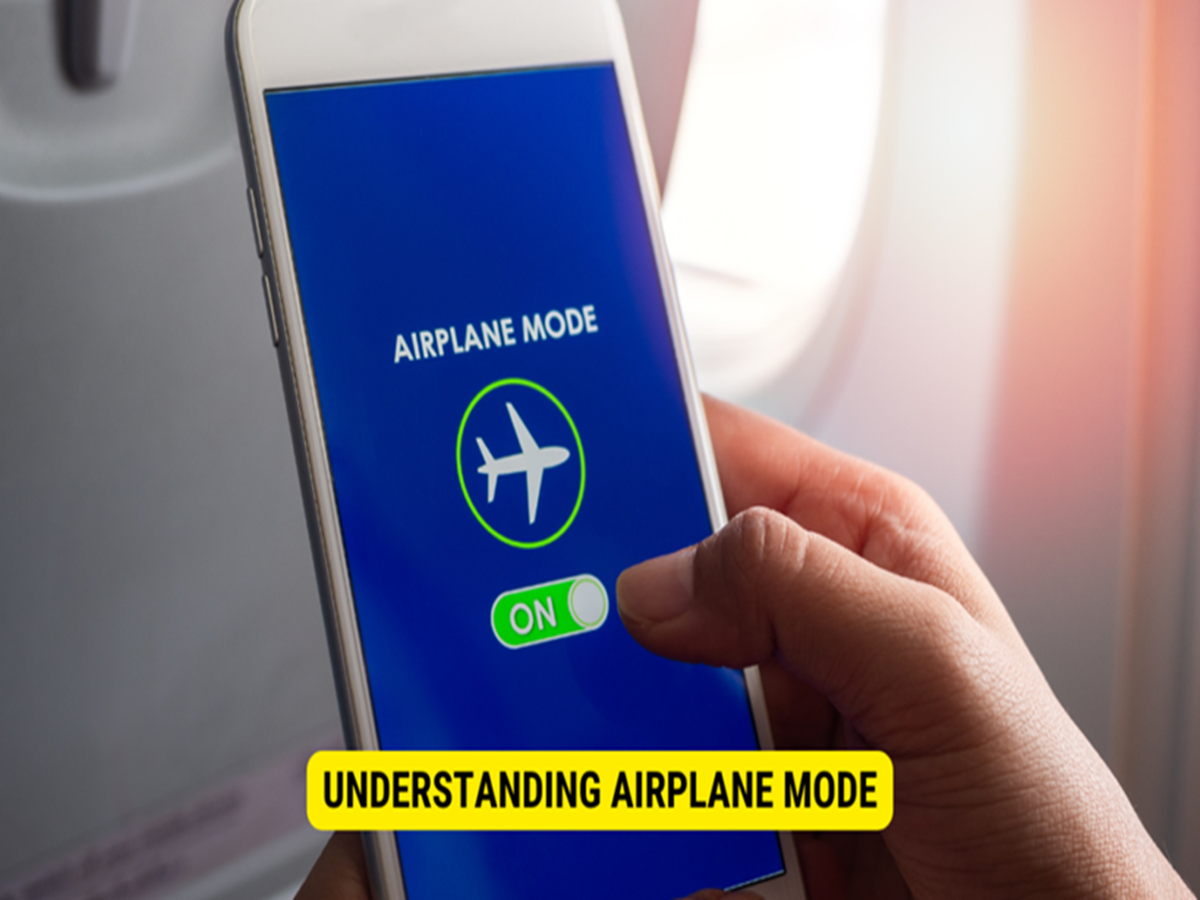
Tech Tips: Airplane Mode is a feature that turns off almost all wireless connections of the smartphone, like mobile network, Wi-Fi, Bluetooth, and in many cases, NFC.
Does your smartphone charge faster in airplane mode?
Tech Tips: Smartphones have become a necessity. People are now using them for everything from online work to calling. However, it's often seen that many people's smartphones discharge quickly, requiring frequent charging. It's also believed that charging a smartphone in airplane mode charges the device faster. Let's find out the truth.
What is Airplane Mode?
For your information, Airplane Mode is a feature that disables almost all wireless connections on a smartphone, such as mobile networks, Wi-Fi, Bluetooth, and in many cases, NFC. Its purpose is to disable the phone's radio signal during flight, so as not to interfere with the aircraft's communication systems.
Does the device really charge faster in airplane mode?
Yes, when a phone is in Airplane Mode, it doesn't constantly try to connect to mobile towers, Wi-Fi, or Bluetooth. This reduces battery consumption, and more power from the charger is used directly to charge the battery. This is why a smartphone charges faster in Airplane Mode than when charging normally. However, this doesn't make much of a difference.
How much is the difference?
It's worth noting that the difference in charging speed depends on several factors. If the network is weak in your area, the phone constantly searches for a signal, which puts extra strain on both the battery and processor. In such cases, turning on Airplane Mode may provide a slight advantage. However, if the network is already good, the difference in charging time may only be a few minutes.
Is switching off the phone a better option?
It's worth noting that if you want the fastest charging speed, charging with your phone completely turned off is the best method. When turned off, background apps, notifications, and system processes are not running, allowing the battery to charge without any extra load. However, with today's fast-charging smartphones, this difference has narrowed significantly compared to the past.
Follow these tips for fast charging.
- Always use an original or good quality charger and cable.
- Do not use gaming, video streaming, or heavy apps while charging.
- Avoid overheating the phone, as high temperatures affect the charging speed.
- If not needed, keep Wi-Fi, Bluetooth, and GPS off while charging.
- Use a charger of the same capacity as the phone that supports fast charging.