Messaging on WhatsApp has evolved far beyond simple text conversations. Today, users prefer expressing emotions through emojis, GIFs, and especially stickers. Stickers have quickly become one of the most popular ways to communicate, making chats more engaging and fun.
If you’ve ever wanted to turn your own photos into WhatsApp stickers, the good news is—you can do it easily. With just a few simple steps, you can create personalized sticker packs and share them with your friends and family.
Why WhatsApp Stickers Are So Popular
Stickers offer a more expressive and creative way to communicate. Instead of typing long messages, users can simply send a sticker to convey their mood or reaction instantly.
With regular updates, Meta Platforms has made the sticker feature more accessible and user-friendly. Users can now download sticker packs directly from the app or create their own using third-party tools.
Things to Keep in Mind Before Creating Stickers
Before you start designing your custom stickers, ensure the following:
- Your WhatsApp app is updated to the latest version
- You have a stable internet connection
- You have photos ready that you want to convert into stickers
- You install a reliable sticker maker app
How to Create WhatsApp Stickers from Your Photos
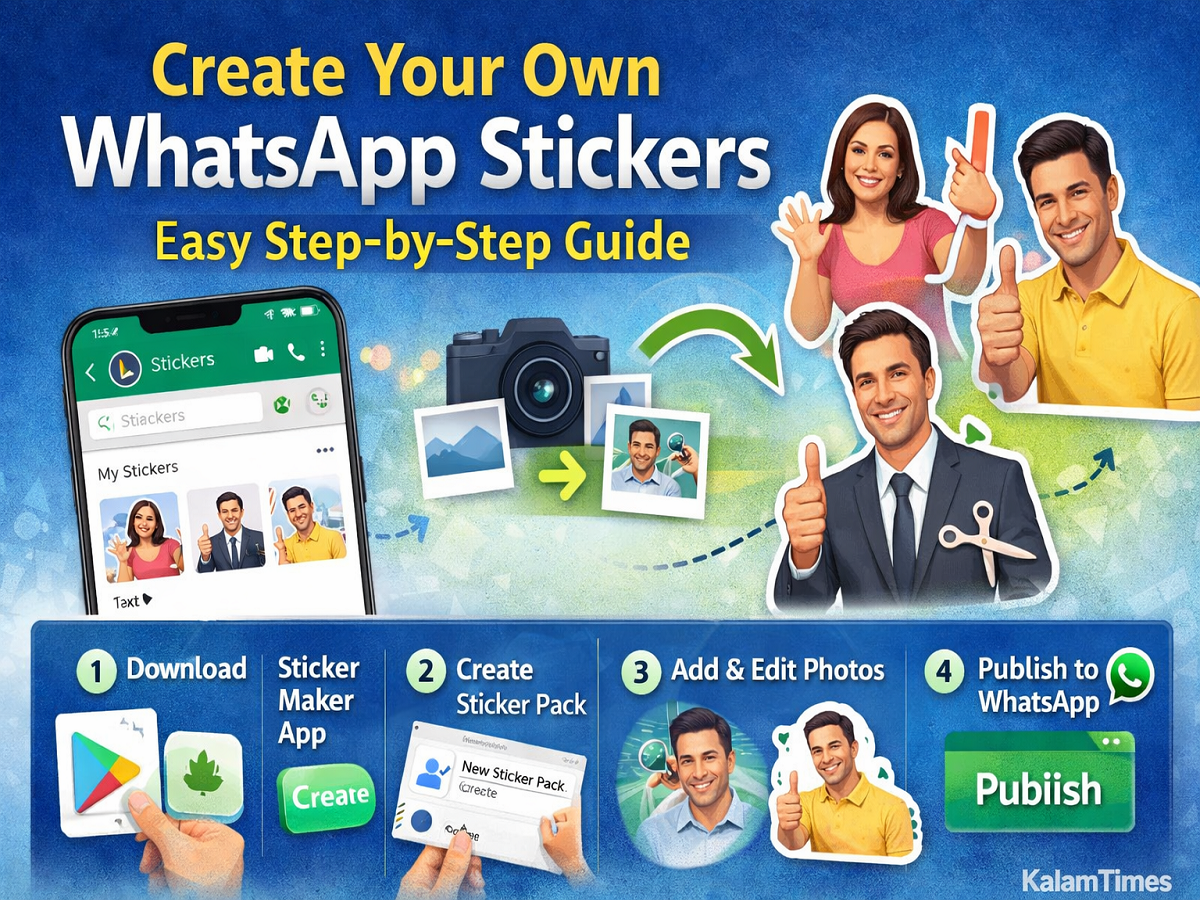
Follow these simple steps to create your own sticker pack:
Step 1: Download a Sticker Maker App
Go to the Play Store or App Store and install a sticker creation app such as “Sticker Maker” (by Viko & Co or similar apps).
Step 2: Create a New Sticker Pack
- Open the app
- Tap on “Create New Sticker Pack”
- Enter a name for your sticker pack
- Add the author name
Step 3: Add Images
- Open your newly created sticker pack
- Tap on the tray icon (top box)
- Choose either:
- Capture a new photo
- Select an image from your gallery
Step 4: Edit the Image
- Crop the image by drawing an outline around the subject
- Remove unwanted background areas
- Save the sticker
👉 Tip: The cleaner the outline, the better your sticker will look.
Step 5: Add More Stickers
You can add up to 30 stickers in one pack. Repeat the same steps to create multiple stickers using different photos.
Step 6: Publish Sticker Pack
- Once your stickers are ready, tap on “Publish Sticker Pack”
- Confirm your action
Your custom sticker pack will now be added to WhatsApp.
How to Use Your Custom Stickers
After publishing, open WhatsApp and:
- Go to any chat
- Tap on the emoji icon
- Select the Sticker tab
- Choose your custom sticker pack
Now you can start sharing your personalized stickers with others instantly.
Final Thoughts
Creating your own WhatsApp stickers is a fun and creative way to personalize your chats. Whether you want to turn selfies into memes or create special stickers for occasions like birthdays or festivals, the process is simple and accessible for everyone.
With the growing popularity of stickers, this feature has truly transformed the way people communicate on WhatsApp. So go ahead and give your conversations a unique touch by designing your own sticker collection today.