NEWS
After being hacked, do these 5 things first; if you delay, then your data and money may be lost.
The threat of hacking remains a constant threat in the digital world. Despite all precautions, incidents continue to occur. In such situations, it's important to know what to do after a hacking incident.

Do this immediately if you get hacked.
As internet usage grows, so does the threat of cyberattacks. Now, with the advent of AI, cyberattacks have become even more difficult to prevent. Thousands of cyberattacks occur daily around the world, stealing people's data and money. It's crucial to be vigilant to avoid such attacks. However, if your account or system is ever hacked, you need to take immediate action.
Do this if you get hacked.
Disconnect the Internet - If you believe your system or device has been hacked, disconnect it from the Internet immediately. As long as your system remains connected to the Internet, it will continue to send data to hackers. Therefore, disconnect the Internet. Also, put the device in airplane mode and turn off all connectivity options, including Bluetooth.
Block your credit card - If you notice suspicious transactions in your bank account after a hack, block your card immediately. If invalid transactions have been made using your card, inform your bank and other agencies.
Change passwords for all accounts - If a hacker has compromised your data, change the passwords for all your accounts. Be careful not to change your password from a compromised system. Use a different computer or smartphone to do this. When creating a new password, choose a completely new character set and ensure it doesn't resemble your old password.
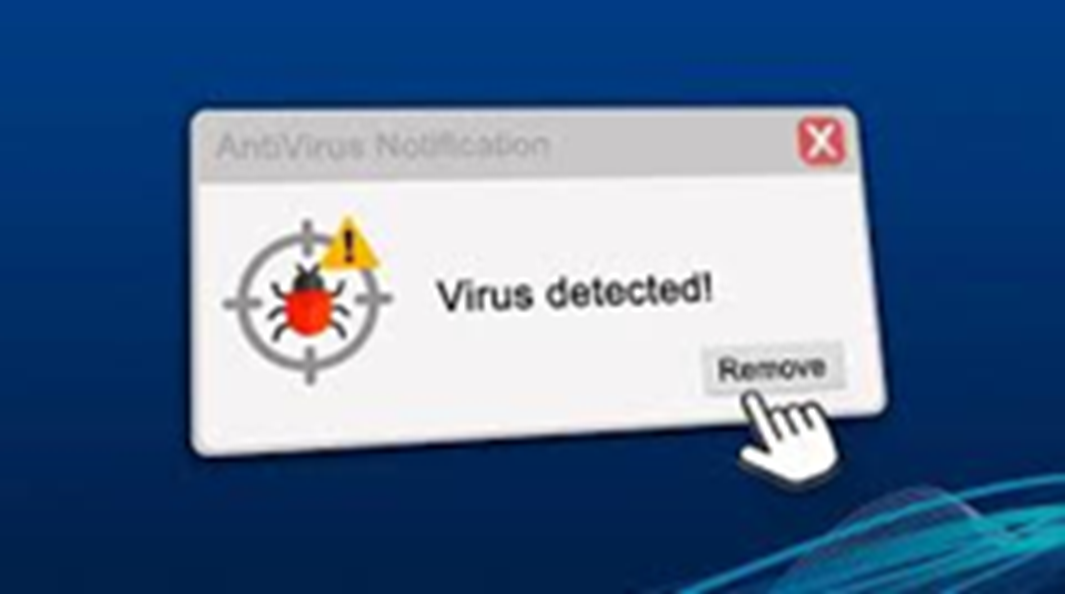
Scan your device - Once you've secured your device, card, and account, scan your device for malware . You can use Microsoft Defender or other antivirus software to do this.
Factory reset your device - Sometimes, even after scanning with antivirus tools, threats remain. If you still see suspicious apps on your device after scanning, factory resetting the device is the most effective way to remove any malware or viruses from your system.