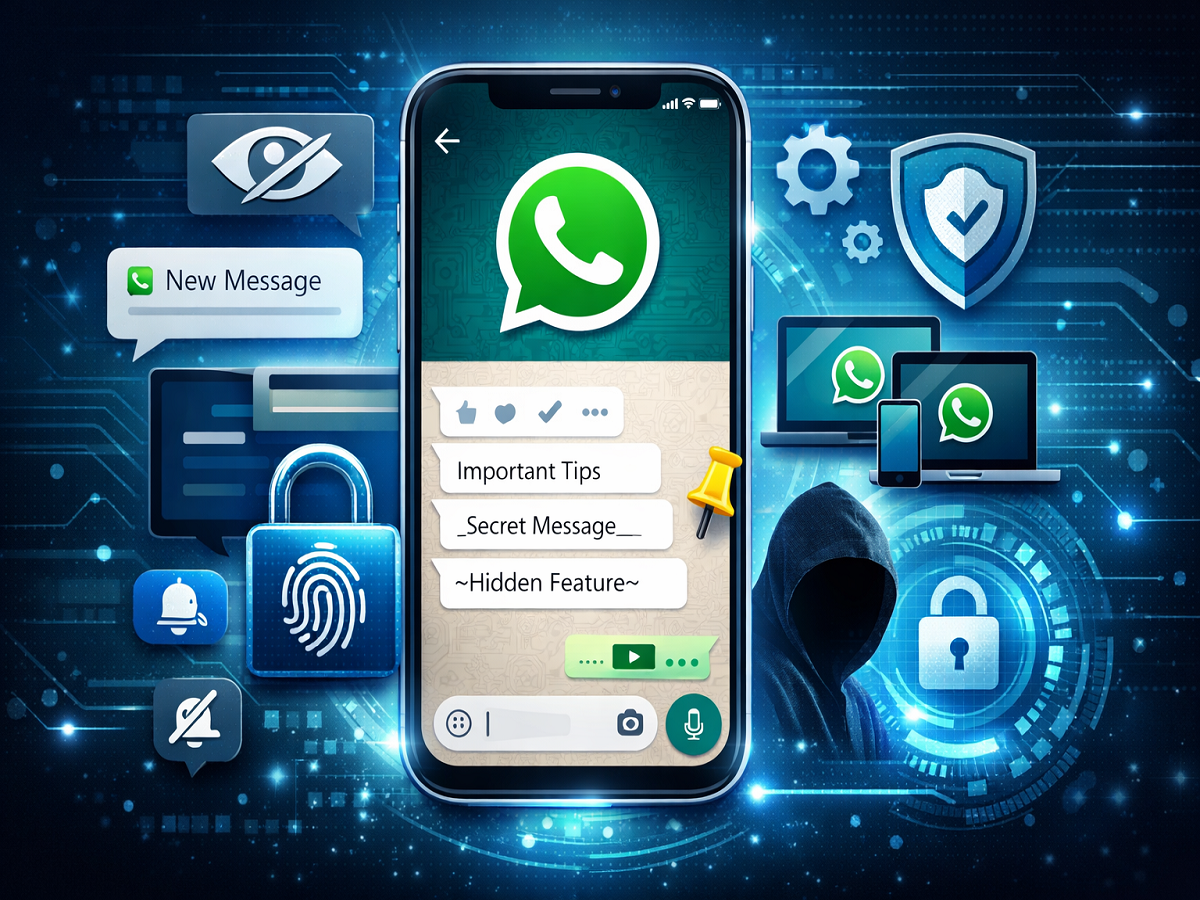
If you use WhatsApp every day, chances are you’re only using its basic features. While sending messages and media is common, the app actually offers several hidden tools that can improve your privacy, save time, and make communication more efficient.
In 2026, with growing concerns around data security and productivity, knowing these lesser-known WhatsApp tricks can completely change how you use the app. Here are five must-try features that can make your messaging experience smarter and more secure.
1. Read Messages Without Sending Blue Ticks
Sometimes you want to read a message without letting the sender know. WhatsApp offers simple ways to do this:
- Read messages directly from notification previews
- Turn on airplane mode, open the chat, then close the app before reconnecting
This trick helps you stay updated without feeling pressured to reply instantly, making your chats more manageable.
2. Lock Personal Chats for Extra Privacy
Privacy is a top priority, and WhatsApp has a built-in Chat Lock feature that many users overlook.
You can lock specific chats using:
- Fingerprint
- Face unlock
- Passcode
Once enabled, these chats move to a secure folder and can only be accessed after authentication. This ensures that sensitive conversations remain protected—even if someone else uses your phone.
3. Use WhatsApp on Multiple Devices
One of the most useful features is multi-device support, which allows you to access your account on multiple devices without needing your primary phone online all the time.
You can use WhatsApp on:
- Laptops (via web or desktop app)
- Tablets
- Secondary smartphones
This is especially helpful for professionals and students who switch between devices frequently and want seamless communication.
4. Format Messages for Better Communication
Did you know you can format your text in WhatsApp? This feature helps make your messages clearer and more expressive.
Here’s how you can use it:
- Bold: Add * before and after text
- Italic: Add _ before and after text
- ~Strikethrough~: Add ~ before and after text
Using formatting can highlight key points, organize thoughts, and improve readability—especially in long conversations or work chats.
5. Manage Notifications and Chats Smartly
WhatsApp includes several hidden tools to help reduce clutter and improve efficiency:
- Mute unnecessary chats
- Pin important conversations to the top
- Archive inactive chats
- Customize notifications for priority contacts
These small tweaks can save time and make your inbox much more organized, helping you focus on what matters.
Why These WhatsApp Tricks Are Important
With billions of users worldwide, WhatsApp continues to evolve with features focused on privacy, security, and user experience. However, many of these tools remain hidden in settings, and users often miss out on their benefits.
By using these tricks:
- You can protect your personal data
- Improve productivity in daily communication
- Enjoy a smoother, more organized messaging experience
Final Thoughts
These hidden WhatsApp tricks may seem simple, but they can significantly enhance how you use the app. From reading messages privately to locking chats and managing multiple devices, each feature adds value to your daily routine.
If you haven’t explored these options yet, now is the perfect time to unlock the full potential of WhatsApp and make your messaging smarter, faster, and more secure.