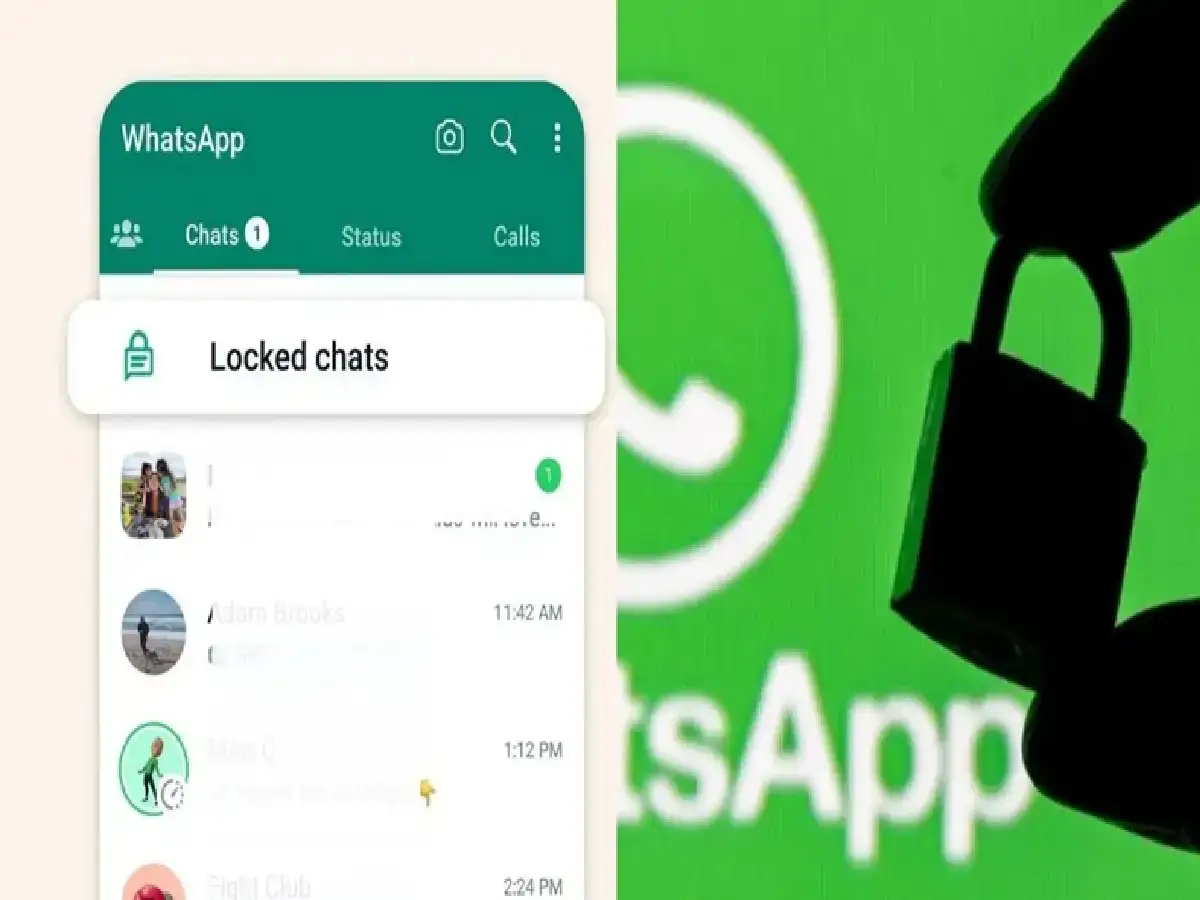
WhatsApp has become an integral part of our daily lives. It houses our personal chats, photos, videos, and important documents. Sometimes, we want to protect only certain chats instead of locking the entire app. In such situations, WhatsApp's Chat Lock feature is extremely useful.
In this article, we will learn how to lock a single chat in WhatsApp with a password, what its benefits are and how to use it.
What is WhatsApp Chat Lock?
Chat Lock is a security feature in WhatsApp that lets you lock any individual or group chat. Locked chats can only be opened with your phone's password, fingerprint, Face ID, or a secret code you set.
How to password-lock a single chat on WhatsApp
If you have the latest version of WhatsApp installed on your phone, follow the steps below:
Step 1: First of all open the WhatsApp app on your smartphone.
Step 2: Select the chat you want to lock
Step 3: Tap on the contact or group name shown above.
Step 4: Scroll down and tap on Chat Lock option.
Step 5: Now select Lock this chat with fingerprint, Face ID, or Device Password (as per phone) option and confirm.
Your selected chat will now be locked.
Make chats even more secure with Secret Code
WhatsApp has also added the Secret Code feature, which allows locked chats to be hidden in a separate folder.
To set it up:
Open the Locked Chats section in WhatsApp.
Go to Settings.
Select the Secret Code option.
Set a strong password or code of your choice.
Now locked chats will be visible only with this secret code.
PC: Rochak Khabre