NEWS
This way, you can clean the dust accumulated in your phone's speaker, improving the sound quality.
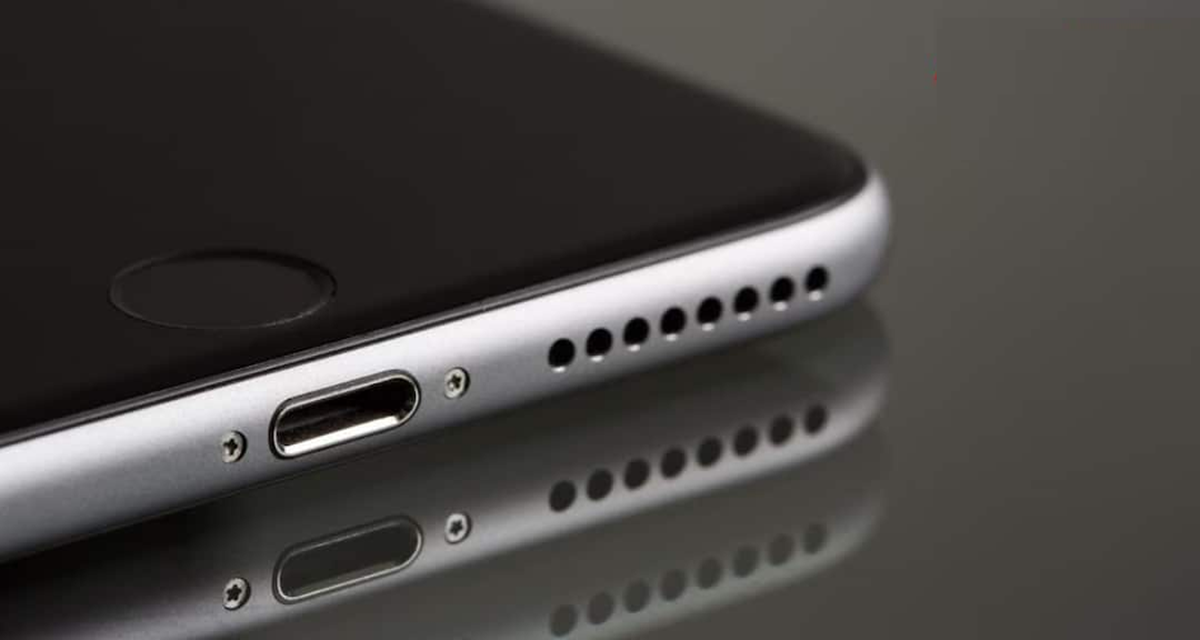
If your phone's speaker is slow or muffled, it could be due to dust and small particles accumulating in the speaker grill. Learn how to clean your phone's speaker and what to keep in mind.
Phone Speaker Cleaning Hack
It's common for smartphones to be exposed to dust and small particles. Over time, this fine dirt can accumulate in the tiny cutouts for the phone's speakers. It's not noticeable at first, but once a significant amount of dust accumulates, the sound can become muffled or unclear.
If your phone's speaker isn't producing the same sound as before, there's no need to rush to a repair center. A few simple methods can carefully remove any dry dirt and small particles around the speaker. So, let's learn how to clean dust from your phone's speaker.
Keep these things in mind before cleaning the speaker.
When cleaning your phone's speaker, it's crucial to avoid applying excessive pressure. A soft cotton swab, a regular toothbrush, or a bulb blower can be used for cleaning. If a mild solvent is needed, use a very small amount.
It's also important to prevent moisture or water from entering the speaker. If moisture accidentally reaches the speaker's interior, you can try to remove it with an absorbent. Additionally, there are some apps that play specific audio frequencies. The vibrations of these sound waves can help dislodge dust or moisture droplets from the speaker.
How to clean dust from the phone's speaker?
1. First, locate the speaker on the bottom of the phone. Then, gently clean the surrounding surface with a dry cloth or cotton swab. Now, gently rub the swab in a circular motion over the small cutouts on the speaker. This may help remove any accumulated dirt.
2. If the speaker holes are a little large, the tip of the cotton swab can be inserted a little inside, but avoid forcing it in or pressing too hard, this may damage the speaker.
3. A small amount of Rubbing Alcohol can be applied to the tip of the swab for better cleaning. After cleaning is complete, gently remove any remaining dirt from the mesh with a brush and wipe the surrounding area with a cloth.
A bulb blower can also remove accumulated dust.
A bulb blower can also be used to remove loose dust particles from the speaker grill. Now, gently blow air from the bulb blower onto the speaker grill. This will help dislodge any loose dust. Next, gently clean the speaker mesh with a brush and remove any remaining dirt with a cloth. This method can especially help remove small particles that may have been loosened during the previous cleaning.