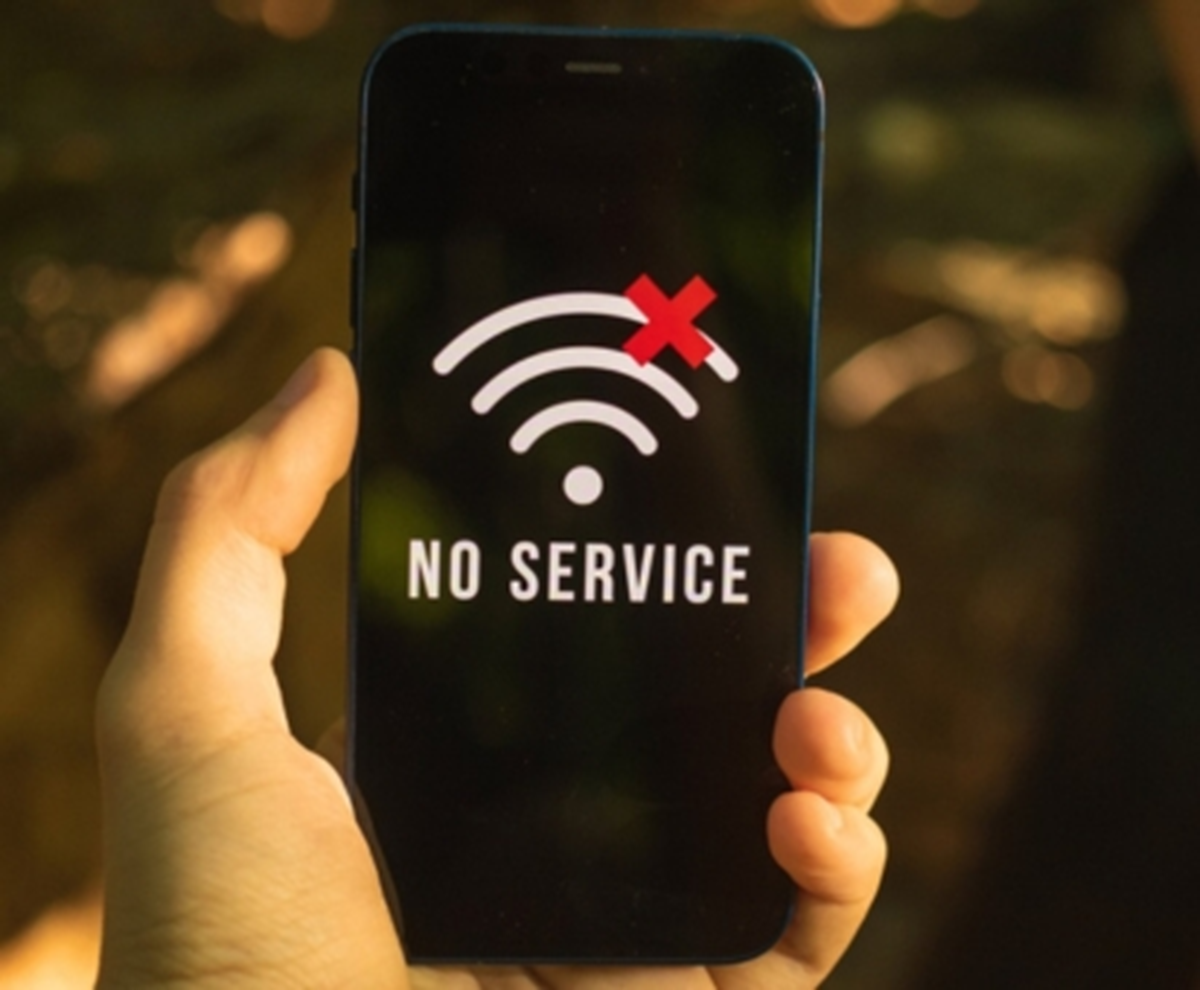
If you suddenly see "No Service" on your phone, there's no need to panic. You can determine whether the problem is with the network or your phone by checking a few simple steps in your phone's settings.
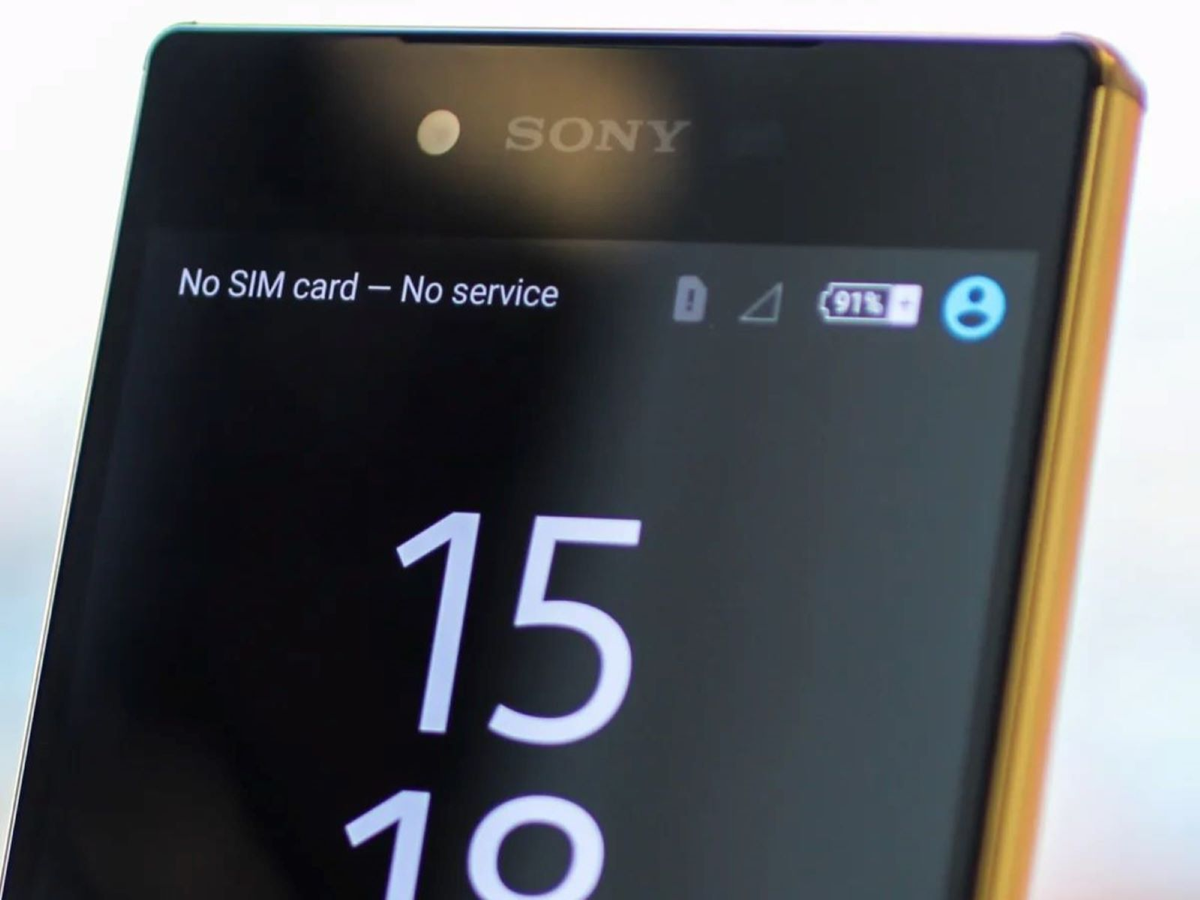
No Service on the phone
while using your phone, the network suddenly disappears, and the message "No Service" appears on the screen. This is followed by neither receiving nor receiving calls. The internet also stops working. In such situations, people often assume their phone is faulty, but it's not always the phone that's the problem.
Sometimes this problem can be caused by your SIM, network coverage, or certain phone settings. If your phone suddenly displays "No Service," don't panic and check a few things. Sometimes, a simple setting change or restarting your phone can restore the network.
First, check Airplane Mode.
If your phone suddenly loses network, first check Airplane Mode. Sometimes it's accidentally turned on, causing the phone's mobile network to go out. Check your screen to see if Airplane Mode is on. If it's on, turn it off, and the phone will likely regain network access. If Airplane Mode is already off, turn it on for about 10 seconds and then turn it off. This trick can sometimes restore network access.
Be sure to check the SIM card as well.
The SIM card itself could be a reason for the "No Service" message. If the SIM isn't properly inserted or there's a problem with the SIM, the network won't be available. In such a situation, turn off the phone, remove the SIM, and then reinsert it. If you have another phone, you can also test it by inserting the SIM. If the other phone also doesn't receive network, the problem is either with the SIM or the network. However, if the other phone is receiving network, your phone may also be experiencing problems.
Check the network settings once
A problem with your phone's network settings can also result in a "No Service" error. Go to Settings > Mobile Networks > SIM Settings and check if your SIM is active. Setting the network operator to "Automatic" allows your phone to detect networks. If you've recently changed any network settings, check them again. If you still don't get network, try restarting your phone.
Is there any network coverage problem?
Sometimes, your phone displays "No Service" because you're in a location with poor mobile network connectivity. This could happen in a basement, elevator, hilly area, or any enclosed space. In such a situation, go to an open area and wait for a while. If other people nearby are also not receiving signal on their phones using the same network, there could be a problem with the network or the company.
What to do if the network is still not working
If the SIM is working properly, the settings are correct, and the No Service persists even after relocating, contacting the network company is the best option. If the problem is specific to your phone, have it checked at a service center, especially if the network connection disappeared after a fall, water exposure, or some other problem. A hardware check is essential.