NEWS
SIM Card Rules: Beware! Your SIM card may be blocked; this new rule has come into effect, read the full details
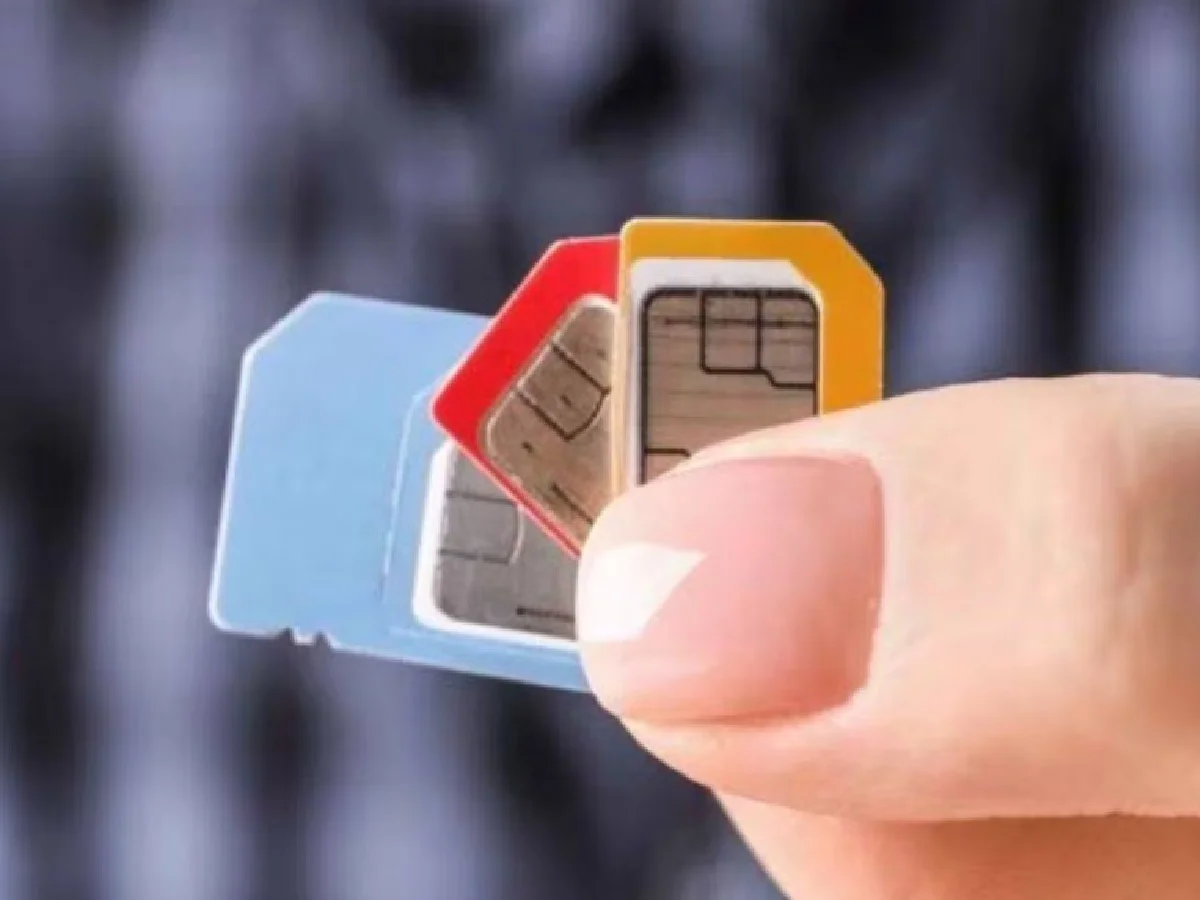
To prevent cybercrime and fraud, the government has set a limit on the number of SIM cards that can be registered in a single person's name. The Department of Telecommunications (DoT) has set strict rules for SIM card users, limiting the number of mobile connections a person can have in their name.
Under the new rules, a person can register a maximum of nine SIM cards in their name. However, for users in Assam, Jammu and Kashmir, and the North-Eastern states, the limit is six. If you have more active SIM cards in your name than the prescribed limit, the extra connections may be suspended. Therefore, it is recommended that you check how many SIM cards are registered in your name and deactivate any unnecessary connections promptly.
This rule will come into effect on August 24th. According to this, customers who have nine active SIM cards will not receive a new SIM card. This will curb scammers who defraud people online by purchasing SIM cards one after the other.
According to a circular from the Department of Telecommunications (DoT), all telecom companies will be required to implement strict technical measures regarding the issuance of SIM cards. Starting on the 24th, if a customer exceeds the limit of nine SIM cards, they will not be issued a new connection. In such cases, the company will inform the customer that they have exceeded the maximum limit and cannot be issued a new connection.
How many SIM cards are active in your name?
The Department of Telecommunications (DoT) has urged all citizens to immediately check how many SIM cards have been issued in their name or using their ID. In some cases, cybercriminals may use someone's identity or old documents to fraudulently activate SIM cards without their knowledge and misuse them for illegal purposes. To protect yourself from such threats, it is important to regularly check the mobile connections registered in your name.
First of all, visit the official TAFCOP portal of the Department of Telecom.
There, enter your 10-digit active mobile number and the captcha code displayed on the screen.
Then click on 'Validate Captcha' or 'Request OTP'.
Enter the OTP received on your mobile and submit the login process.
As soon as you log in, a list of all the active mobile numbers registered against your ID (name) will appear on the screen.
What to do if you see an unknown number?
If you see a number on this list that you don't use or that doesn't belong to you, you can report it directly from the portal. You'll need to select the 'Not my number' or 'Not required' option.
After filing the complaint, the person using the concerned number will have to complete a new KYC process in his/her name; otherwise the number will be blocked forever.
PC: Etv bharat/Zeenews/Digit