NEWS
Don't want to appear online on Facebook? Hide your active status this way, so no one will know when you're active
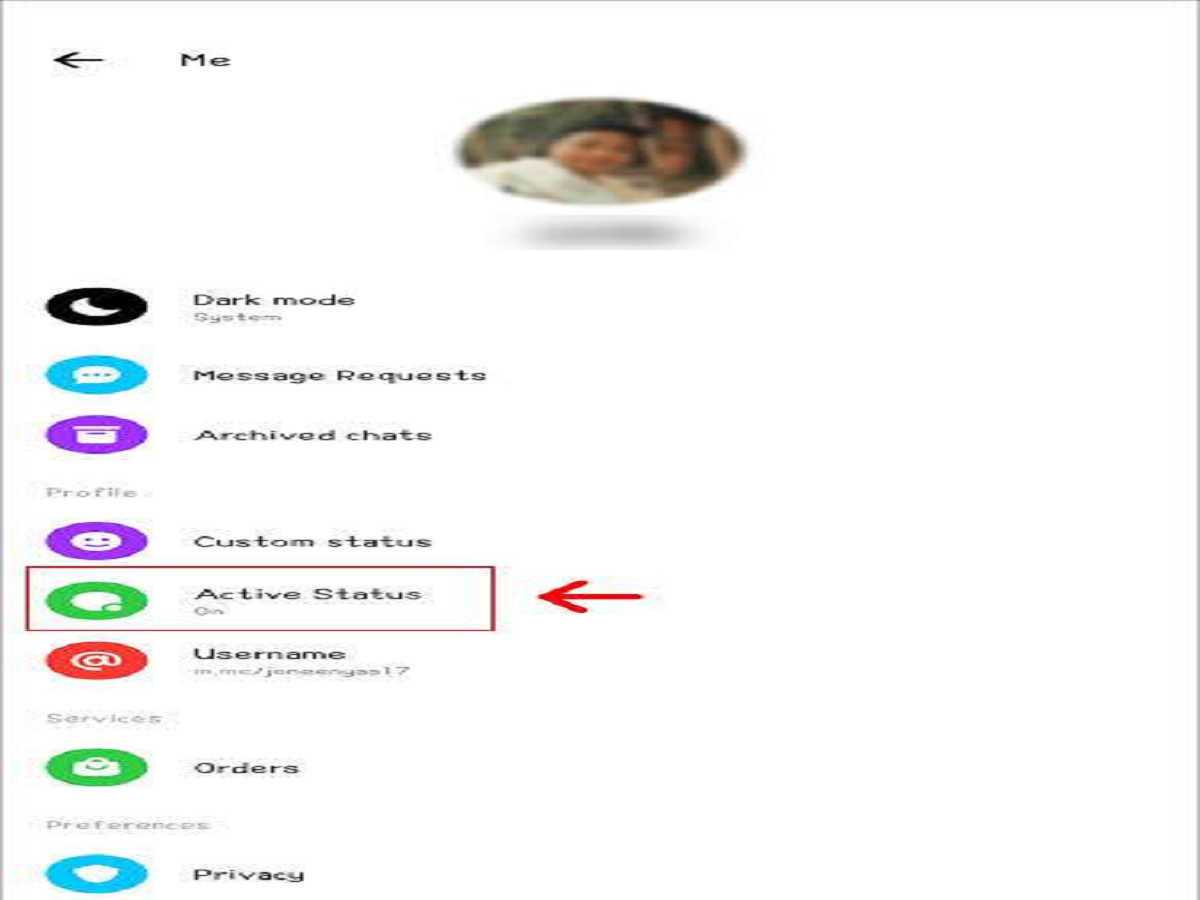
Many Facebook users don't want others to know they're currently online. If you'd like to keep your online activity private, you can turn off Facebook's Active Status feature. This way, your friends and Messenger contacts won't see an online or active symbol next to your name.
What is Active Status?
Facebook's Active Status shows whether you're currently active or recently active on Facebook or Messenger. If this feature is turned off, your online status isn't visible to others.
How to turn off Active Status on Facebook App?
To do this, first open the Facebook app on your phone and go to your Profile or Menu. Then, go to Settings & Privacy and open Settings. Find the Active Status option here. Now, turn off the toggle next to Show when you're active.
In some Facebook app versions, the Active Status setting can also be found through Messenger. In this case, open Messenger, tap your profile picture, and go to the Active Status option. From there, turn off Show when you're active.
PC: Hinglish help