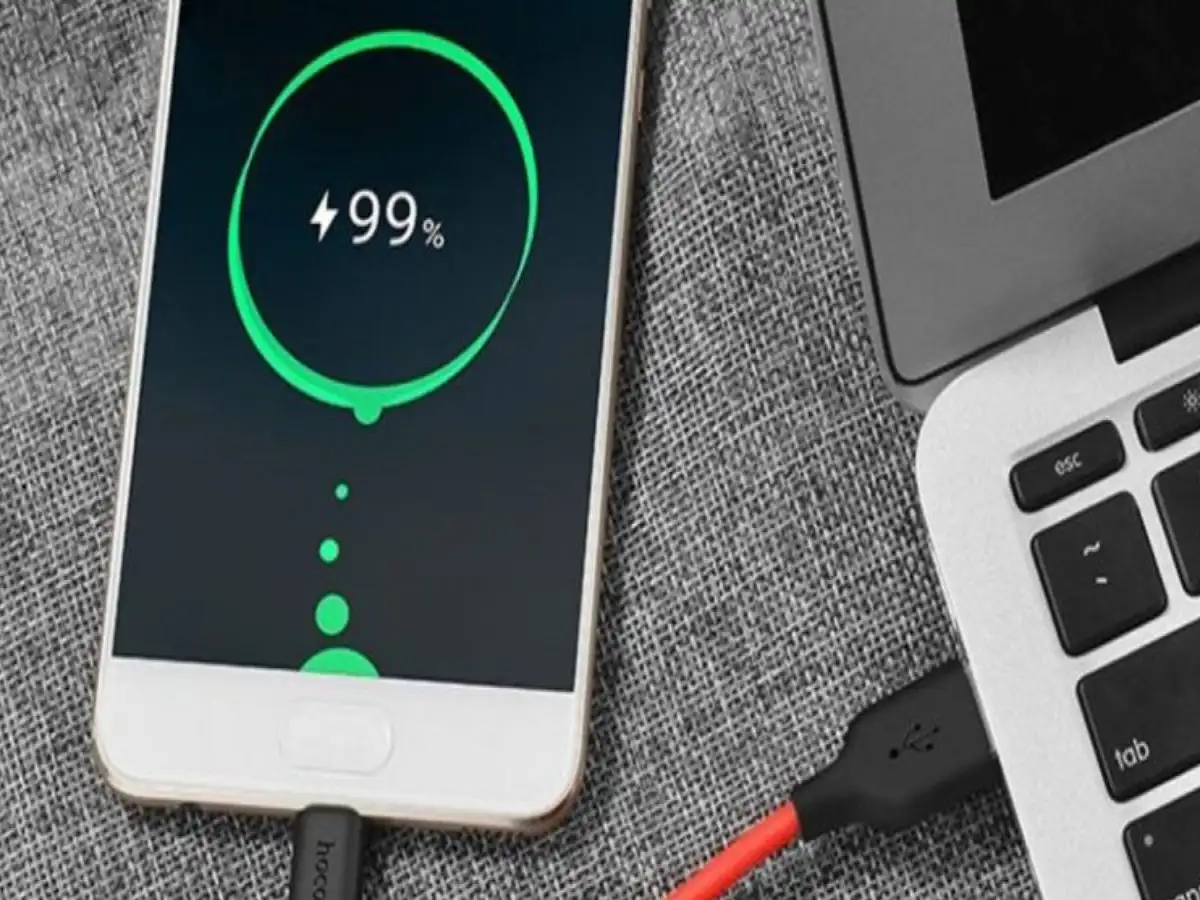
Smartphones have become an essential part of everyday life, and keeping them charged is a routine task for most users. Many people plug their phones in before going to bed and leave them connected to the charger until morning.
This habit often raises an important question: What happens when a smartphone reaches 100% battery and remains connected to the charger for several hours? Does the phone continue charging continuously, and can this damage the battery or create a safety risk?
Modern smartphones are designed with charging-management systems that help regulate power once the battery reaches a high charge level. However, leaving a device at or near full charge for extended periods, particularly when the phone becomes hot, can contribute to battery ageing over time.
Here's what smartphone users should know.
Does a Phone Keep Charging After It Reaches 100%?
Most modern smartphones use lithium-ion or lithium-polymer batteries along with electronic charging and safety circuits.
When the battery approaches its maximum charge level, the phone's charging system regulates the incoming power rather than continuing to push maximum current into the battery indefinitely.
Therefore, reaching 100% does not mean the battery is continuously being charged at full power for the entire time the phone remains plugged in.
The charging system can manage power delivery and, depending on the device, allow the battery level to drop slightly before supplying additional power.
This is why simply leaving a modern smartphone connected to a charger for a period of time does not automatically mean that the battery is being “overcharged” in the way older battery technologies could be.
Can Staying at 100% Affect Battery Health?
Although modern phones have safeguards, keeping a lithium-based battery at a very high charge level for long periods can contribute to battery degradation.
Lithium-ion batteries naturally lose capacity as they go through charging cycles and age. High states of charge, especially when combined with elevated temperatures, can accelerate some of the chemical ageing processes inside the battery.
Over time, this may result in:
- Shorter battery life between charges
- Reduced maximum battery capacity
- More frequent charging during the day
- Declining overall battery performance
This does not mean that charging to 100% occasionally will suddenly damage the battery. The concern is primarily about long-term charging habits and repeated exposure to high charge levels.
What Happens After the Battery Reaches Full Charge?
Once a phone reaches a full or near-full charge, its charging system manages the power supplied by the charger.
As the device is used, the battery level can gradually fall. The charging system may then provide additional energy to maintain the battery level while the phone remains connected.
Consequently, a phone plugged in for a long period can spend considerable time at a high state of charge.
Modern smartphones may also use software-based charging features that deliberately delay or limit charging under certain circumstances. These functions are designed to reduce the amount of time the battery spends at maximum charge.
Heat Is a Bigger Concern
When it comes to battery longevity, temperature is one of the factors users should pay close attention to.
Charging naturally generates some heat, but excessive temperatures can put additional stress on a lithium-based battery. If the phone becomes very warm while charging and remains in that condition for a prolonged period, battery ageing may be accelerated.
Several factors can increase heat during charging, including:
- Using a poor-quality or incompatible charger
- Damaged charging cables
- High surrounding temperatures
- Covering the phone while charging
- Running demanding applications or games during charging
- Keeping the device in a location where heat cannot escape
If your phone becomes unusually hot during charging, it is worth stopping and checking what may be causing the temperature increase.
Should You Stop Charging at 80%?
There is no universal requirement that every smartphone must be unplugged at exactly 80%. However, keeping a lithium-ion battery away from the extremes of its charge range can generally help reduce long-term battery stress.
Many modern smartphones now offer features such as Optimized Charging, Adaptive Charging or Battery Protection. These settings can adjust charging behaviour based on usage patterns or impose a charge limit on supported devices.
If your phone provides such a feature, enabling it can be a convenient way to manage battery ageing without requiring you to manually monitor the charging percentage every day.
Avoid Regularly Draining the Battery to 0%
Just as keeping the battery at maximum charge for prolonged periods is not ideal for long-term health, repeatedly running the phone completely empty is also unnecessary.
Instead of waiting until the battery reaches 0%, charging the device before it becomes critically low can be a more practical habit.
Users do not need to follow a rigid percentage schedule. The important point is to avoid repeatedly subjecting the battery to extreme charge levels when it can easily be avoided.
Use Reliable Charging Accessories
The charger and cable also matter.
Extremely cheap, counterfeit or damaged charging accessories may not provide the expected level of electrical regulation or safety. Whenever possible, use the charger supplied with the phone or a reputable, compatible accessory that meets the manufacturer's requirements.
A damaged cable should also be replaced rather than repeatedly used.
Simple Habits That Can Help Extend Battery Life
You can adopt a few straightforward practices to reduce unnecessary battery stress:
- Use battery-protection or optimized-charging features when available.
- Avoid exposing the phone to excessive heat while charging.
- Do not regularly drain the battery completely.
- Avoid keeping the phone at 100% for unnecessarily long periods.
- Use compatible, good-quality chargers and cables.
- Avoid heavy gaming or demanding workloads if the device becomes excessively hot while charging.
- Pay attention to unusual heating, swelling or other abnormal battery behaviour.
The Bottom Line
Leaving a modern smartphone connected to its charger after it reaches 100% does not normally mean that it is being continuously charged at maximum power. Built-in charging controls are designed to regulate the process.
However, long periods at very high charge levels combined with excessive heat can contribute to faster battery ageing. For users who want to maximize battery longevity, using optimized charging or battery-protection features, avoiding excessive heat and using reliable charging accessories are sensible steps.
In short, there is no need to panic if your phone occasionally stays connected after reaching full charge. The bigger goal is to avoid making prolonged, high-temperature charging a regular habit and to use the battery-management features provided by your device.