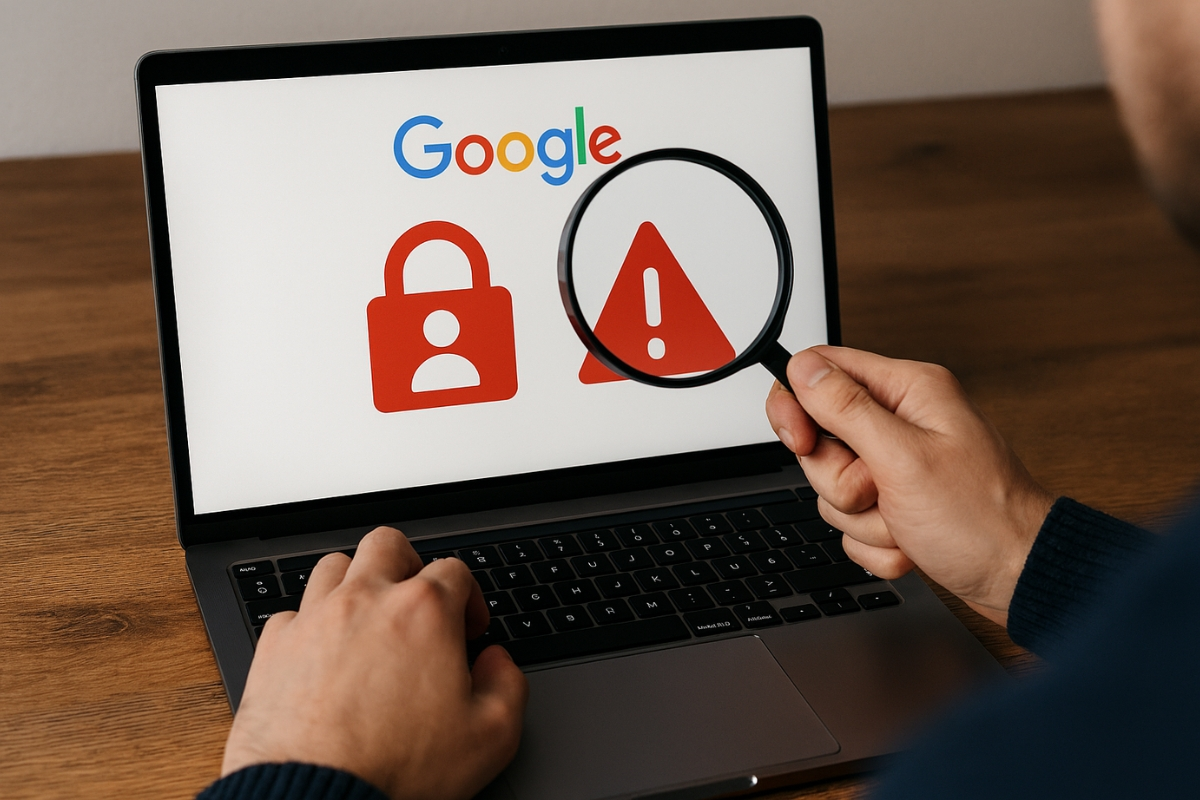
Google Account: With the help of Google, you can find out about all the devices where your Google account is open.

(How to close your Google Account from another device)
Google Account: Nowadays, a Google Account isn't just about sending emails. Data from Gmail, Google Drive, Photos, YouTube, Contacts, and many other services are also connected to a Google Account. Therefore, if your Google Account is logged in to an old phone, laptop, or other device, your personal information could be at risk. However, Google offers features that allow you to track which devices your account is logged in to.
How to see where your account is logged in
Actually, you can use Google to find out all the devices where your Google Account is connected. To do this, first open your Google Account on your phone or computer. Then, go to Manage your Google Account . Here, you'll see the Security section. Now, scroll down and tap on the Your devices or Manage all devices option.
Here you'll see a complete list of devices where your Google Account has been recently used. This could include phones, tablets, computers, or other devices.
Device information will also be available.
Additionally, when you tap on a device, Google provides you with all the information associated with it, including the device name, the last time your account was used, and sometimes even its location. This can help you understand whether the device shown is yours.
What to do if you see an unknown device?
For your information, if you see a device in the list that you don't recognize, ignoring it could prove costly. In such a case, open that device and select the Sign Out option, which will automatically deactivate your account on that device.
After this, changing your account password is a better option. This significantly reduces the risk of your data being leaked.
Do this along with changing your password.
It's worth noting that simply changing your password isn't enough to ensure account security. You should also utilize additional security features. To strengthen your account security, be sure to enable 2-Step Verification. This requires additional verification in addition to your password. This makes it difficult for someone else to access your account based on your password alone.