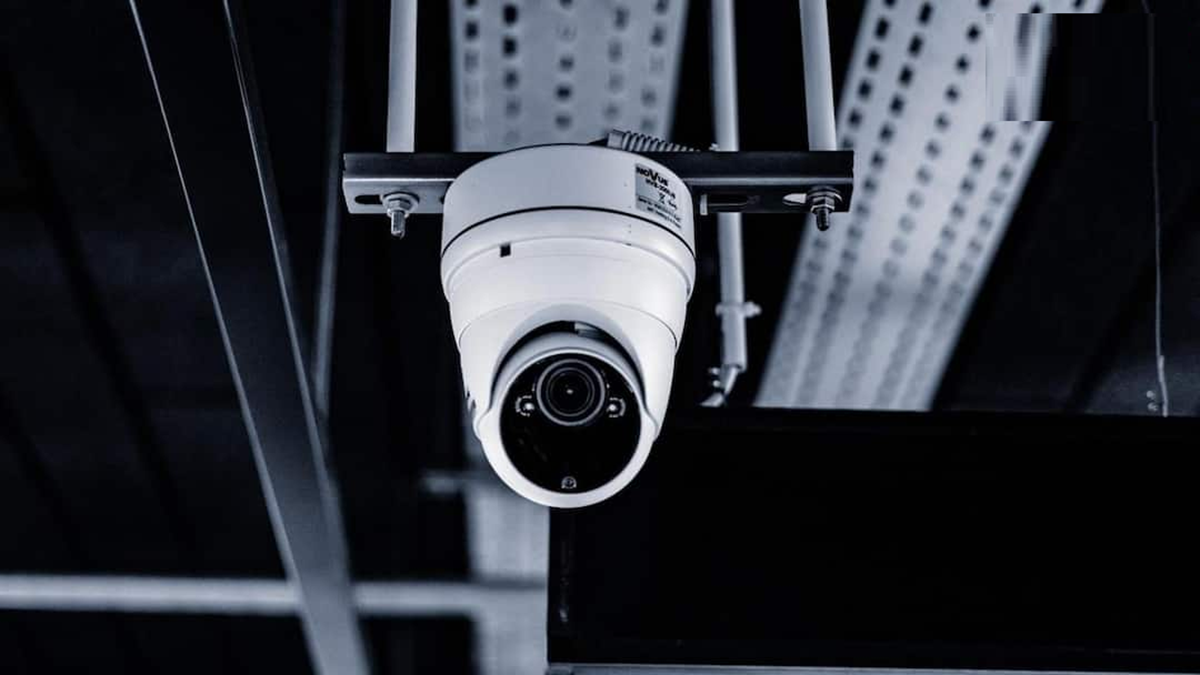
If your CCTV camera is a PTZ i.e. Pan-Tilt-Zoom model, and it is changing direction on its own without any command, then do not ignore it.
(How to know if a CCTV camera has been hacked)
In the world of technology, smart home devices have become a necessity. People are now using CCTV cameras for home security. However, the more advanced the technology, the greater the risk of cyberattacks. It's often seen that CCTV cameras installed in people's homes are hacked. So, if you have a CCTV camera installed in your home, today we're going to tell you how to determine if your device has been hacked.
Be careful if the camera rotates automatically.
If your CCTV camera is a PTZ (Pan-Tilt-Zoom) model and is changing direction on its own without any command, don't ignore it. Especially if no one has authorized the camera's direction change in the mobile app. This suggests someone else is controlling your CCTV camera. However, some cameras may rotate automatically due to auto-tracking or preset features.
Check for unknown logins or devices.
Most smart CCTV apps offer the option to see which devices are logged into your account. You should check the information on unknown phones, computers, or other devices by going to the app's Security, Account, or Device Management settings. If you see a device you don't recognize, you should immediately remove it and change the device's password.
Pay attention to the camera's LED and sound.
For your information, some CCTV cameras' LED lights flash during activity or recording. If the camera's light is repeatedly activating in a manner different from normal, it should be checked. Similarly, strange noises in cameras with microphones or sudden noise from the speaker should not be ignored.
Be careful if your internet data suddenly increases.
CCTV cameras continuously send video data, which requires the device to use some internet data. However, if internet data consumption suddenly increases and you notice the camera is exhibiting some unusual activity, don't ignore it and immediately check the router's Connected Devices and Data Usage details. If any unknown devices are connected to the network, block them immediately.
Changing your password is the most important step.
If you suspect a camera has been hacked, first create a strong and unique password for the CCTV app and the account connected to it. Where available, enable two-factor authentication (2FA). Avoid using the camera's default username and password.