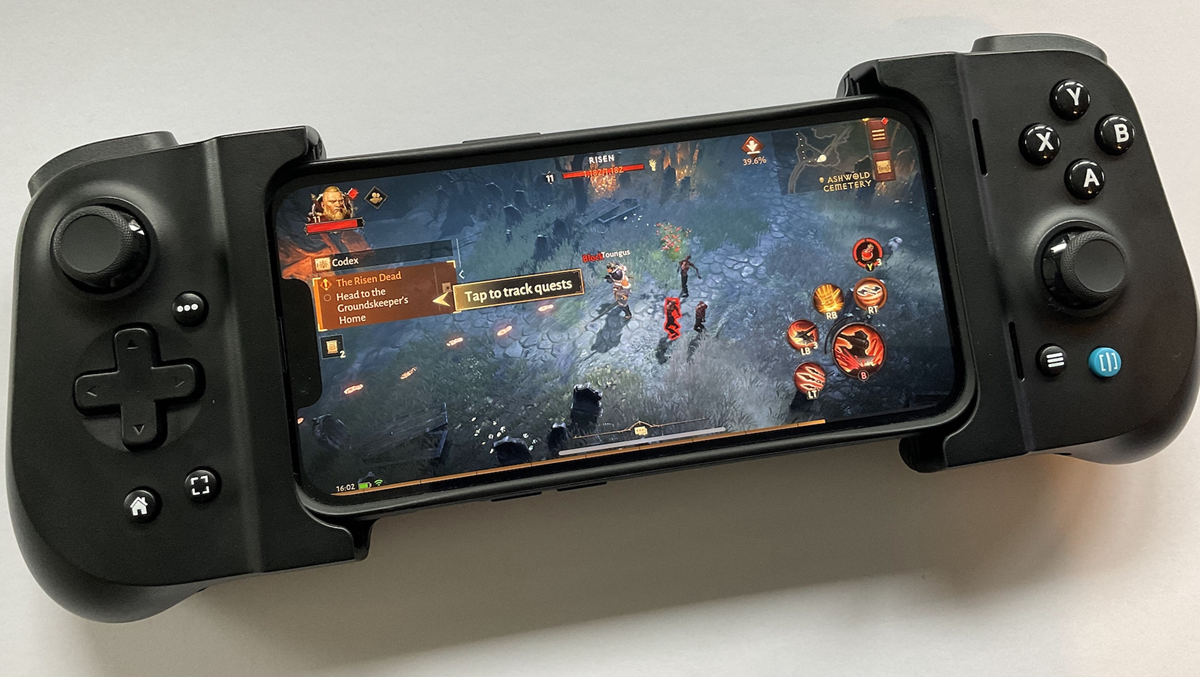
You can enjoy gaming on the big screen by turning your iPhone into a gaming controller. Learn how to turn your iPhone into a controller using Bluetooth, a simple and smart way.
How to make iPhone a gaming controller?
If you have an iPhone and want to enjoy mobile gaming in a slightly different way, this trick can be very useful. Now, your iPhone can be used not only as a gaming phone but also as a Bluetooth gaming controller. There's no need to purchase an expensive gamepad. With a few simple steps, you can use your iPhone as a controller with other devices. Let's find out how.
How to make iPhone a controller
Normally, gaming involves using an Xbox, PlayStation, or other Bluetooth controller. However, with certain apps and gaming setups, your iPhone can also be used as a virtual controller.
This is especially useful when you're playing games on a PC, Mac, or other compatible device and don't have a dedicated gamepad.
How to connect via Bluetooth?
First, both the iPhone and the device on which you want to play the game must have Bluetooth connectivity. Next, you'll need to use a compatible controller app on your iPhone that can connect to the other device and send gaming inputs.
- Turn on Bluetooth on your iPhone.
- Install and open the compatible controller app.
- Select the pairing option given in the app.
- Pair both devices.
- Once the connection is established, select the controller input in the game.
Keep in mind that not all apps and games support the iPhone as a Bluetooth controller. Therefore, it's important to check the compatibility of the apps and games you're using first.
How will the gaming experience be?
The biggest advantage of using your iPhone as a controller is that you'll have virtual controls on the screen instead of physical buttons. This means that joysticks, directional buttons, and other gaming controls can appear on the screen.
This can make casual gaming much easier. However, users who play games for long periods of time may find a traditional physical controller more convenient because it provides tactile feedback of the buttons.
Will it work on every iPhone?
For your information, this feature doesn't depend solely on the iPhone model. It largely depends on the controller app, operating system, and game/device compatibility. Therefore, be sure to check the app's requirements before using it on an older or newer iPhone.