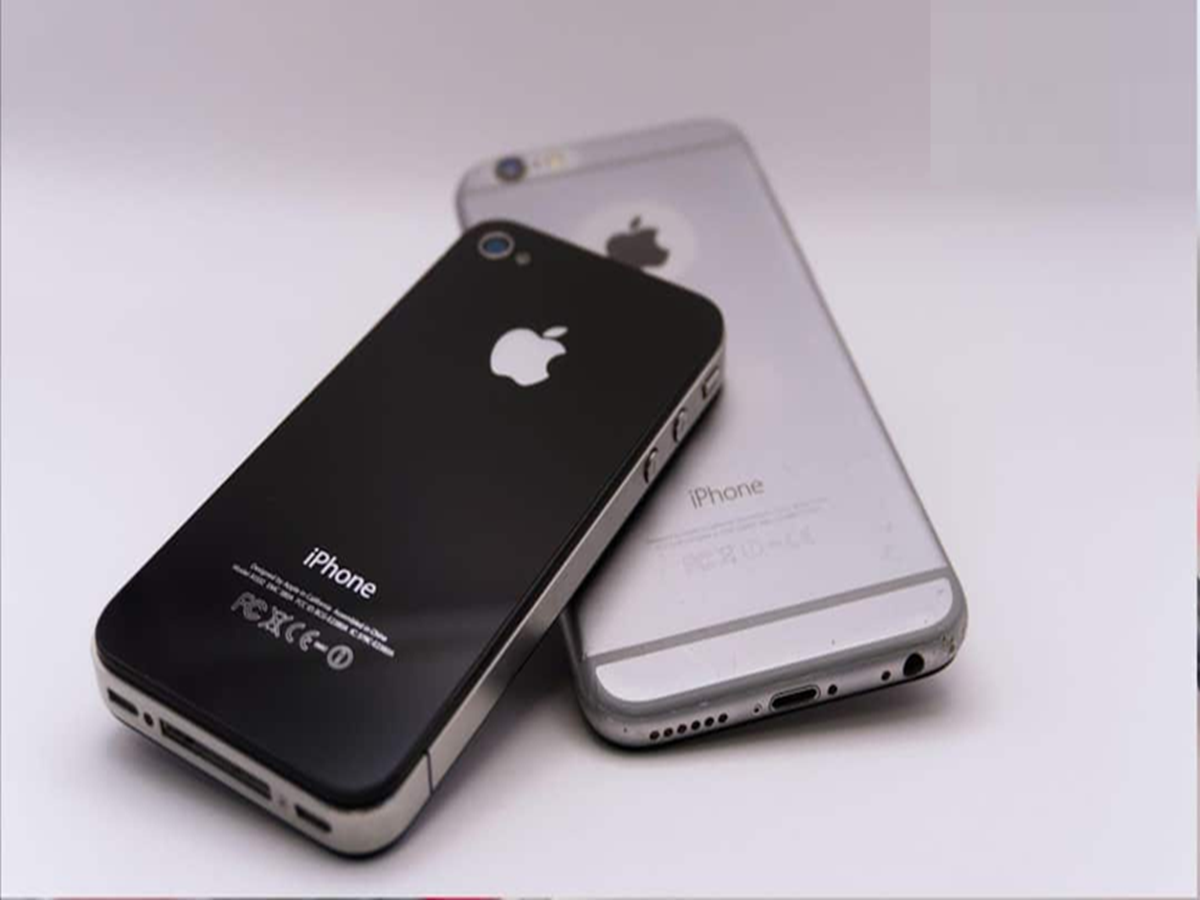
iPhone Battery Throttling: People often believe that Apple slows down iPhone performance as they get older to extend battery life. Is this true?
Why does an old iPhone slow down?
iPhone Battery Throttling: Apple, the world's leading smartphone manufacturer, is often accused of slowing down the performance of older iPhones after updates. Apple has clarified this and blamed the phone's battery. Still, many people believe this is just a rumor designed to entice people to buy new iPhones. But let's find out how much truth there is to this.
Do old iPhones really slow down?
It's absolutely true that older iPhones, after a certain period of time, don't perform at the same speeds they did in their early days. This isn't a rumor, but Apple itself has acknowledged this. As iPhones age, their lithium-iron batteries weaken, and a weakened battery can't fully power the phone's processor.
When does the phone suddenly turn off?
If you open a heavy app or game, your phone may suddenly shut down. To prevent this problem, Apple deliberately slows down older iPhones through software updates to reduce the battery load and prevent the phone from suddenly shutting down. This is known as battery throttling.
Problems also occur when the memory is full.
If your iPhone's memory is more than 90% full, it lacks space to work and starts to hang. Often, too many apps run in the background, hogging the phone's processor and RAM. This also impacts the iPhone's speed. If your iPhone is 4-5 years old, its older processor may become too weak to handle new apps and software features.
How to make iPhone smooth again?
If your iPhone is also running slowly, go to your iPhone's Settings, then Battery, and then click Battery Health & Charging. If your battery capacity is below 80%, it means it's time to replace the battery.
Your phone will return to its original and high speed as soon as you get a new battery from an Apple service center. Also, immediately delete unnecessary photos, videos, and apps you don't use. Try to keep at least 10 to 15 GB of free storage space. Always keep your iPhone updated to the latest iOS version. Apple often fixes bugs that slow down the phone in small updates. By doing all this, your phone will start working much like a new iPhone.