
If you want to change your old email address or add a new one to your Facebook account, it's easy. Learn how to update your email address using the Accounts Center.
How to add and remove an email address from a Facebook account
In today's digital age, it's important to keep your social media account information up-to-date. Many Facebook users' email addresses change over time. Some people stop using their old email addresses, while others want to add a new email address to their accounts. In such situations, it's important to update the email address associated with your Facebook account.
An email address isn't just for account information, but also serves as a login, important notifications, and account recovery tool. Therefore, if your Facebook profile has an old email address or one you no longer use, it's best to change it. There's no need to create a new Facebook account. Users can manage their information through Meta's Accounts Center.
How to add a new email ID to your Facebook account?
To add a new email address to your existing Facebook account, first open the Facebook app and log in. Tap the menu or profile picture. Go to Settings & privacy and open Settings. You'll see various account-related settings. Next, go to the Accounts Center. Tap Personal details and then open Contact info. Select Add new contact. Tap Add email address and enter the new email address you want to associate with your Facebook account. If the option to select an account appears on the screen, select the correct account. After entering the email address, tap Next. Facebook will send a confirmation code to your new email address for verification. Find this code in your email inbox and complete the process by entering it on Facebook.
How to remove an old email ID from Facebook?
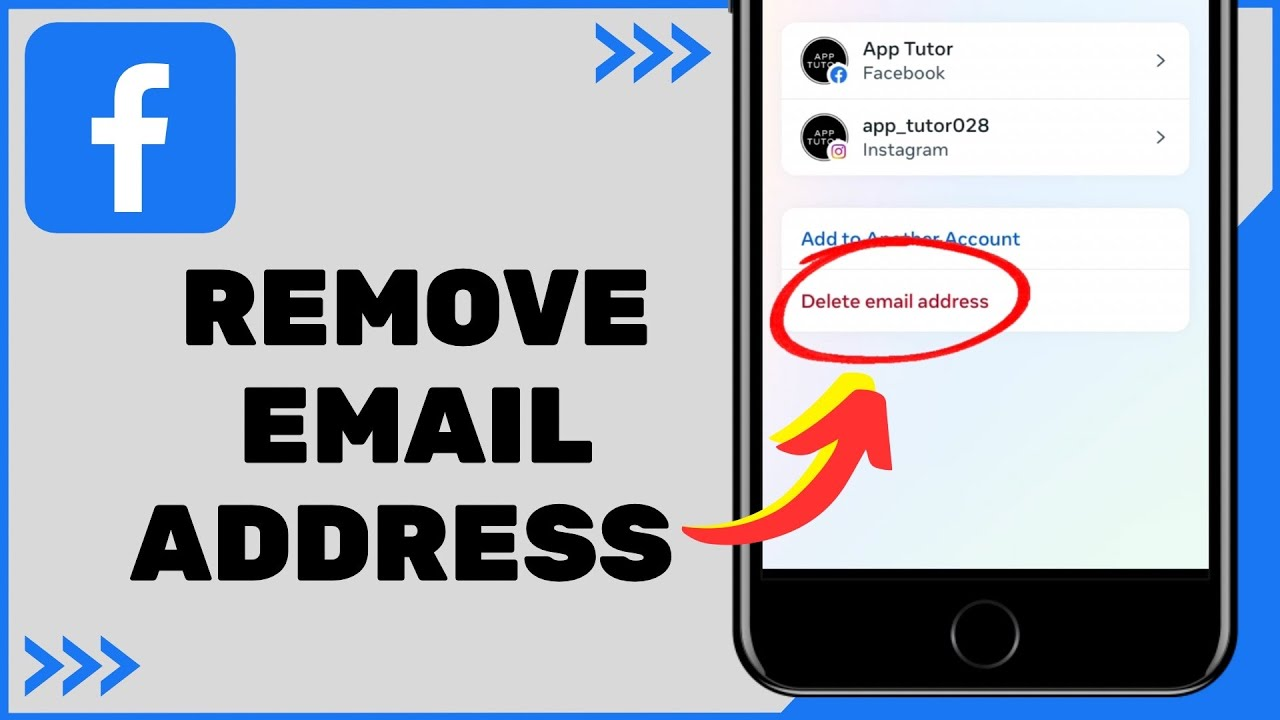
If you have an email address associated with your profile that's no longer in use, you can delete it. First, open Facebook Settings and go to Accounts Center. Then, under Personal details, tap Contact info. The contact information associated with your account will appear. Select the email address you want to delete. Then, tap Delete email and confirm by selecting Delete again. For security reasons, Facebook may ask you to re-enter your account password.
Keep these things in mind
If you want to use a new email address instead of your old one, don't delete it in a hurry. First, add a new email address and verify it. Then, verify that the new ID has been correctly added to your account. Also, carefully check the spelling of the email address and don't share the verification code with anyone else. If Facebook offers the option to change your primary email address, you can manage it accordingly.