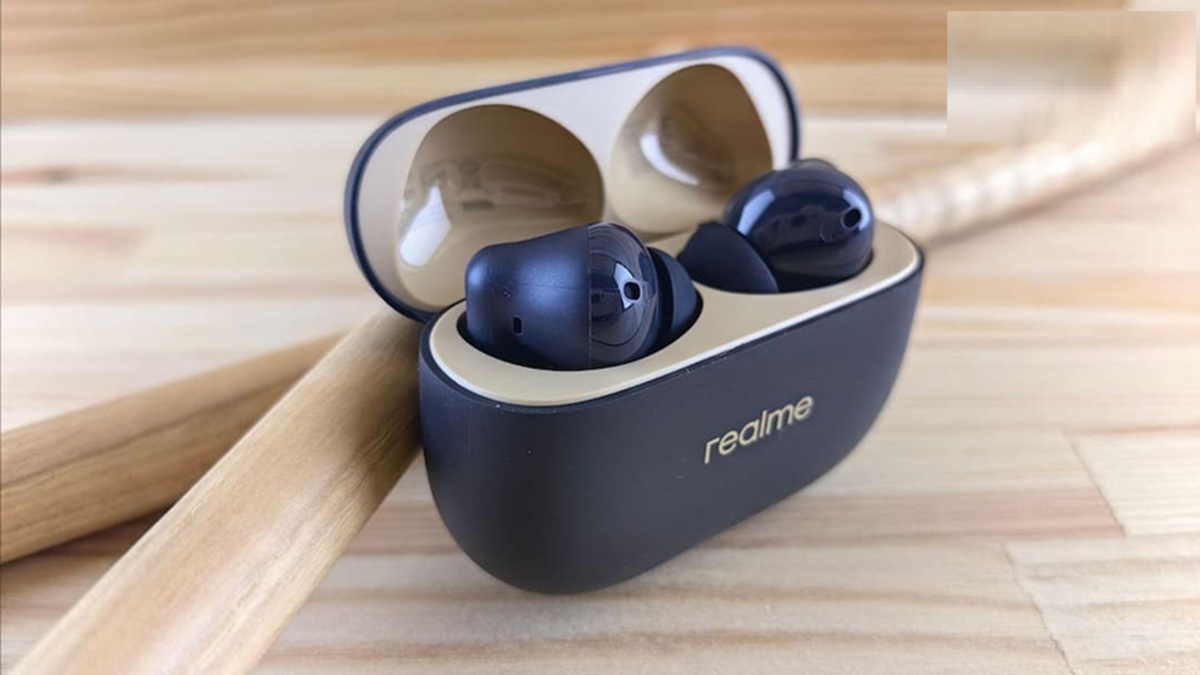
Earbuds Not Working: If you also use earbuds, then sometimes they suddenly start shutting down after some time, but this does not mean that they have become damaged.
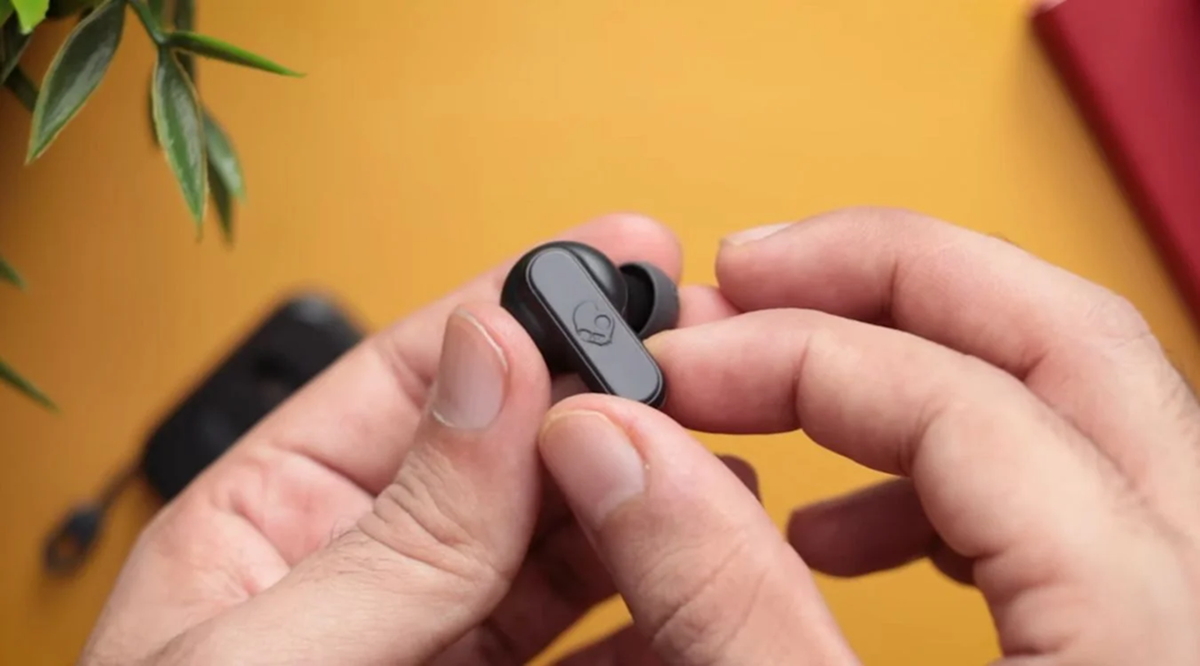
How to fix earbuds at home
Earbuds Not Working: Nowadays, everyone prefers to listen to music with earbuds while working or in their free time. However, a common problem with earbuds is that they stop working on their own after some time. This problem is common with earbuds, but it doesn't mean they're useless. This often happens due to a technical issue. In such a situation, instead of buying new earbuds, you should check them thoroughly. Let's find out how...
Dust accumulated on the charging case.
This is considered the biggest reason for earbuds to malfunction. Because when we use earbuds for extended periods of time, earwax and surrounding dust accumulate on the earbuds' charging points. Furthermore, the charging case in which we store the earbuds also begins to accumulate dust. This dirt prevents the earbuds and the metal of the case from touching each other. This can cause the earbuds to have trouble charging and may cause them to malfunction.
Reset the Bluetooth connection.
It's not always the case that the problem lies with your earbuds. Sometimes, the problem lies with your phone's Bluetooth connection. When the connection between the phone and the earbuds isn't working properly, the earbuds stop playing sound. To fix this, go to your mobile phone's settings and click on the Bluetooth option. Then, find the name of your earbuds device, select Forget Device, and reconnect. Doing this often makes the earbuds work properly.
Sound coming from one side of the earbud.
This is the biggest problem faced by most of the people: when the earbuds get old, only one side of the earbuds works properly. This problem is called a single-earbud-not-working problem. This happens when the connection between both the earbuds gets lost. To fix this problem, the earbuds have to be completely reset. The method of resetting the earbuds may be different for every company, but generally, by placing both the earbuds inside the charging case, press and hold their touch area or button for 10 to 15 seconds. If their light starts flashing, it means that the earbuds have been reset. Now the sound will start coming from both the earbuds equally.
If the earbuds problem persists after all these steps, restart your mobile phone. Running too many apps at once can cause problems with the Bluetooth connection. Also, check for software updates on your phone. These updates often fix Bluetooth-related issues.