NEWS
Charging Your Phone to 100% Every Day? Know How It Affects Battery Life and What Experts Recommend
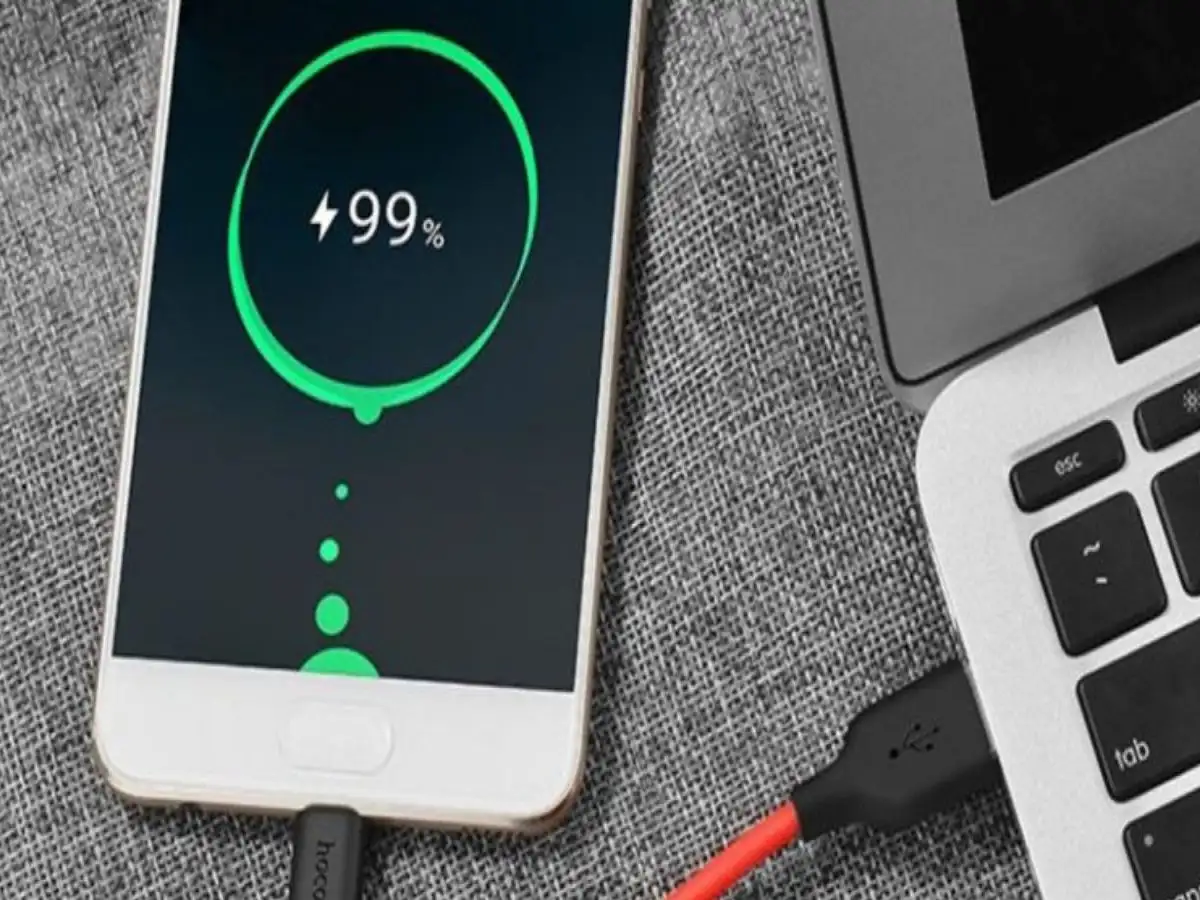
Smartphone Battery Tips 2026: Charging your smartphone to 100% every day may seem like a good habit, especially when you want your device to last throughout the day. However, keeping a phone's battery at a very high charge level for extended periods can contribute to faster battery ageing over time.
Smartphones have become essential for communication, online payments, entertainment, office work, and social media. With so many daily activities depending on these devices, maintaining good battery performance is important.
Many users prefer charging their phones completely before leaving home, while others keep their devices connected to chargers overnight. Although modern smartphones include advanced charging protection systems, certain charging habits can gradually affect battery health.
Understanding how smartphone batteries work and adopting a few practical charging habits may help maintain battery capacity for longer.
1. Why Charging Your Smartphone to 100% Daily May Affect Battery Health
Most modern smartphones use lithium-ion batteries because they offer high energy efficiency, reliable performance, and rechargeable convenience.
However, these batteries experience natural chemical ageing as they are used.
Battery deterioration depends on several factors, including temperature, charging cycles, usage patterns, and the amount of time spent at very high charge levels.
When a lithium-ion battery remains close to full capacity for extended periods, its internal components experience additional chemical stress.
Over time, this can contribute to a gradual reduction in the battery's ability to store energy.
This does not mean charging your phone to 100% occasionally will immediately damage it. The concern is mainly about regularly keeping the battery fully charged for long periods, especially in warm conditions.
2. Can Charging to 100% Reduce Your Phone's Battery Backup?
A smartphone battery gradually loses some of its original capacity as it ages.
When a phone is new, a full charge may comfortably support an entire day of regular use. After several years, the same device might require more frequent charging.
Repeated exposure to high charge levels, excessive heat, and heavy charging cycles can contribute to this decline.
As battery health decreases, users may notice several changes.
The phone may discharge faster than before, require additional charging during the day, or struggle to maintain its previous battery backup.
However, reduced battery performance is not caused by charging to 100% alone. Screen brightness, background applications, mobile network conditions, and software activity can also influence daily battery consumption.
3. Is Leaving Your Smartphone Charging Overnight Dangerous?
Overnight charging is a common practice among smartphone users.
Many people connect their devices before going to bed so they can start the next morning with a fully charged battery.
Modern smartphones generally include battery management systems that regulate charging and stop normal charging once the battery reaches its full-charge target.
Therefore, leaving a compatible smartphone connected overnight does not automatically mean it will overcharge, overheat, or become dangerous.
However, maintaining a battery near 100% for several hours may contribute to long-term battery ageing.
Charging safety also depends on the quality of the charger, cable, battery condition, and surrounding environment.
For safer overnight charging, follow these precautions:
- Use a genuine or reputable, compatible charger and cable.
- Avoid charging your smartphone beneath pillows, blankets, or mattresses.
- Keep the device on a firm, well-ventilated surface.
- Replace damaged charging cables and adapters immediately.
- Avoid exposing the phone to excessive heat.
- Stop using a device with a swollen or visibly damaged battery and seek professional service.
These precautions can help reduce unnecessary charging-related risks.
4. Is Charging Your Phone Only Up to 80% a Better Option?
For users who want to preserve long-term battery health, limiting routine charging to around 80% can be a useful strategy.
Lithium-ion batteries generally experience less stress when they spend less time at extremely high charge levels.
Keeping the battery approximately between 20% and 80% during normal daily use may help slow capacity deterioration.
However, this range is a practical guideline rather than a strict requirement.
You do not need to disconnect your charger immediately whenever the battery reaches 80%, nor should you worry if the charge occasionally falls below 20%.
Charging to 100% remains reasonable when you need maximum battery backup, particularly during travel, long working days, or situations where charging facilities are unavailable.
The objective is to reduce unnecessary battery stress without making everyday smartphone use inconvenient.
5. Enable Optimized Charging or Battery Protection Settings
Many newer Android smartphones and iPhones provide built-in features designed to manage charging more efficiently.
Depending on the manufacturer and model, these settings may appear under names such as Optimized Battery Charging, Battery Protection, Adaptive Charging, or Charging Limit.
Some features delay the final stage of charging until shortly before the user typically disconnects the phone.
Others allow users to set a maximum charging limit, such as 80% or 85%, depending on device compatibility.
These functions help reduce the amount of time a battery spends at a high charge level.
To find the available options, open your smartphone's Settings menu and look for the Battery or Battery Health section.
The exact location and supported features vary across manufacturers and software versions.
Enabling a suitable battery protection option may help maintain battery capacity over a longer period.
6. Excessive Heat Can Be More Harmful Than Charging to 100%
One important factor affecting smartphone battery lifespan is temperature.
Lithium-ion batteries are sensitive to excessive heat, which can accelerate chemical ageing and reduce long-term performance.
Using demanding applications, playing graphics-intensive games, or leaving a smartphone in direct sunlight while charging may increase its temperature.
If your device becomes unusually hot, stop demanding activities and allow it to cool naturally.
Avoid leaving smartphones inside parked cars during hot weather or charging them near heat sources.
Maintaining a moderate operating temperature is one of the most useful steps for protecting battery health.
7. Simple Charging Habits That May Help Your Battery Last Longer
You do not need complicated techniques to maintain your smartphone battery.
A few consistent habits can make a difference over time.
Avoid repeatedly draining the battery completely when it is unnecessary. Use compatible charging accessories and keep your phone's software updated.
Enable battery protection features where available, and avoid exposing the device to excessive temperatures.
It is also worth checking your phone's battery health information if your device supports this feature.
Remember that every rechargeable battery eventually loses capacity, even when used carefully.
Good charging practices can slow this process, but they cannot prevent natural battery ageing entirely.
Final Words
Charging a smartphone to 100% is not inherently unsafe, and doing so occasionally is unlikely to cause noticeable harm.
However, regularly keeping a lithium-ion battery at full charge for extended periods, particularly in hot conditions, may accelerate its long-term deterioration.
For everyday use, maintaining a moderate charge level, enabling optimized charging, and preventing overheating can help preserve battery health.
If your phone offers an 80% charging limit, using it when convenient may help extend battery lifespan. But when you need extra backup, charging to 100% is perfectly reasonable.
The best approach is to balance battery longevity with your daily smartphone requirements.