NEWS
Android to iPhone Transfer: Transferring data from Android to iPhone has become easy. Know the complete method
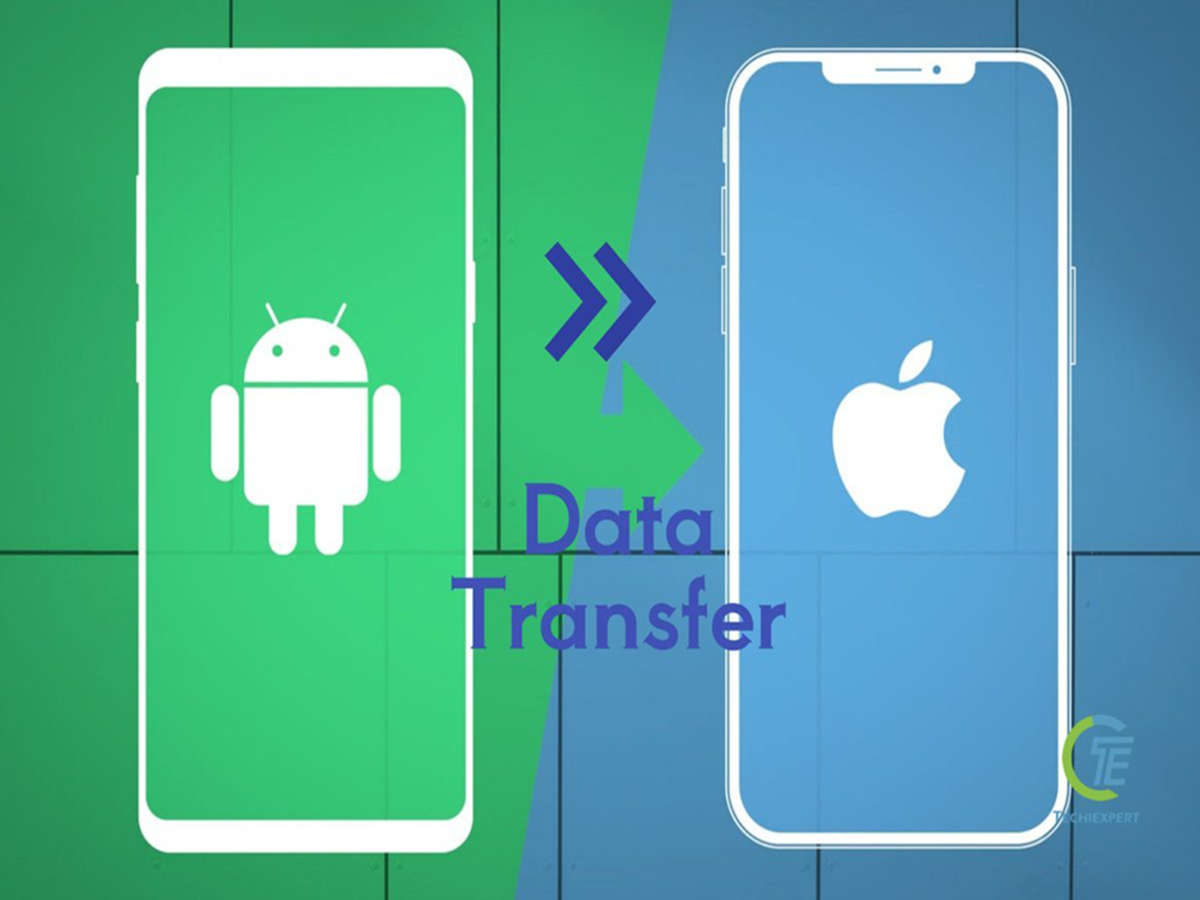
Android to iPhone Transfer: Switching from Android to iPhone? Transfer photos, contacts, messages, and other important data to your new iPhone in a few easy steps with the Move to iOS app.
Android to iPhone Data Transfer
Android to iPhone Transfer: If you've decided to switch from an Android phone to an iPhone after a long time, the first fear that comes to mind is that you might leave behind old photos, contacts, and important messages. But there's no need to worry, because Apple has made this hassle very easy. A special tool called Move to iOS now transfers all your data directly to your new iPhone, without the hassle of a computer or cables. Whether you have thousands of photos or a long list of important contacts, this method makes it easy to transfer everything.
How to start the data transfer process on your new iPhone
To begin this process, first turn on your new iPhone and place it near your Android phone. Follow the initial setup steps on your iPhone. When the Quick Start screen appears, select Set Up Without Another Device and proceed. Then, tap Move Data from Android. If you've already completed setup on your iPhone, you'll need to reset your phone to transfer data, or you can manually transfer the content.
Create a connection between the two phones with the Move to iOS app.
Now comes the turn of the actual connection. Open the Move to iOS app on your Android phone, and if this app is not available, then download it directly from the Google Play Store by scanning the QR code displayed on the iPhone. As soon as the app opens, tap on Continue, read and agree to the terms and conditions, and if required, also allow location and notification permissions. After this, a code will appear on the iPhone, which you will have to enter on your Android device. As soon as the code is entered, the iPhone creates a temporary Wi-Fi network, due to which both the devices are ready to share data with each other as soon as the Android phone is connected.
All old data will be transferred to the new iPhone in just a few minutes.
Then, select the content on your Android phone that you want to transfer, such as contacts, messages, call history, or audio files, and tap Continue. The most important thing here is that even if the process appears complete on your Android phone, keep both phones together and connected to power until the iPhone's loading bar is completely gone.