Many users today rely on their smartphones as portable Wi-Fi hotspots to connect laptops and other devices. However, a common frustration is that even with a strong 5G signal, hotspot speeds remain disappointingly slow.
If you’re facing this issue, the problem might not be your network—but your phone’s hotspot settings. Here’s a fully rephrased, easy-to-understand guide to help you unlock faster internet speeds instantly.
📶 Why Your 5G Hotspot Feels Slow
Even if your phone shows a strong 5G signal, your hotspot may still be using the 2.4GHz Wi-Fi band by default.
This band:
- Offers better range
- Works with older devices
- But delivers slower speeds and higher interference
That’s why your hotspot doesn’t fully utilize 5G speed.
⚡ Switch to 5GHz for Faster Internet
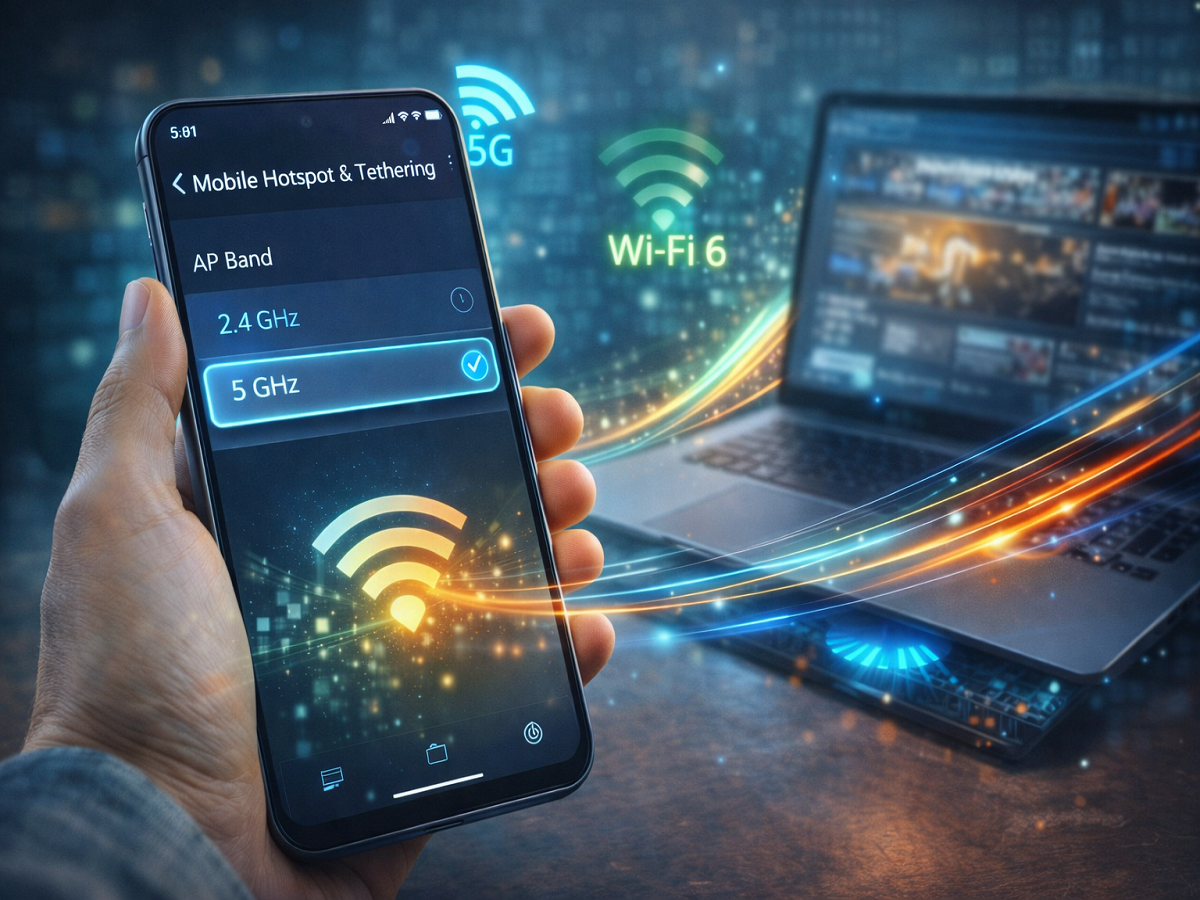
To experience true high-speed internet, switch your hotspot to the 5GHz band.
Benefits of 5GHz:
- 🚀 Faster data transfer speeds
- 📉 Lower latency (less delay)
- 📡 Better performance for streaming, gaming, and downloads
After switching, you’ll notice a significant boost in hotspot speed.
Limitations of 5GHz Band
While 5GHz is faster, it comes with a few trade-offs:
- 📉 Shorter range compared to 2.4GHz
- 📍 Devices must stay closer to your phone
- ❌ Older devices may not support it
How to Change Hotspot Band (Step-by-Step)
Here’s how you can switch to 5GHz on different Android devices:
- Samsung:
Settings → Connections → Mobile Hotspot → Configure → Band - Xiaomi / Redmi / Poco:
Settings → Connection & Sharing → Portable Hotspot → AP Band - Realme / Oppo:
Settings → Personal Hotspot → AP Band - Vivo / iQOO:
Hotspot Settings → AP Band - OnePlus:
Settings → Wi-Fi & Internet → Hotspot → Band
Simply select 5GHz instead of 2.4GHz.
Bonus: Wi-Fi 6 Can Boost Performance
If your smartphone supports Wi-Fi 6, you can get even better results:
- Handles multiple devices efficiently
- Reduces network congestion
- Improves overall speed and stability
This is especially useful when several devices are connected to your hotspot.
Pro Tips for Better Hotspot Speed
- Keep connected devices close to your phone
- Avoid crowded Wi-Fi areas
- Limit the number of connected devices
- Ensure your phone isn’t overheating
Final Takeaway
A slow hotspot on a 5G phone is often caused by the default 2.4GHz setting. By switching to the 5GHz band and optimizing your settings, you can unlock the true potential of your internet speed.
With just a few quick changes, your smartphone can deliver a fast, reliable connection for all your devices.