If your internet is intermittent even when your Wi-Fi signal is full, you may have accidentally made some mistakes that are significantly slowing down your internet speed. Learn how to fix them.
Wi-Fi internet speed
Nowadays, whether it's working from home, watching a web series for entertainment in your free time, or doing any other work through the internet, almost everything at home relies on Wi-Fi. But sometimes Wi-Fi slows down, and when you're playing a video, the screen starts buffering. It takes a long time to open any normal website. You think the signal is weak, but the Wi-Fi signal appears full on your phone and laptop.
So where's the problem? A full Wi-Fi signal means your device is properly connected to the router. Home internet issues can often be caused by a slow broadband connection, overloaded routers, using multiple devices simultaneously, or incorrect network settings. These can be fixed on your own without an expert.
Speed Text and restart the router
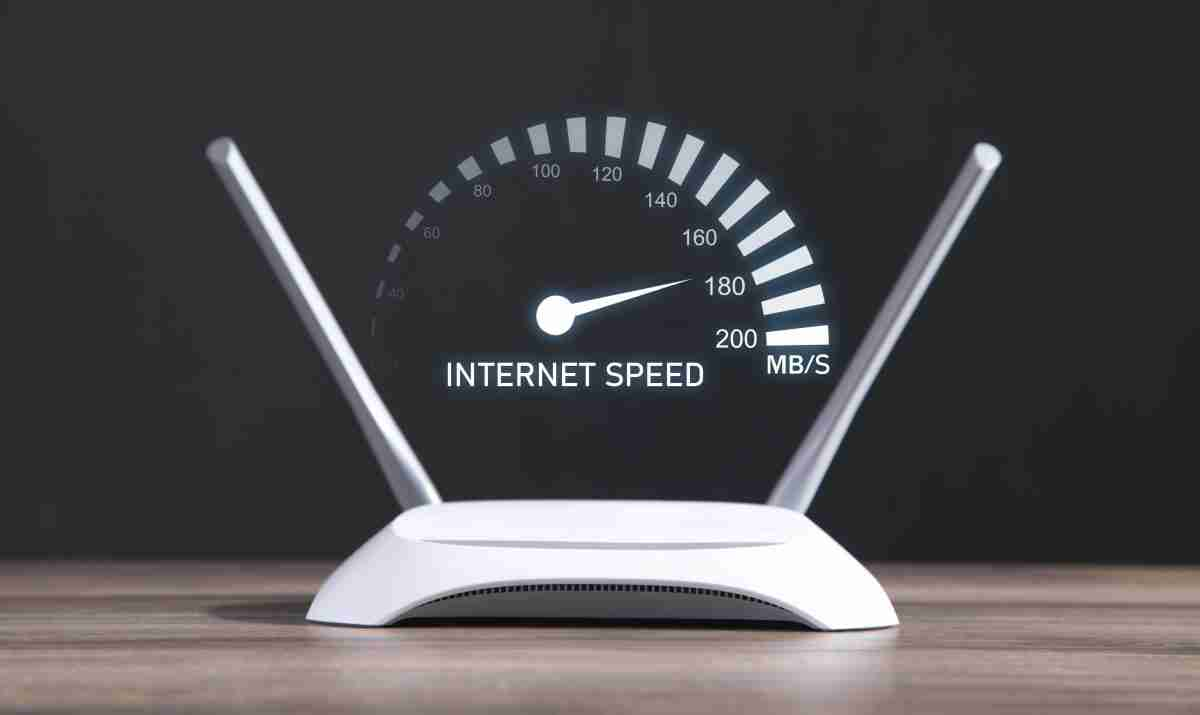
Whenever the internet is slow even with a full signal, first run an internet speed test on your phone or laptop. If the test results show download and upload speeds significantly lower than your broadband plan, the problem isn't with your home Wi-Fi, but with your Internet Service Provider (ISP). However, if the connection is good on the outside and pages are still taking time to load in your browser, it's important to remember that the problem is not with your Wi-Fi network, but with your Internet Service Provider (ISP).
So, check your router. Like our phones, routers can slow down and develop minor technical glitches if they're left on 24/7 for weeks on end. The easiest way to fix this is to turn off the router's power button and then turn it back on after waiting for about 30 seconds. This will refresh its memory, and you'll immediately start getting better speeds.
Reduce the load of extra devices connected to Wi-Fi.
Nowadays, every home's phones, laptops, smart TVs, tablets, and even security cameras are connected to a single router at all times. When so many gadgets are simultaneously active on the same network, internet data speeds are divided among them, and the network becomes increasingly overloaded, causing the network to suddenly slow down.
This problem is exacerbated when a large file is being downloaded on a single device or a movie is being streamed in 4K quality on a smart TV. In such cases, that single device consumes most of the bandwidth, and the internet becomes intermittent even though other phones display a full signal. Therefore, whenever you need fast internet for important work, disconnect unnecessary devices.
Select the correct network band and reconnect to Wi-Fi
These days, almost every home has dual-band routers installed. You'll see two separate Wi-Fi networks, 2.4GHz and 5GHz. But many people blindly connect to either network. If you're in or near the same room as the router and need high speeds for video calls and streaming, always select the 5GHz network, as it offers the fastest speeds.
However, the 5GHz band has a slightly shorter range, so if you're sitting in a room away from the router, it's better to select the 2.4GHz network because it offers a much longer coverage. Furthermore, if the internet is working fine on other devices but only your phone is experiencing lag, go to Settings and forget the Wi-Fi network. After this, reconnecting by entering the password will quickly fix minor network bugs.