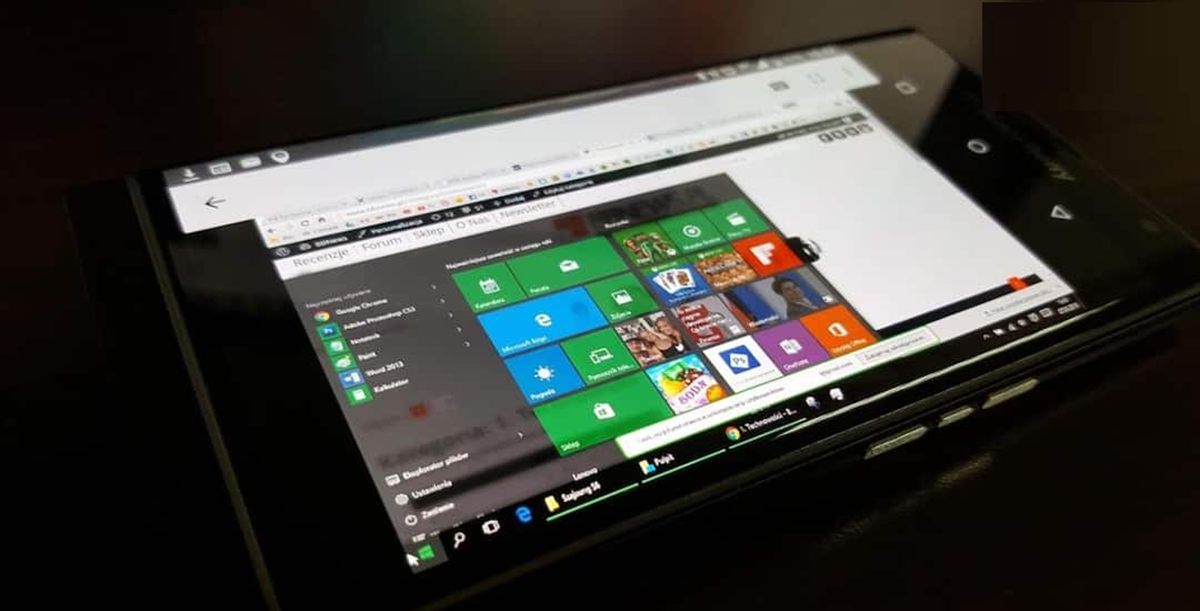
You can turn your Android phone into a mobile computer. Today, we'll show you how to easily perform PC-like tasks on your phone without a laptop.
How to convert an Android phone into a computer?
Today, Android smartphones aren't just limited to calling, chatting, and watching videos. With better processors, larger screens, faster 5G, and USB-C connectivity, many phones can perform tasks that previously required a laptop or computer. With the right accessories and apps, you can practically turn your Android phone into a portable computer. Let's find out how.
Connect the phone to the monitor.
Connecting your Android phone to a large monitor or TV is one of the easiest things you can do these days. If your smartphone supports video output via USB-C, you can use it on a larger screen using a USB-C to HDMI adapter or dock.
Then, connect a wireless or USB keyboard and mouse to your phone. Website browsing, document editing, email, and other tasks can be done more easily on the larger screen. However, this feature isn't available on every Android phone, so be sure to check your phone's model and features before doing so.
Take advantage of Desktop Mode.
Some Android smartphones already have features like Desktop Mode built in. For example, Samsung's DeX feature on select Galaxy devices makes the phone's interface more like a computer.
In this mode, apps open in separate windows, can be maximized or minimized, and you can easily switch between apps. If your phone has this feature, you won't need to purchase a separate laptop. You can also perform many tasks this way.
Connect a Bluetooth keyboard and mouse.
For your information, even if you don't have a monitor, your phone can still be used as a mini computer. Pair a Bluetooth keyboard and mouse with your phone. Then use Google Docs, Microsoft 365, the email app, or other productivity apps. A physical keyboard can be a much better option than a touchscreen for writing long messages, creating documents, or typing emails.
Create a complete setup with a USB-C Hub.
If your phone supports USB-C, a USB-C hub can be very useful. Such hubs offer HDMI, USB ports, Ethernet, and SD card connections. They can also connect your phone to a monitor, keyboard, mouse, and other USB devices. This means you can create a complete setup with just one device.
Can a phone completely replace a laptop?
This depends entirely on your workload. For web browsing, email, document editing, online meetings, and light office work, today's advanced Android phones can be quite effective. However, for heavy video editing, professional software, game development, or demanding computing tasks, a laptop or desktop is still a better option.