Telegram Introduces Stories Feature Similar to Instagram
Telegram has expanded its messaging platform with a Stories feature, allowing users to share short photos and videos with their contacts in a format similar to Instagram and other social platforms. This new feature enables people to share everyday moments quickly while interacting with friends through reactions and replies.
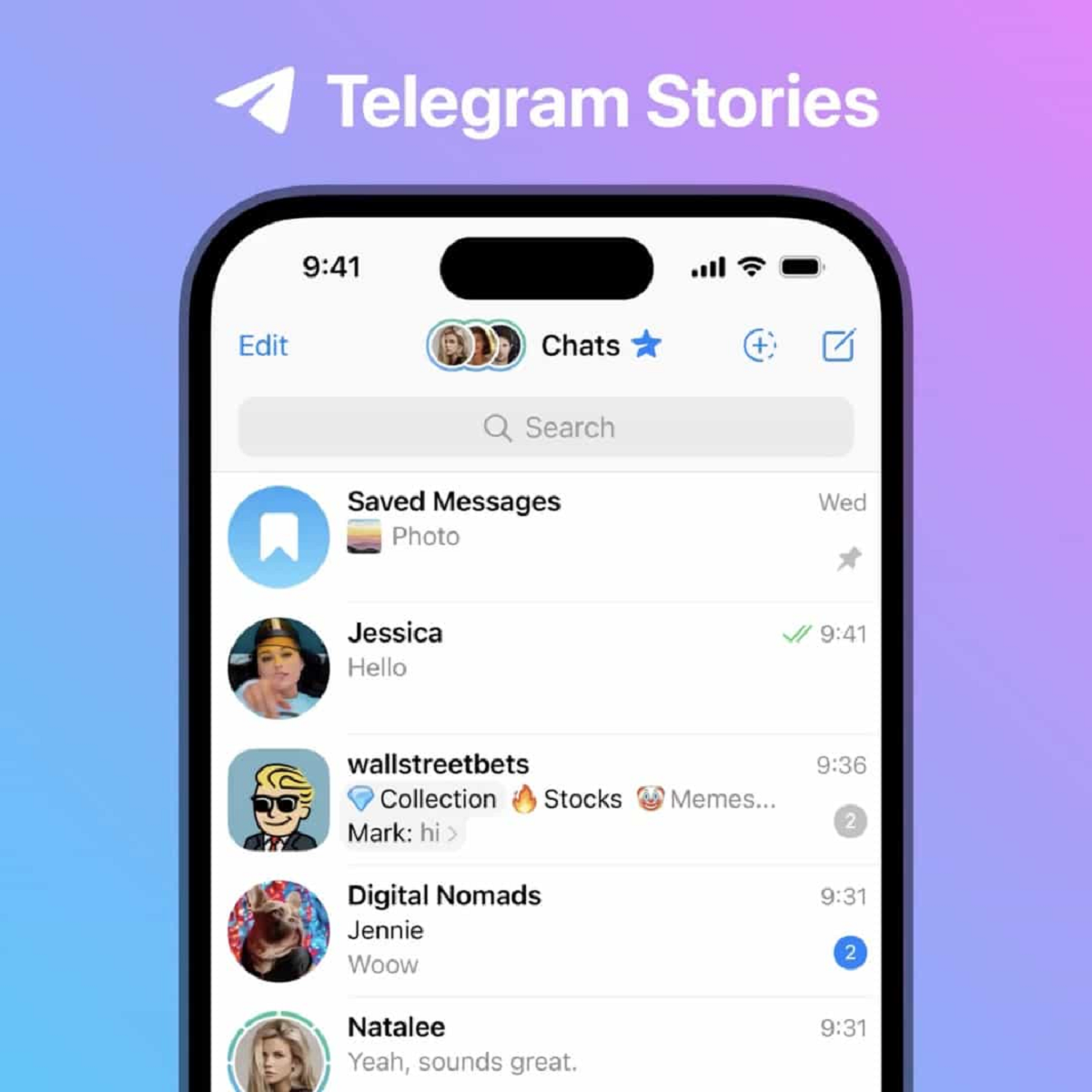
Stories appear in a dedicated expandable section at the top of the Telegram app, ensuring they are easily accessible without interfering with the main chat list. Users can view stories posted by their contacts, respond privately, react with emojis, or share them with others.
The addition of Stories reflects Telegram’s effort to transform the platform from just a messaging app into a more interactive social communication space.
What Are Telegram Stories and How Do They Work?
Telegram Stories allow users to post temporary content such as photos, short videos, and updates that remain visible for a limited period. These stories can include creative elements like text, stickers, drawings, location tags, and captions.
One of the unique aspects of Telegram Stories is the ability to record from both the front and rear cameras simultaneously. This feature allows users to create more dynamic stories by choosing how each camera view appears on the screen.
Stories also support a built-in media editing tool, enabling users to customize their content before sharing it. Through the editor, users can add filters, draw on images, attach GIFs, and include links or mentions.
Telegram also provides flexible time settings for stories. Users can choose how long their story remains visible, with options including 6 hours, 12 hours, 24 hours, or 48 hours.
In addition, stories can be saved as profile highlights, allowing them to remain visible permanently on a user’s profile in an organized grid layout.
Key Features of Telegram Stories
Telegram’s Story feature offers several creative tools that enhance how users share updates.
Some of the notable features include:
- Dual camera recording using both front and rear cameras
- Ability to add captions, text, and drawings
- Support for stickers, GIFs, and location tags
- Option to mention friends or add links
- Upload multiple photos from your gallery
- Customizable story duration (6, 12, 24, or 48 hours)
- Option to save stories as permanent highlights on your profile
These features allow users to create visually engaging stories and share them with specific audiences.
Step-by-Step Guide to Post a Story on Telegram
If you want to share a story on Telegram, follow these simple steps:
Step 1: Open the Telegram App
Start by launching the Telegram application on your smartphone.
Step 2: Tap the Camera Icon
On the main screen, look for the camera icon located in the bottom-right corner and tap on it.
Step 3: Capture or Select Content
You can now create your story by:
- Tapping the shutter button to take a photo
- Pressing and holding the button to record a video
- Swiping up to select photos or videos from your gallery
Step 4: Edit Your Story
Once your media is ready, use Telegram’s story editor to add text, drawings, stickers, location tags, or other creative elements.
Step 5: Add a Caption
Enter a caption in the caption field if you want to include additional details or context for your story.
Step 6: Tap “Next”
After editing your story, tap Next located at the bottom-right corner of the screen.
Step 7: Choose Your Audience and Post
Select who can view your story, then tap the Post Story button to publish it.
Your story will now appear at the top of the Telegram app where your contacts can see it.
How Users Can Interact With Telegram Stories
Telegram Stories are not just for viewing — they are designed to encourage interaction.
When someone watches your story, they can:
- React with emojis
- Send a private reply
- Share the story with others
A quick tap on the story allows viewers to leave a like reaction, while holding the screen opens access to a wider range of emoji reactions.
Why Telegram Introduced Stories
The introduction of Stories is part of Telegram’s broader strategy to increase engagement and offer more social features on its platform.
Stories help users:
- Share quick updates without sending messages
- Stay connected with friends and communities
- Express creativity through multimedia content
By combining messaging with visual storytelling, Telegram aims to compete with other platforms that already offer story-style content.
Telegram’s Stories feature provides a simple and creative way to share moments with friends and followers. With powerful editing tools, flexible privacy settings, and customizable time limits, users can easily create engaging updates within seconds.
By following the steps mentioned above, you can quickly post your own Telegram Story and start sharing photos, videos, and experiences with your contacts in a more dynamic and interactive way.