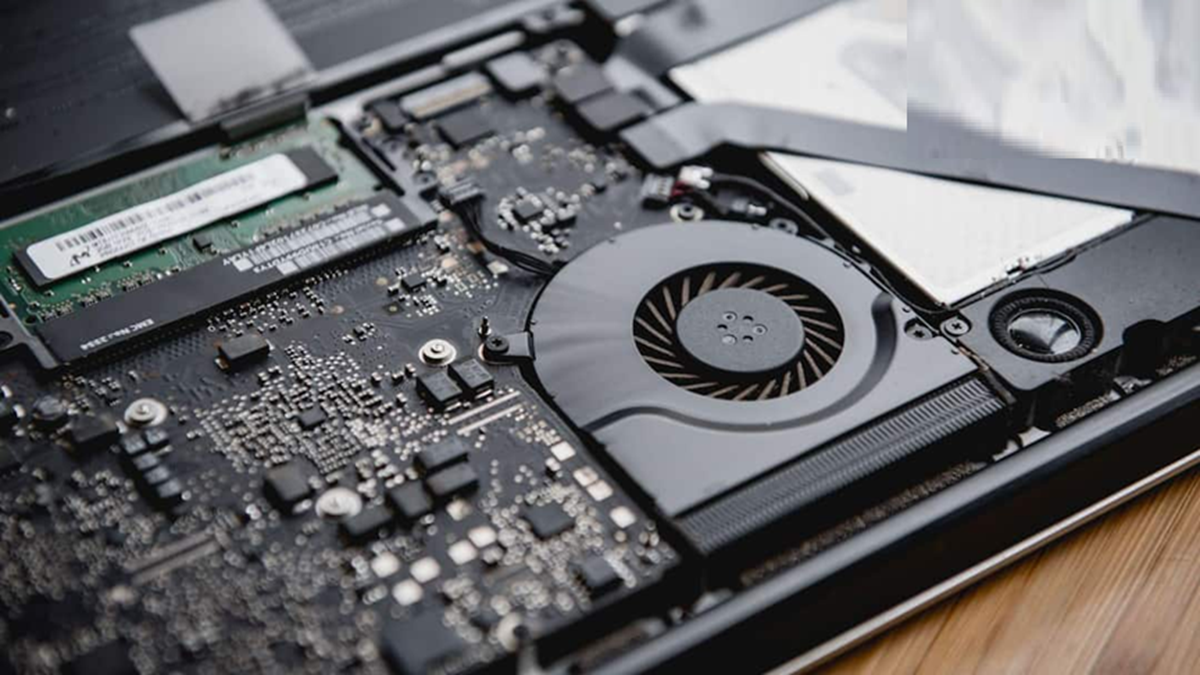
If the laptop fan makes a loud noise, then before going to the service center, you can fix this problem by adopting some easy methods sitting at home.
Why does the laptop fan make a loud noise?
Nowadays, laptops have become an essential part of everyone's life. Whether it's office work, studies, or entertainment, laptops are used for everything. However, due to constant use, the laptop fan can sometimes become loud. Hearing this noise, most people panic and rush straight to a service center, often spending a significant amount of money. However, the reality is that the problem of loud fan noise can often be fixed at home. Let's explore some home remedies to reduce laptop fan noise.
Why does the laptop fan make noise?
First, it's important to understand why a laptop fan makes a loud noise. The processor and other components inside the laptop generate heat, and the fan works to dissipate that heat. When the laptop overheats, the fan has to rotate at a higher speed, which increases the noise. Sometimes, this problem is caused by dust buildup, outdated software, or improper use.
Clean the laptop's air vents
The first and easiest method is to keep your laptop's vents and air vents clean. After prolonged use, dust can accumulate in these vents, preventing proper airflow and causing the fan to work harder. Use a small brush or compressed air can to gently clean the vents. During this time, keep your laptop completely turned off and unplugged from the power source.
Change how you use it
Another major cause is using the laptop on the wrong surface. Many people work with their laptops propped up on a bed, pillow, or blanket, blocking the air vents underneath, preventing heat from escaping. Therefore, it's best to always use your laptop on a hard, flat surface, such as a table. If necessary, a laptop cooling pad can also be used, which helps improve air circulation.
Close heavy apps running in the background
Additionally, heavy and unnecessary apps running in the background are also a major cause of increased fan noise. Often, users are unaware of which apps are running in the background and putting a strain on the processor. To determine this, open the Task Manager on your Windows laptop and see which apps are using the most CPU. Closing unused apps reduces the load on the processor and normalizes fan speed.
If the fan noise doesn't reduce even after trying all these methods, then in such a situation, instead of trying to open the laptop yourself, it is better to get it checked by an experienced technician or service center, so that the laptop can be saved from any kind of damage.