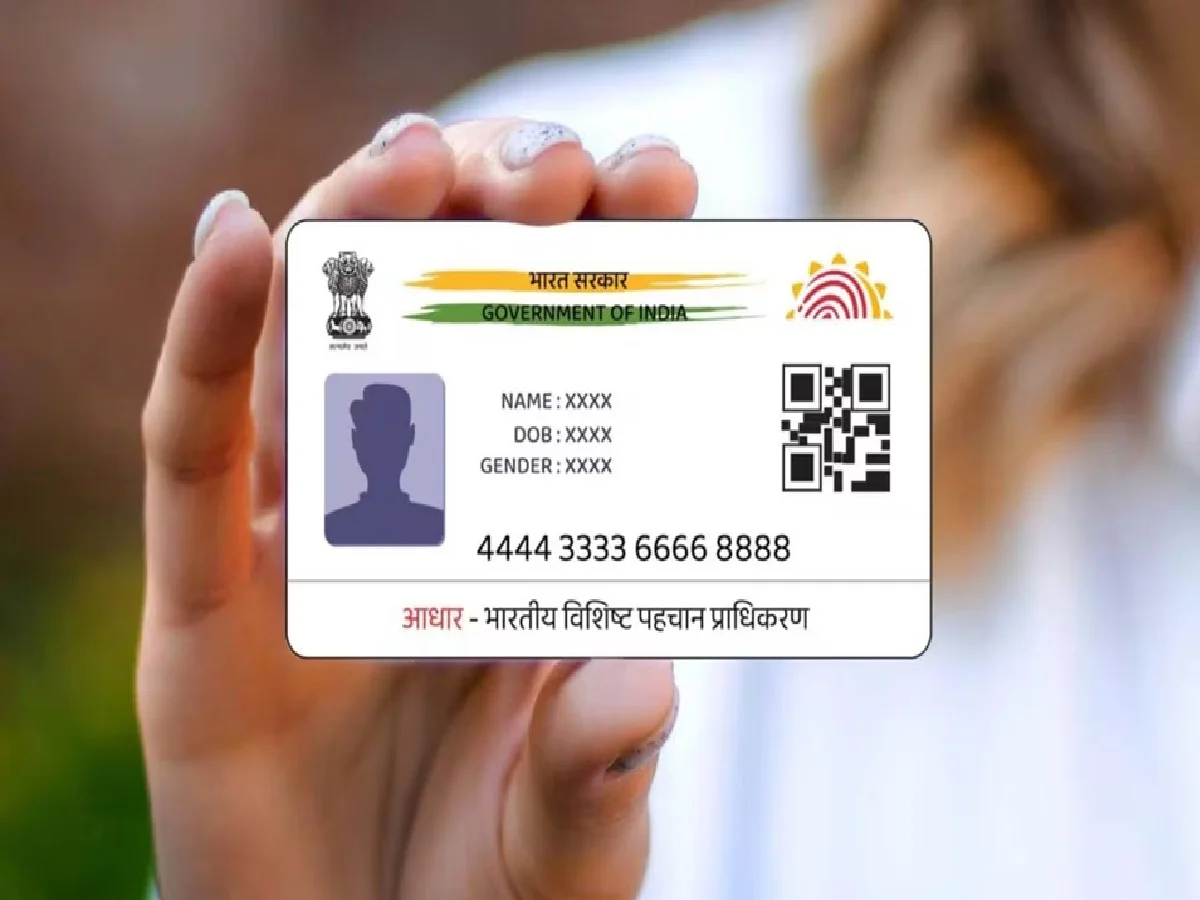
Aadhaar cards are used for many important services today. Online services linked to Aadhaar may require an OTP, so it's important to know which mobile number is registered with your Aadhaar card. If you're unsure about the mobile number linked to your Aadhaar, it's easy to verify.
Easy way to check mobile number
You can check the status of your Aadhaar-linked mobile number by visiting the official UIDAI website. To do this, first open the UIDAI website and go to the Aadhaar-related online services section. Use the Verify Email/Mobile Number feature available there.
Then, enter your 12-digit Aadhaar number and the mobile number you want to check. Enter the captcha and proceed. The system will indicate whether the entered mobile number is linked to your Aadhaar.
Keep in mind that UIDAI doesn't typically display the full registered mobile number for security reasons. So, if only a portion of the number is visible, it's likely normal.
What to do if the mobile number is not linked?
If your mobile number is not linked to Aadhaar or has changed, you will need to visit an Aadhaar enrolment/update centre to update your mobile number. This may require following the prescribed procedures and identification requirements.
Why is it important to keep the mobile number updated in Aadhaar?
Many Aadhaar-related services require identity verification through OTP. Keeping a valid mobile number updated makes it easier to use online services and provides timely information about Aadhaar-related activities.
Important Caution: Enter your Aadhaar information only through official UIDAI channels. Do not share your Aadhaar number, OTP, or other personal information with strangers.
PC: Mint