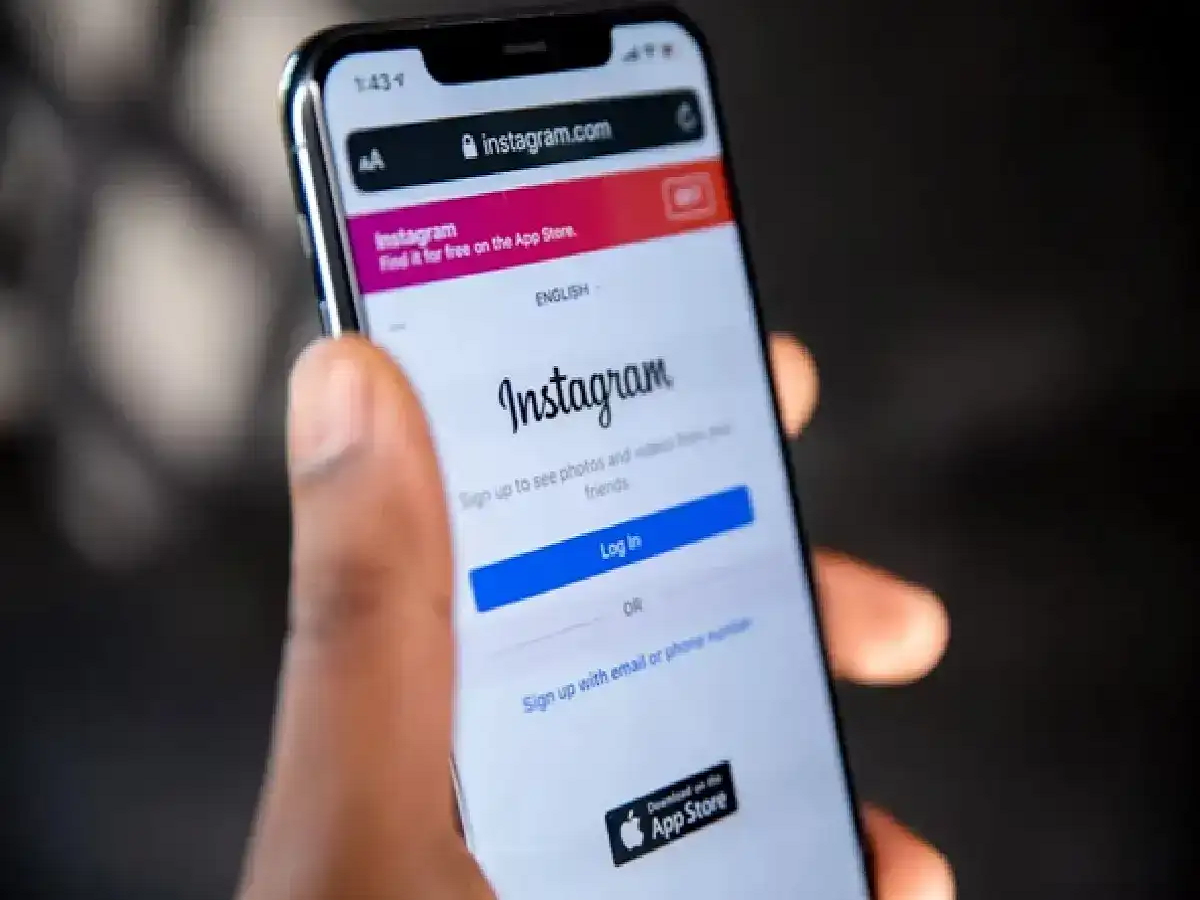
Today, Instagram is not just a platform for sharing photos and videos, but has also become a source of business, branding, and income for many people. Therefore, if your Instagram account is hacked, it's natural to worry. Fortunately, in many cases, the account can be recovered by taking the right steps.
In this article, we'll show you how to recover a hacked Instagram account and keep it safe in the future.
How to know if your Instagram account has been hacked?
If you see any of these signs, your account may have been hacked:
You can't log in to your account.
Your password has been changed without your knowledge.
Unknown posts, stories, or messages are being sent from your account.
Your email address or mobile number has been changed.
You've received unknown login or security emails from Instagram.
Ways to recover a hacked Instagram account:
1. Reset your password immediately
If you still have access to your email or mobile number, select the "Forgot Password?" or "Get Help Logging In" option on the login screen.
Enter your email, mobile number, or username.
Receive a password reset link.
Set a new and strong password.
2. Check your security email from Instagram
If someone has changed your email ID, Instagram usually sends a notification to the old email address.
If you have received such an email, try to undo the email change using the option provided in it.
3. Verify identity
If you can't log in, Instagram may ask you to verify your identity.
In some cases, you may need to:
You may need to send a selfie video.
You may need to verify your account information.
Providing correct information increases the chances of account recovery.
4. Secure email and mobile number
If the hacker also accessed your email account:
Change your email password.
Turn on two-factor authentication (2FA).
Check your recovery email and mobile number.
5. Turn on two-factor authentication (2FA)
Enable Two-Factor Authentication (2FA) immediately after you get your account back.
For this:
Open Instagram Settings.
Go to the Accounts Center or Security section.
Turn on Two-Factor Authentication.
Use an authentication app for better security.
What to do after your account is recovered?
After getting your account back, please follow these steps:
Create a strong, new password.
Log out of all suspicious devices.
Check login activity
Review third-party apps and remove access from unknown apps.
Verify your profile information and contact details.
PC: Rochak Khabre