LIFESTYLE
If you have forgotten your mobile password then you don't have to pay a hefty amount to the shopkeeper! You can break the lock yourself
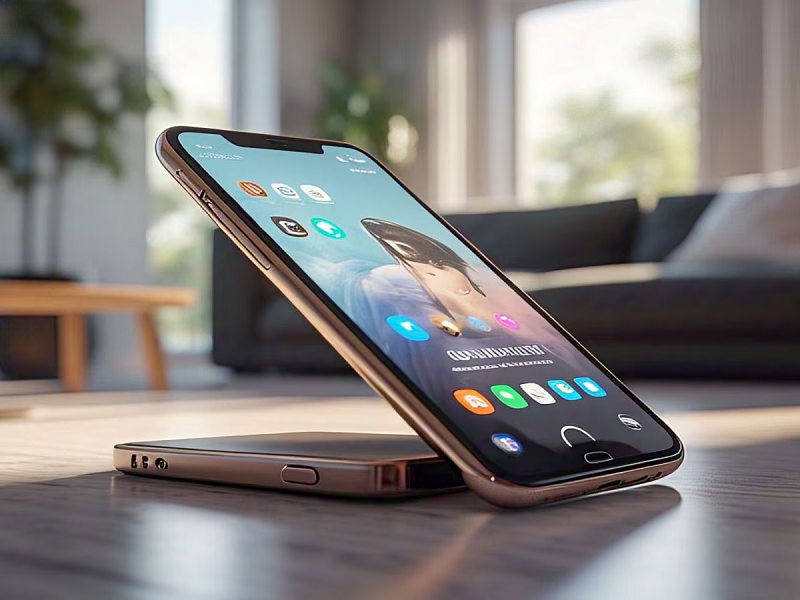
If you have forgotten the password or pattern of your smartphone then there is no need to worry. You can break the lock yourself without going to customer care or any shopkeeper. This will save your money.
How to unlock smartphone: There are many features of smartphones which if you know about, you will save money. You can make most of the things easy through your smartphone. One such feature in smartphones is mobile unlock.
How to unlock your smartphone if you forgot your password?
Many times, we forget the phone's pattern or password. When this happens, the user has to go to a mobile shop or official customer care and pay a hefty amount to break the lock. But now you can easily do this yourself and break the password of your mobile.
What to do if you forgot your phone pattern or password?
For this you will not need to go to customer care. Also your money will be saved. If you have forgotten the pattern or password of your mobile then you have to follow some steps.
-First of all switch off your phone.
- Then press and hold the Power button and Volume Down button together for some time.
-After this you will see the option to select the language.
-Here you tap on ' English '.
- After this you will have to choose the option of Factory Reset.
- After this you will see the option of Wipe Cache.
By doing this, all the old data will be deleted from your smartphone but your phone will be unlocked without lock. However, this feature is available for some other selected smartphones along with Realme.